DecorAI Tools: Every AI Design Tool in the App
DecorAI has 16 AI design tools that redesign, edit and plan rooms, house exteriors and gardens from a photo or a written description.
This page lists what each tool does and links to its own page. All tools run on iPhone, Android and the web app. The free plan includes every tool except the room analysis and the design report, which are part of DecorAI Pro.
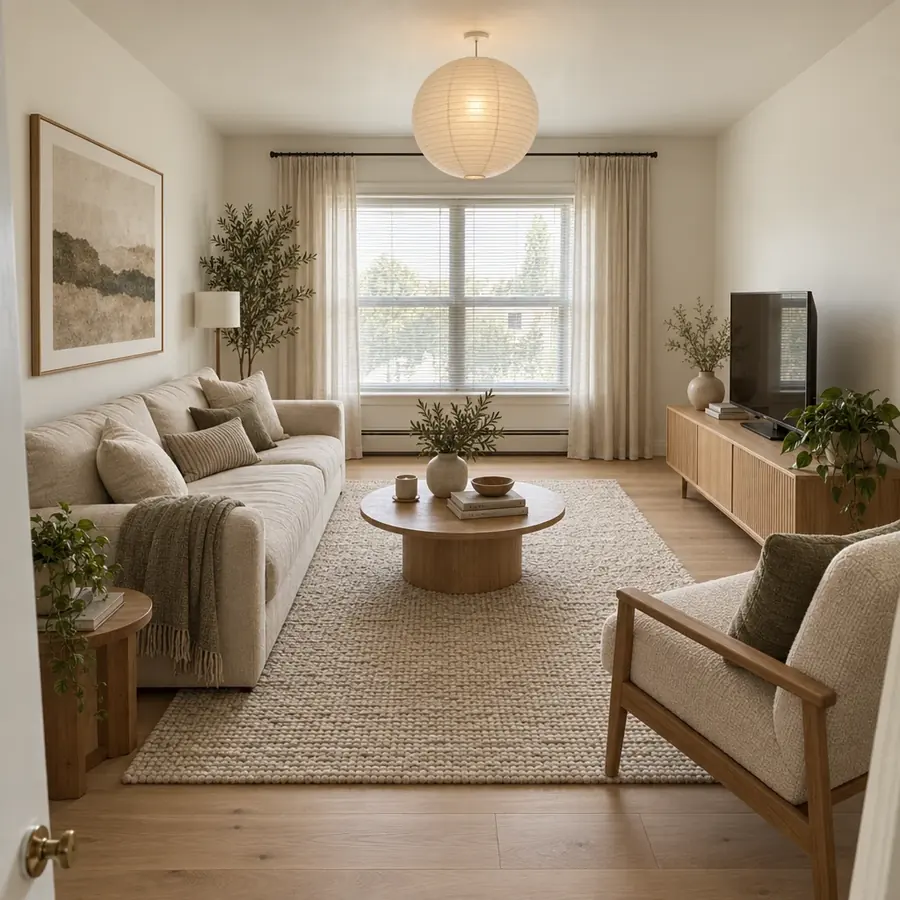
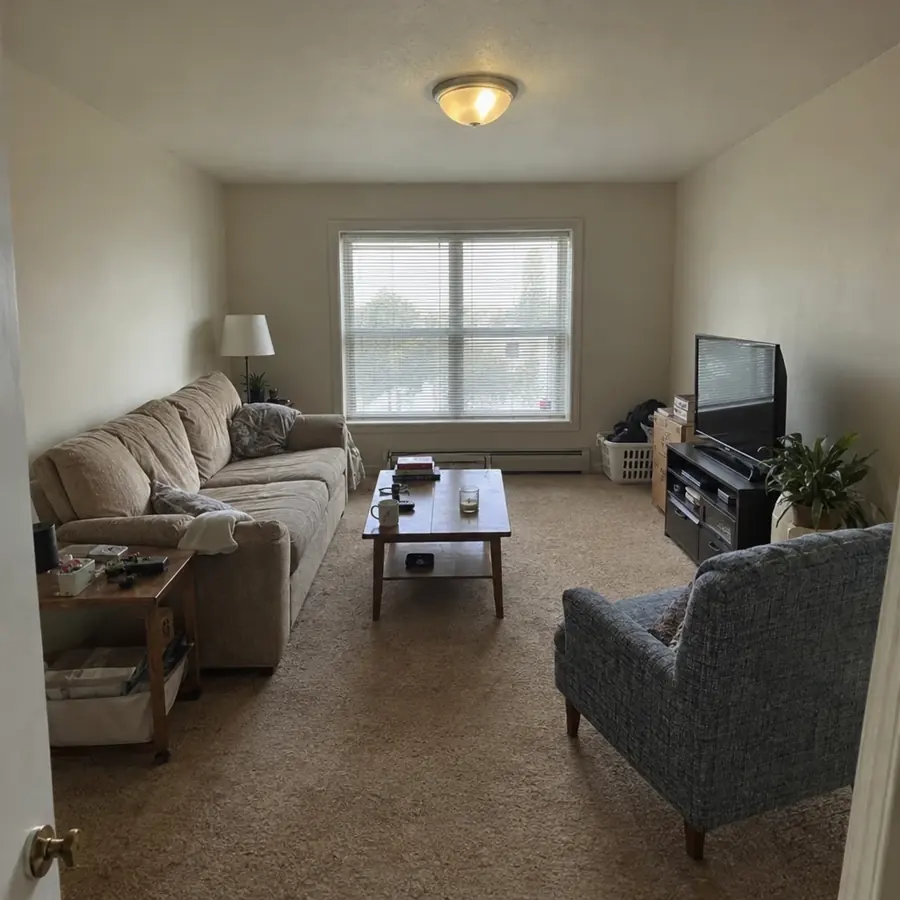
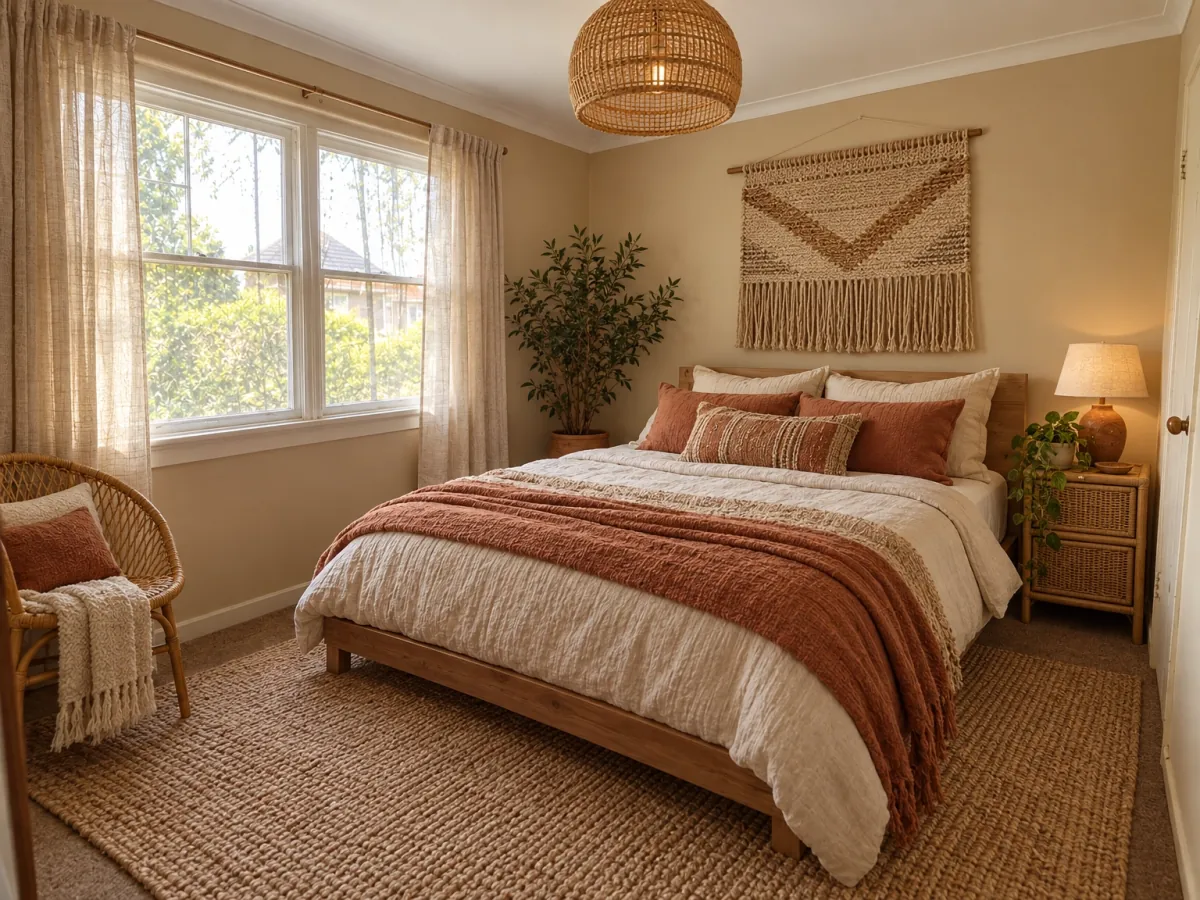
Illustrative AI example. Results vary.
Try the tools on your own photo:



Which DecorAI tool do you need?
Each tool below has its own page with a before and after example, a fact table, steps and answers to common questions.
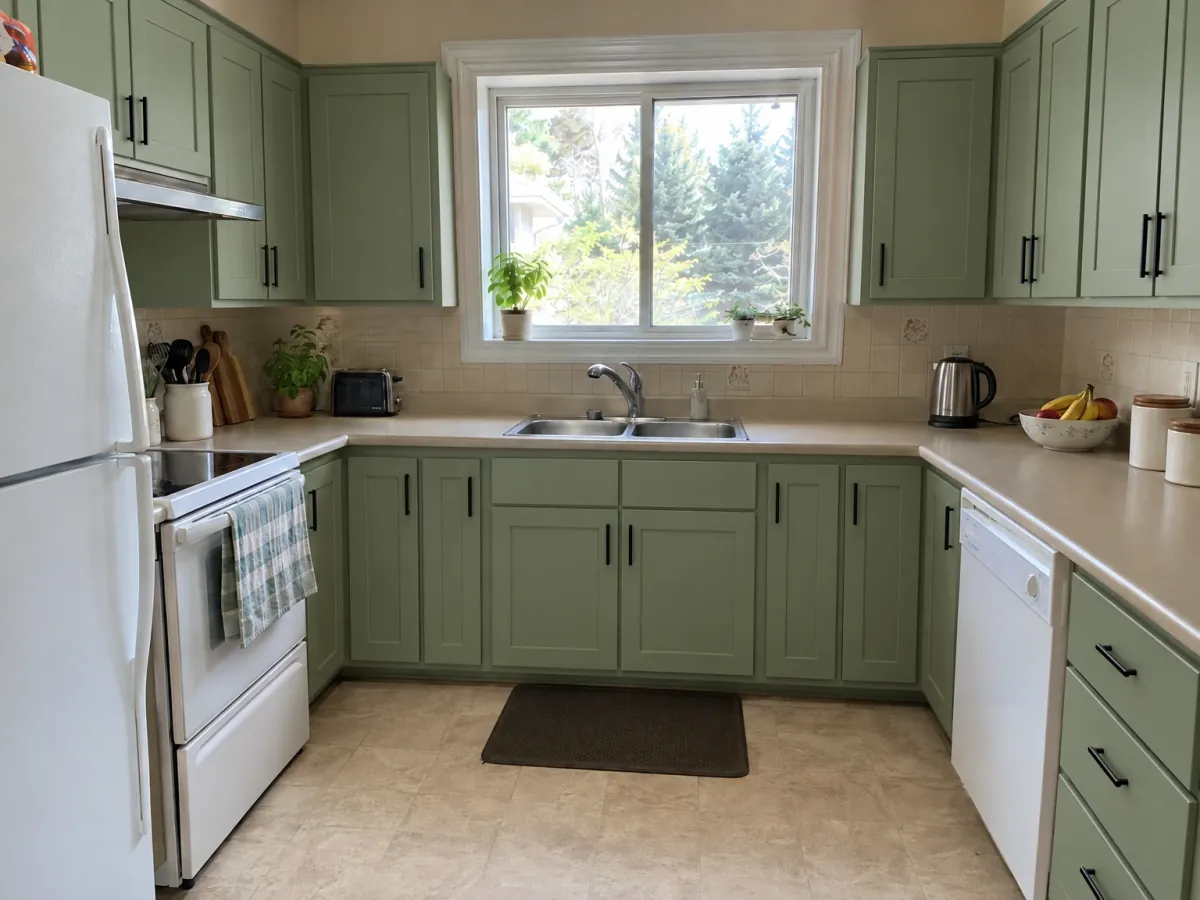
AI inpainting
Changes only the area you brush over, such as the cabinets or one sofa.
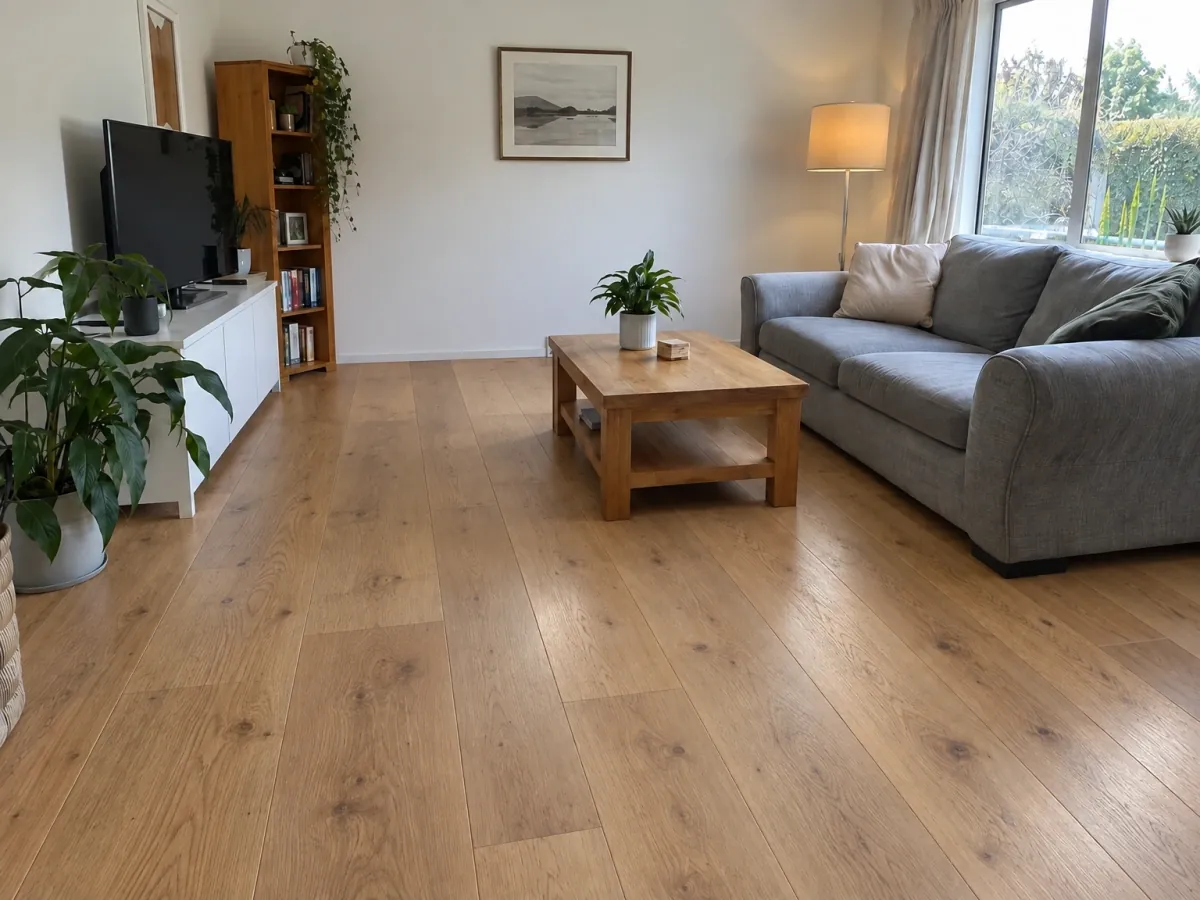
Floor visualizer
Replaces only the flooring so you can compare hardwood, tile, carpet and vinyl.
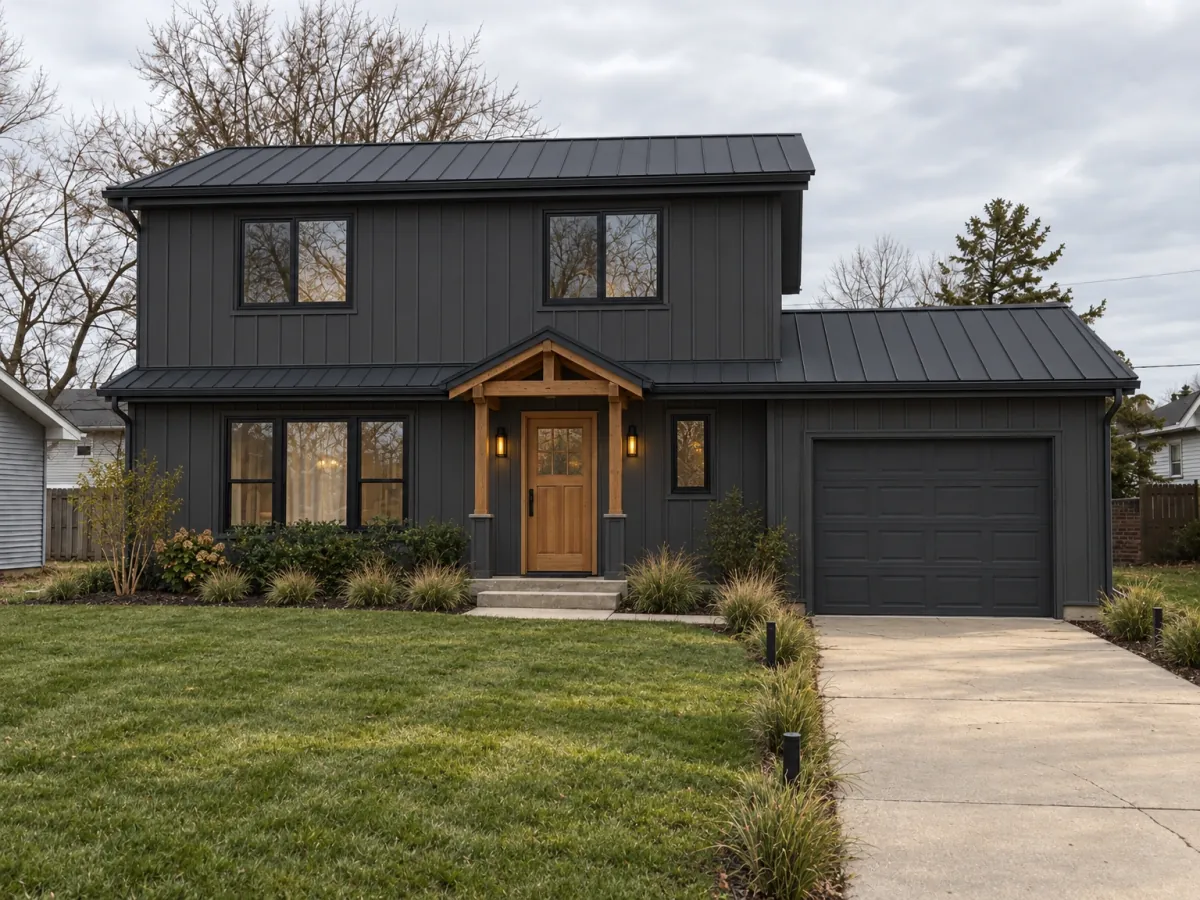
Exterior design
Redesigns the outside of a house: siding, roof, windows, doors and lighting.
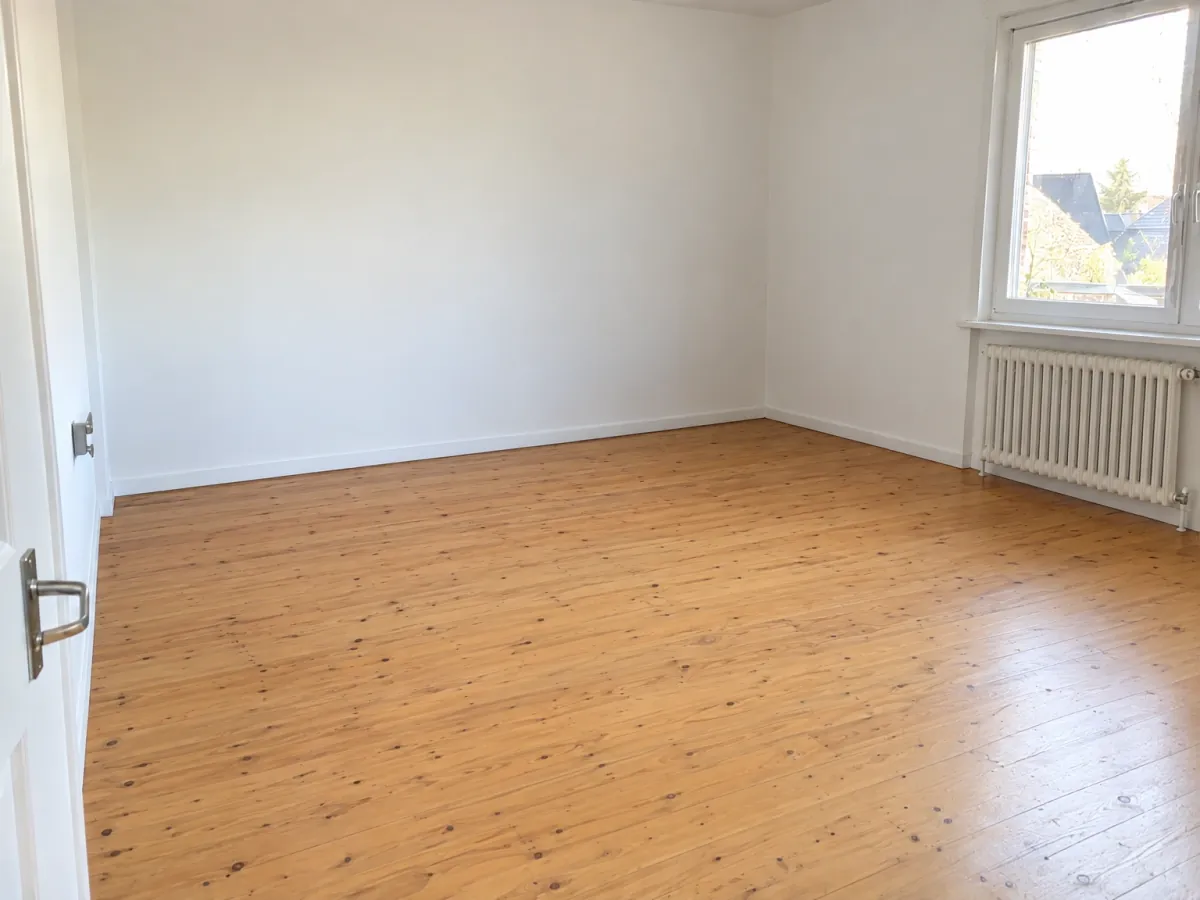
Empty the room
Removes furniture and clutter and keeps the floor, walls and windows.
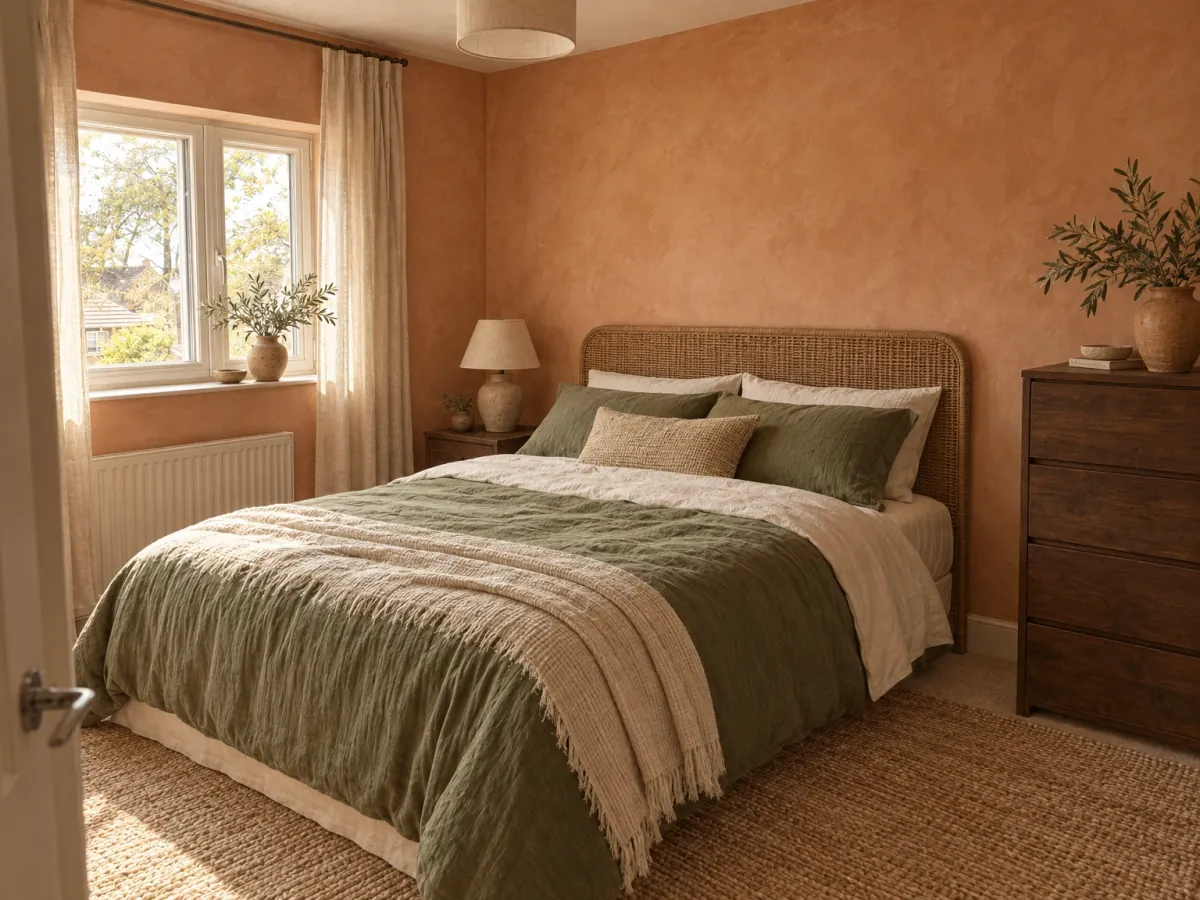
Style transfer
Applies the colors, materials and mood of a reference image to your room.
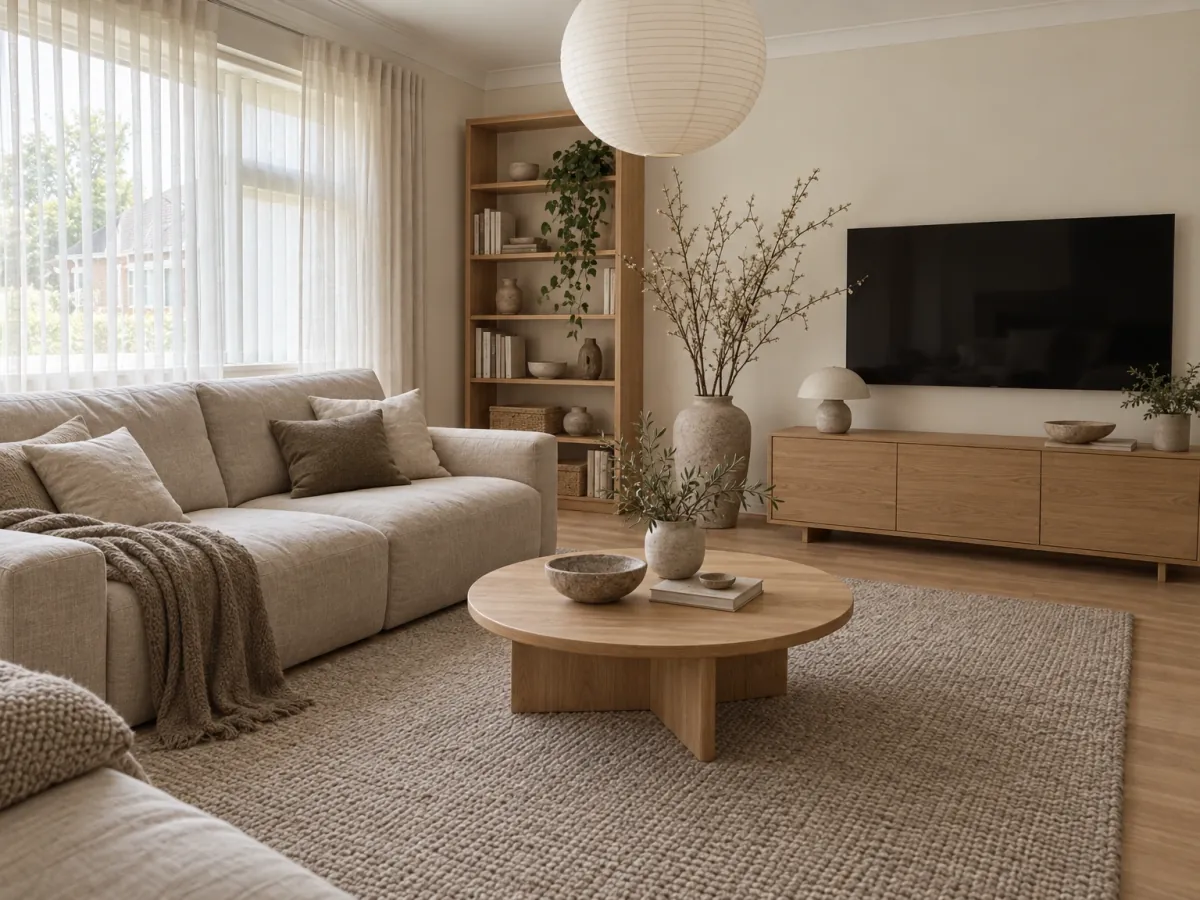
AI moodboard
Collects inspiration in private boards and applies a board's look to your room.
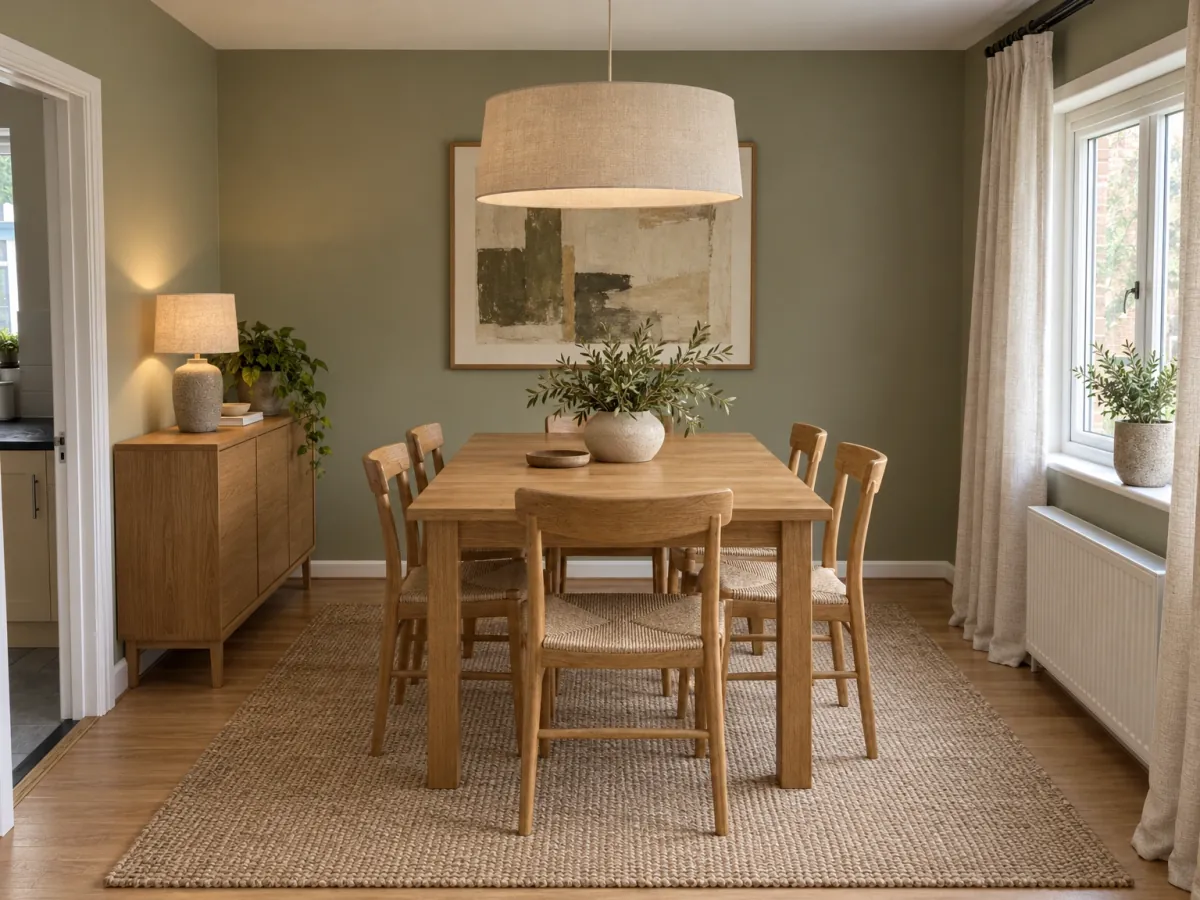
Design reportPro
Writes a report with a color palette, a cost estimate and an action plan.
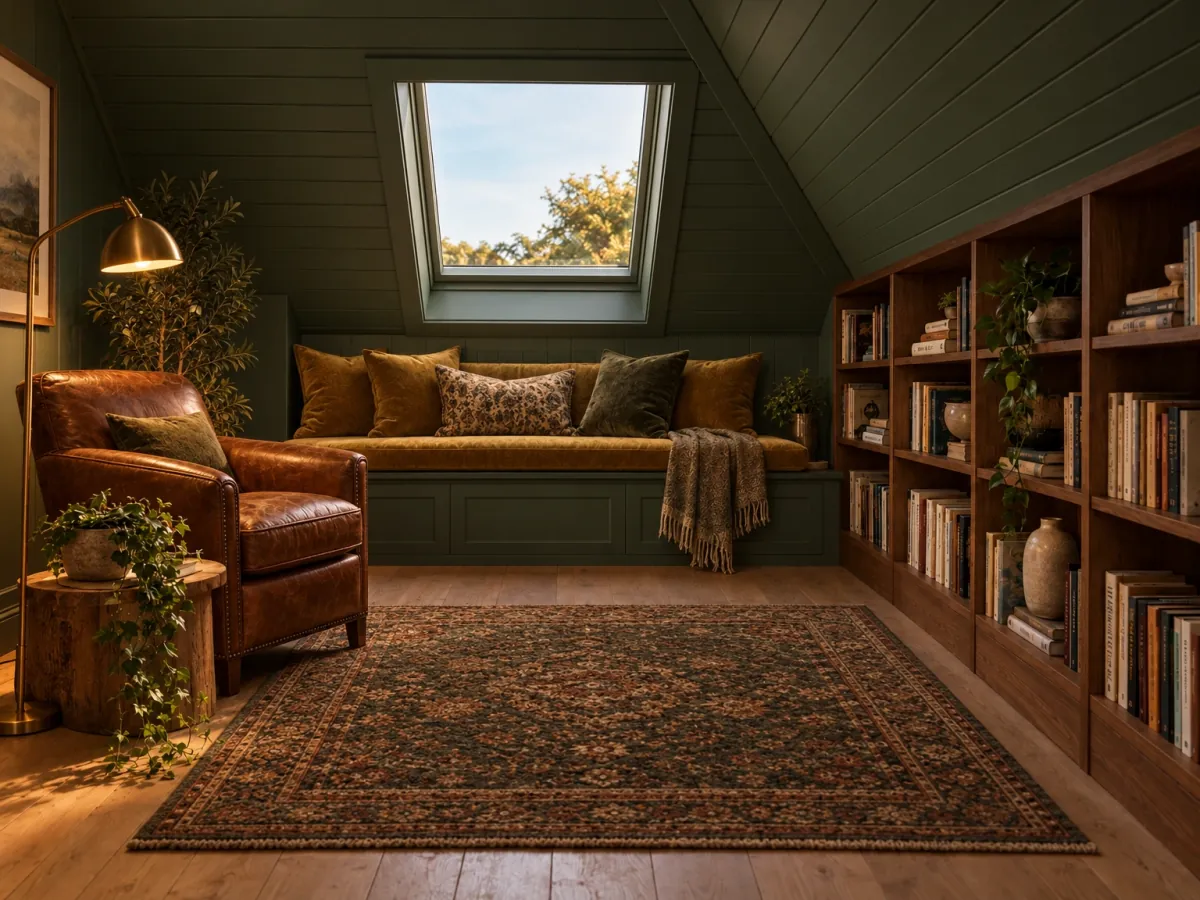
Design from text
Creates a room concept from a written description when you have no photo.
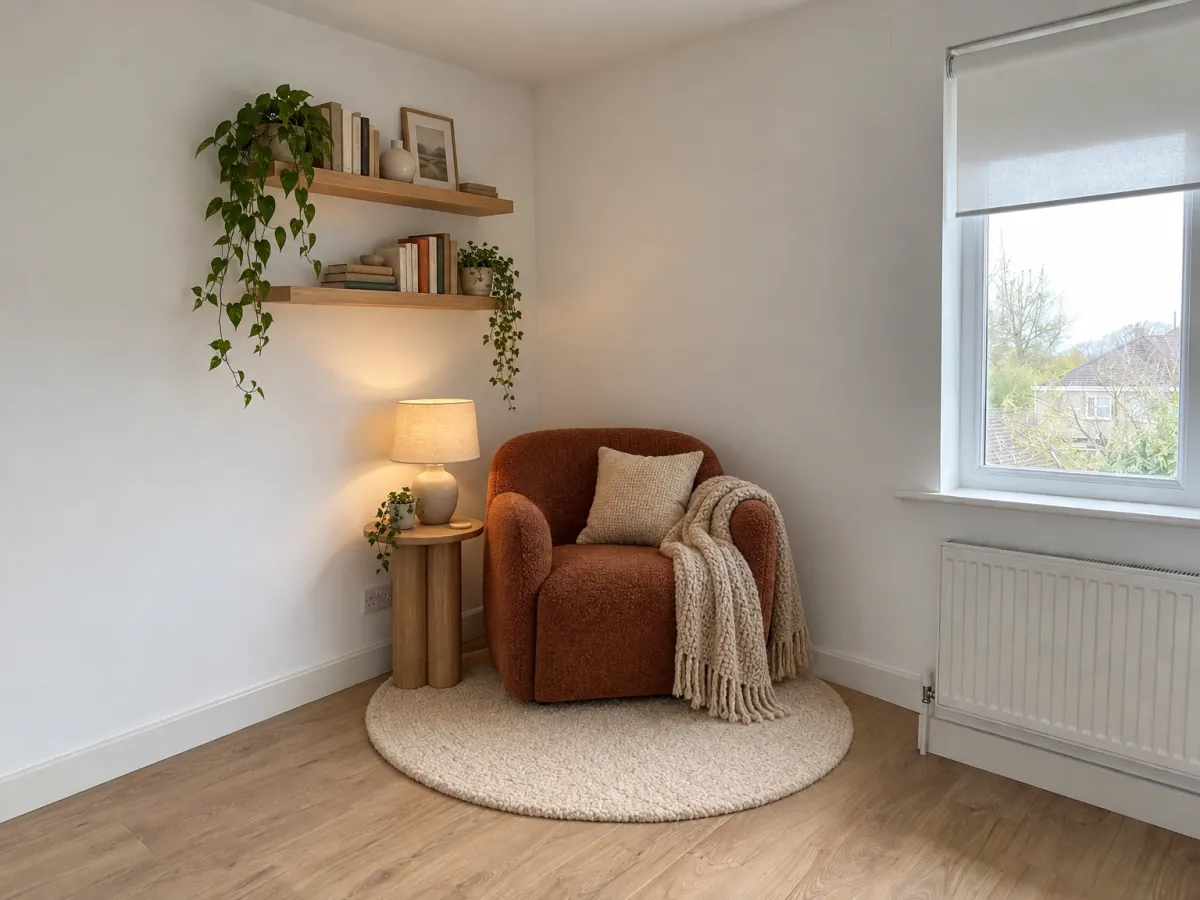
AI corner design
Turns one empty or awkward corner into a reading nook, desk, coffee bar or storage.
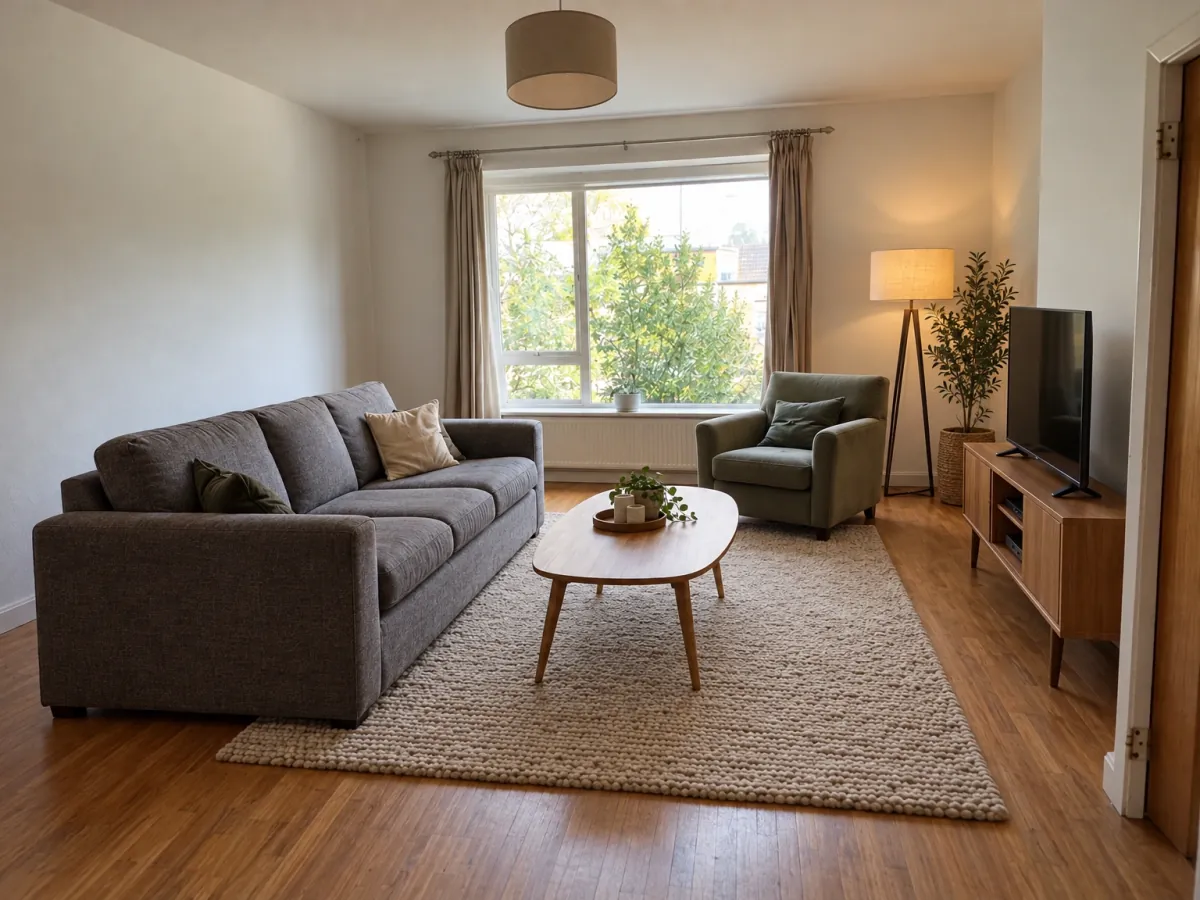
AI design assistants
Answers design questions in a chat with six AI designers and Milo, the layout planner.
Community and projects
Shows designs shared by other users and groups your own designs into room projects.
All 16 DecorAI tools and their plans
One row per tool: what it does and which plan includes it. The free plan gives 3 designs a day; DecorAI Pro is unlimited.
| Tool | What it does | Included in |
|---|---|---|
| AI inpainting | Changes only the area you brush over, such as the cabinets or one sofa. | Free plan and Pro |
| Floor visualizer | Replaces only the flooring so you can compare hardwood, tile, carpet and vinyl. | Free plan and Pro |
| Exterior design | Redesigns the outside of a house: siding, roof, windows, doors and lighting. | Free plan and Pro |
| Empty the room | Removes furniture and clutter and keeps the floor, walls and windows. | Free plan and Pro |
| Style transfer | Applies the colors, materials and mood of a reference image to your room. | Free plan and Pro |
| AI moodboard | Collects inspiration in private boards and applies a board's look to your room. | Free plan and Pro |
| Design report | Writes a report with a color palette, a cost estimate and an action plan. | DecorAI Pro |
| Design from text | Creates a room concept from a written description when you have no photo. | Free plan and Pro |
| AI corner design | Turns one empty or awkward corner into a reading nook, desk, coffee bar or storage. | Free plan and Pro |
| AI design assistants | Answers design questions in a chat with six AI designers and Milo, the layout planner. | Free plan and Pro |
| Community and projects | Shows designs shared by other users and groups your own designs into room projects. | Free plan and Pro |
| Interior redesign | Redesigns any room from one photo in a style you choose, with more than 60 styles, 40 room types and 40 color schemes. | Free plan and Pro |
| Virtual staging | Furnishes an empty room in a photo, for example for a property listing or a rental. | Free plan and Pro |
| Furniture import | Places a piece of furniture you photographed, such as a sofa in a store, into a photo of your own room. | Free plan and Pro |
| Garden redesign | Redesigns a backyard, patio, balcony or rooftop with new plants, paths, seating and lighting. | Free plan and Pro |
| Room analysis | Scores a room photo and lists three strengths, three weaknesses and a way to improve the room. | DecorAI Pro |
More DecorAI tools
These tools are explained on other pages of this site.
Questions about the DecorAI tools
What tools does DecorAI have?
DecorAI has 16 AI design tools. They include interior redesign from a photo, inpainting, floor replacement, exterior and garden redesign, emptying a room, virtual staging, furniture import, style transfer, moodboards, design concepts from text, AI design assistants, a room analysis and a design report.
Which DecorAI tools are free?
All DecorAI tools are in the free plan except the room analysis and the design report, which are part of DecorAI Pro. The free plan gives 3 designs a day, with a short ad before each design and a small watermark, and works without an account or payment card.
What does DecorAI Pro cost?
DecorAI Pro costs $9.99 a week, $17.99 a month, $39.99 a year or $219 once, in US prices. Prices differ by country and platform, and the app shows your price before you pay. Pro includes unlimited designs, images free of ads and watermark, and the design report.
Where can I use the DecorAI tools?
The tools run on iPhone and iPad with iOS 16 or later, on Android phones and tablets, and in the web app in any browser. One account works on all three, so a Pro purchase made on one device is available on the others when you sign in.
Try every DecorAI tool on your own room
Download DecorAI for iPhone or Android, or open the web app, and start with a photo of your room. The free plan includes 3 designs a day.
Get DecorAI free: