DecorAI guides: how to redesign your home with AI
DecorAI's how-to guides explain, step by step, how to use the DecorAI app on iPhone, Android and the web to redesign rooms, floors, walls, facades and gardens from one photo.
Each guide answers one question in its first lines, lists what you need, and then walks through the steps in the app as it works today. Every guide links to the DecorAI tool page that does the job, so you can go from reading to trying in one click.
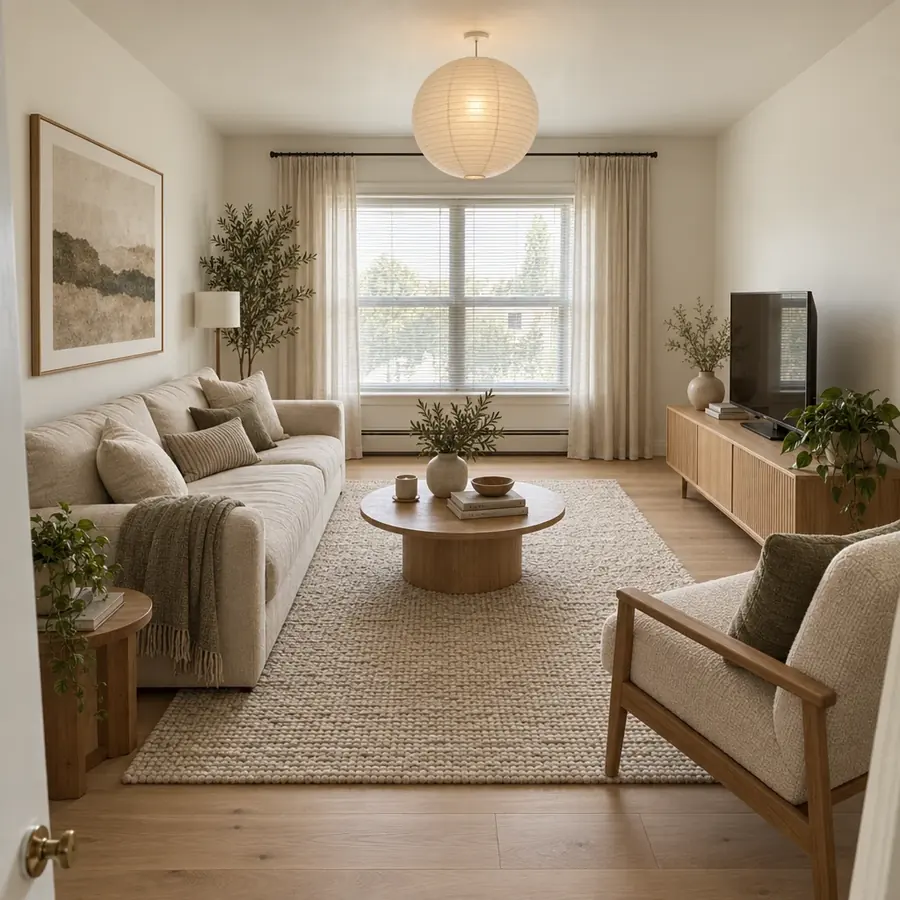
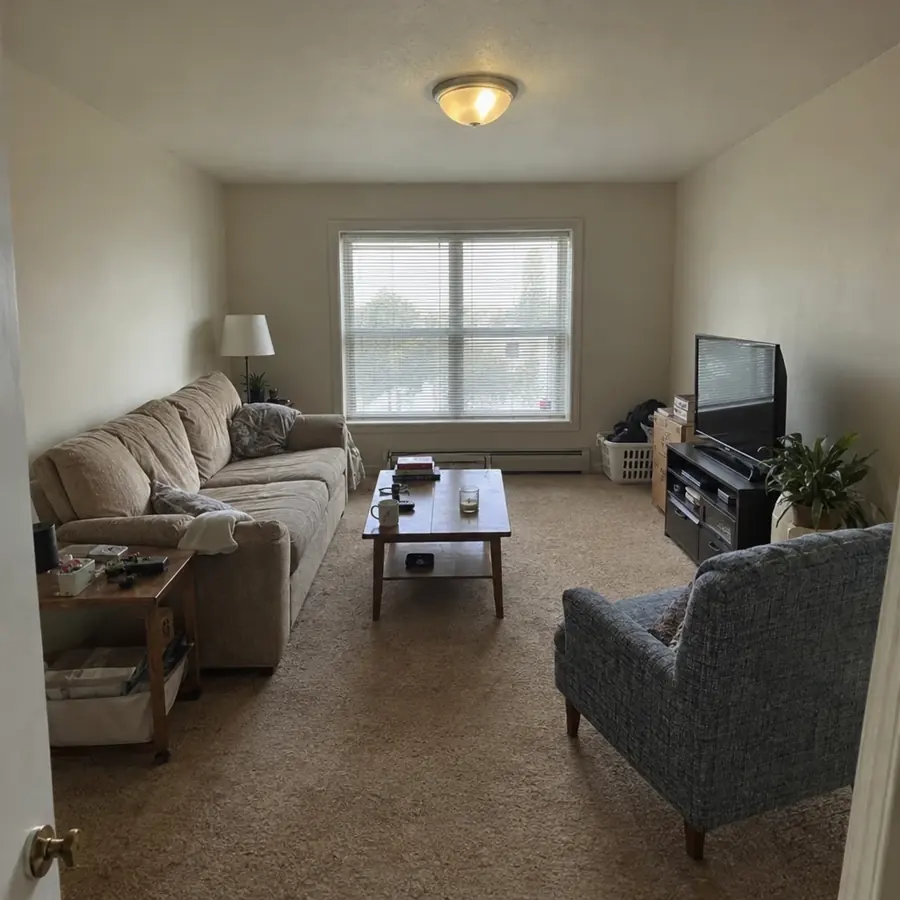
Illustrative AI example. Results vary.
Try the steps on your own photo:



All 12 DecorAI guides
Pick the question closest to your project. The picture on each card is the result of that guide's steps, made from one ordinary photo.
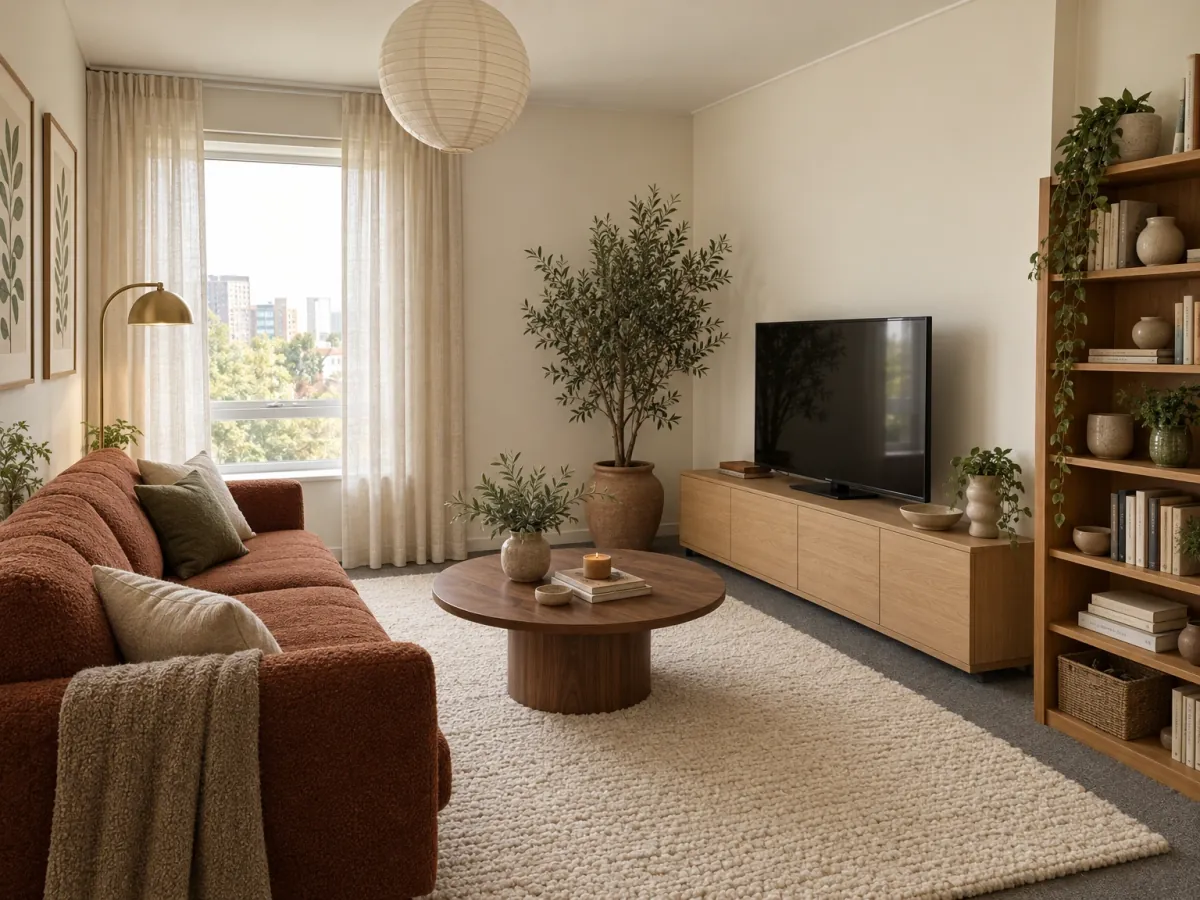
How to use AI to design a room
The basic DecorAI workflow: one photo, a room type, a style and a result in under a minute.
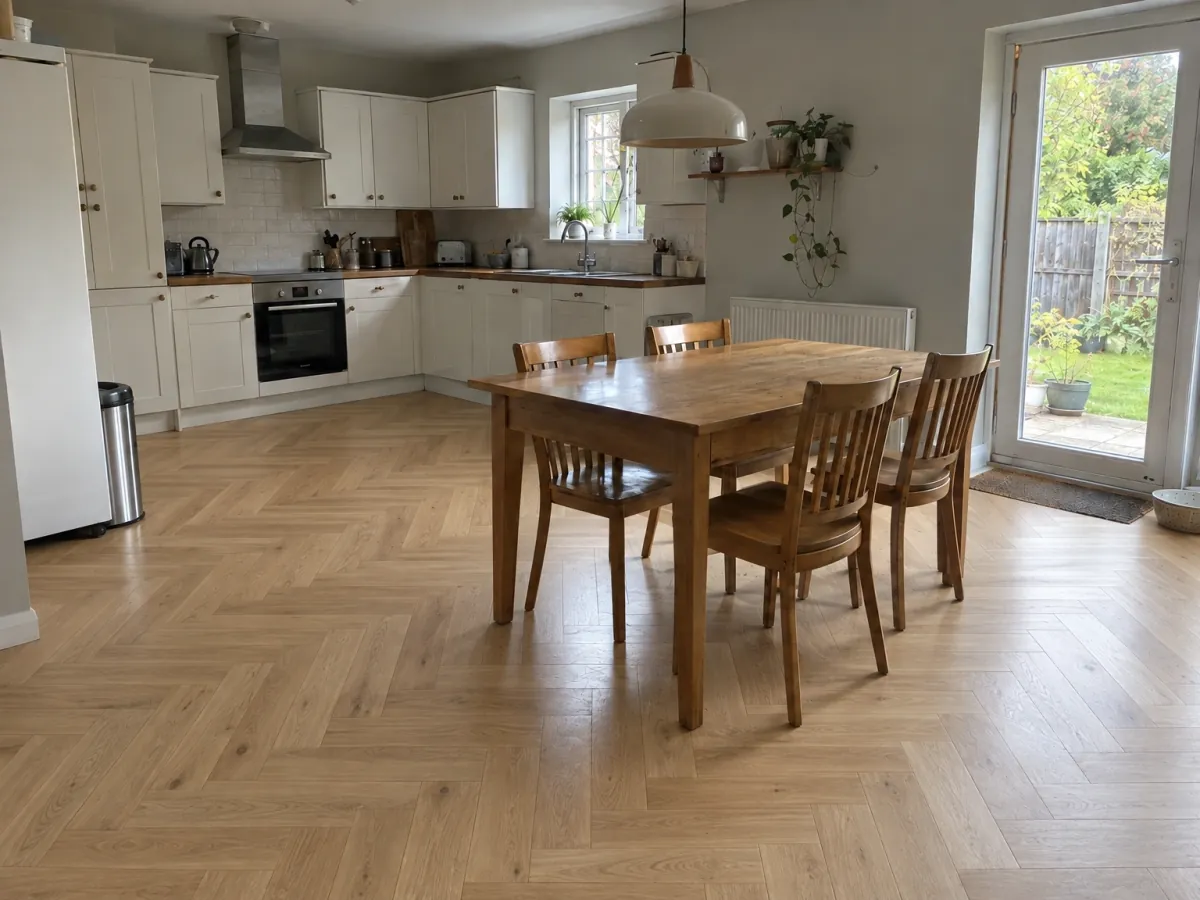
How to choose flooring by seeing it in your room first
Compare hardwood, tile, carpet and vinyl on a photo of your room before you order samples.
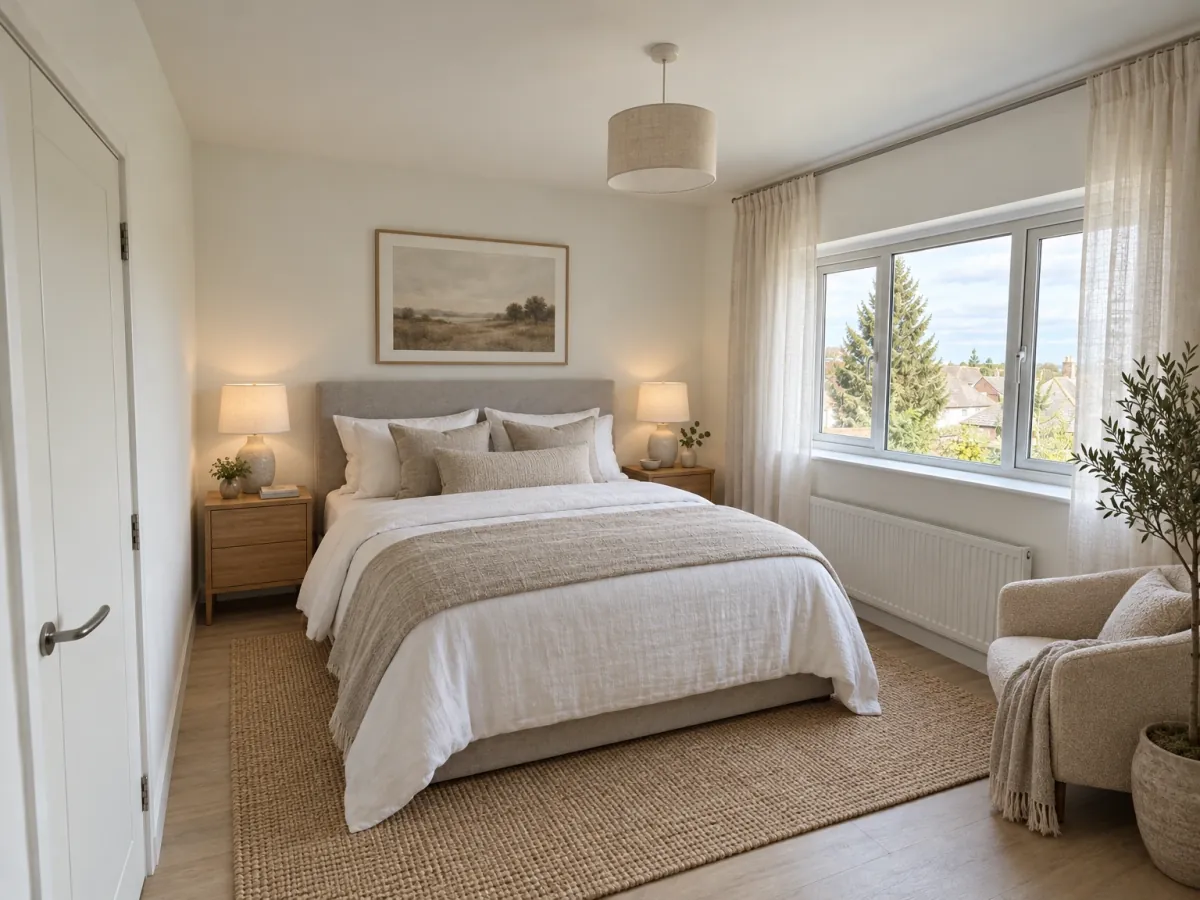
How to virtually stage an empty room
Furnish an empty room in a photo so buyers, guests or you can picture how it lives.
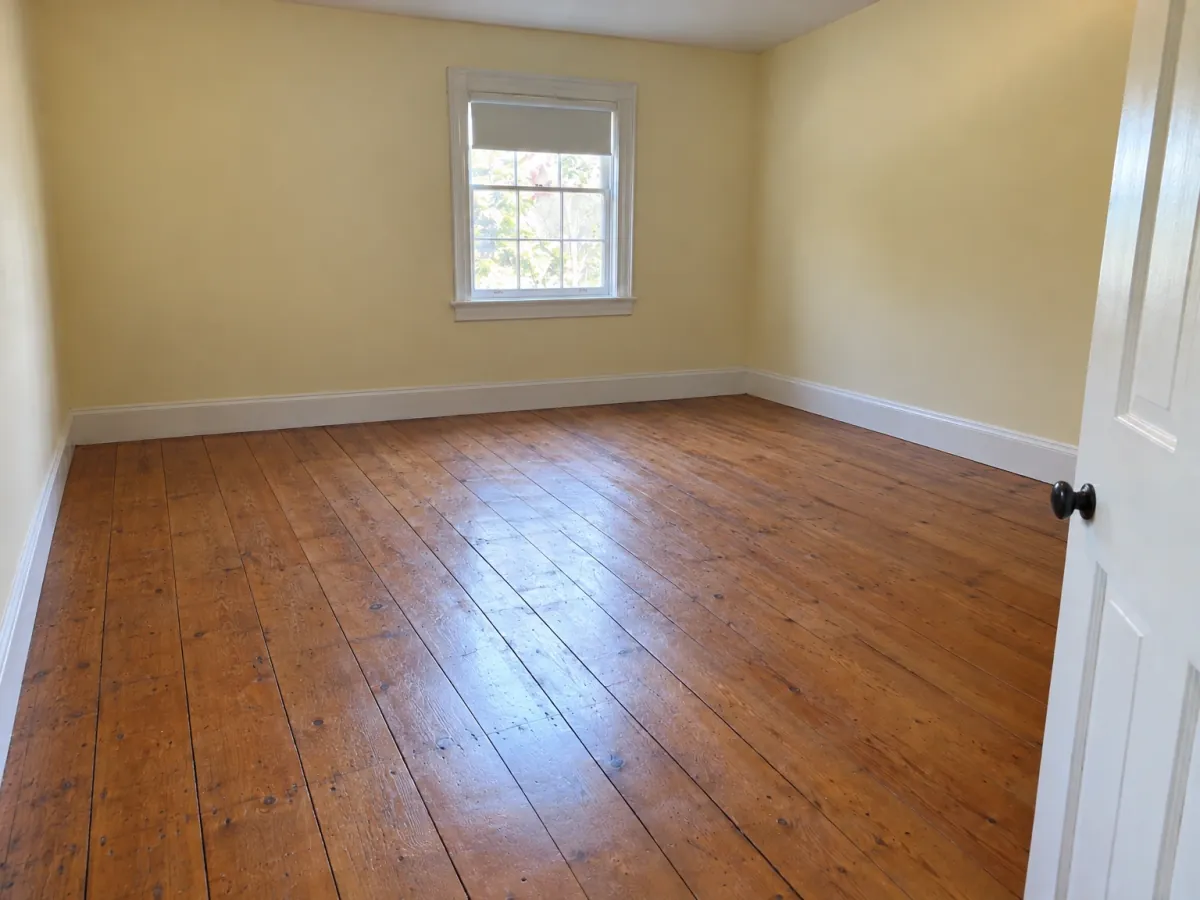
How to remove furniture from a photo of a room
Clear furniture and clutter out of a room photo and see the bare space underneath.
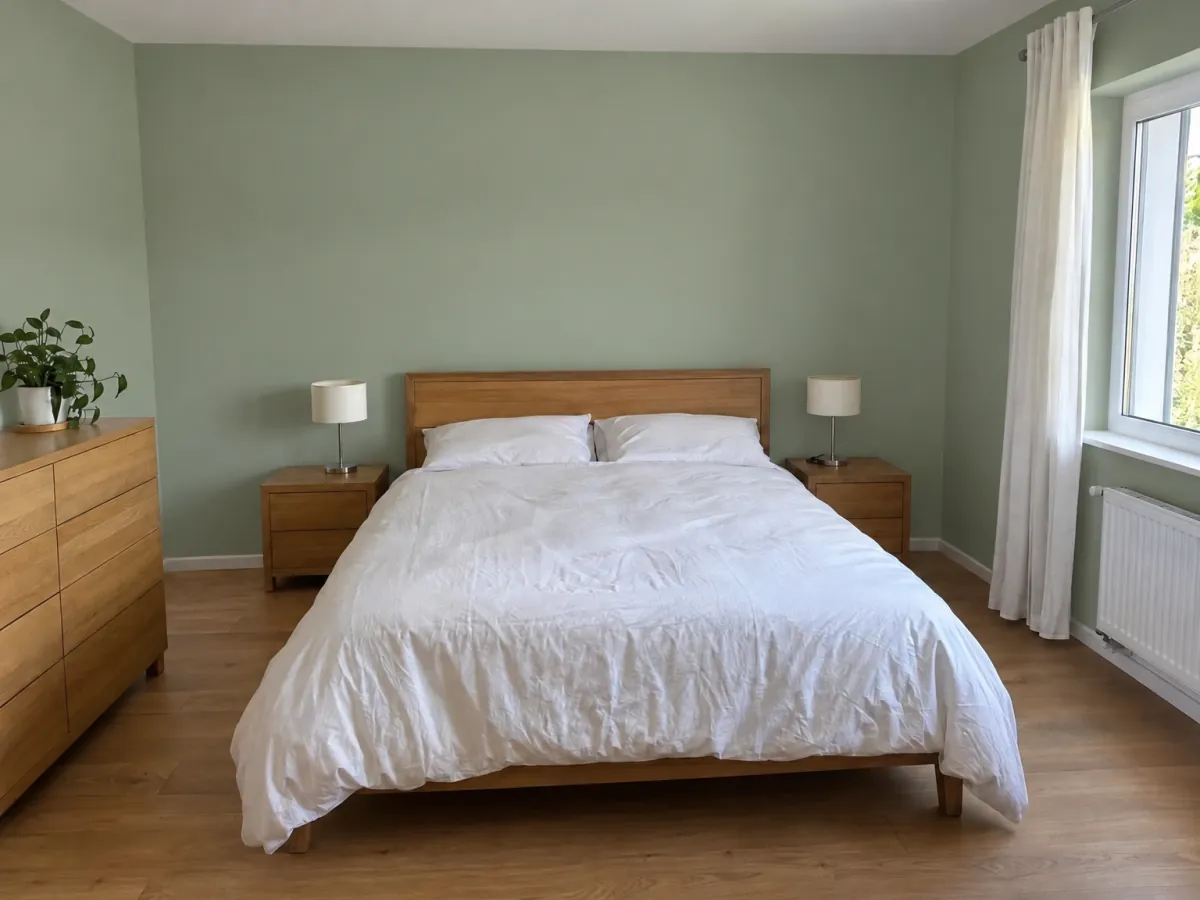
How to test paint colors and wallpaper on a photo of your room
Brush over a wall and describe the paint or wallpaper you have in mind.

How to choose exterior house colors from a photo
Try several siding, trim and door color schemes on a photo of your own house.
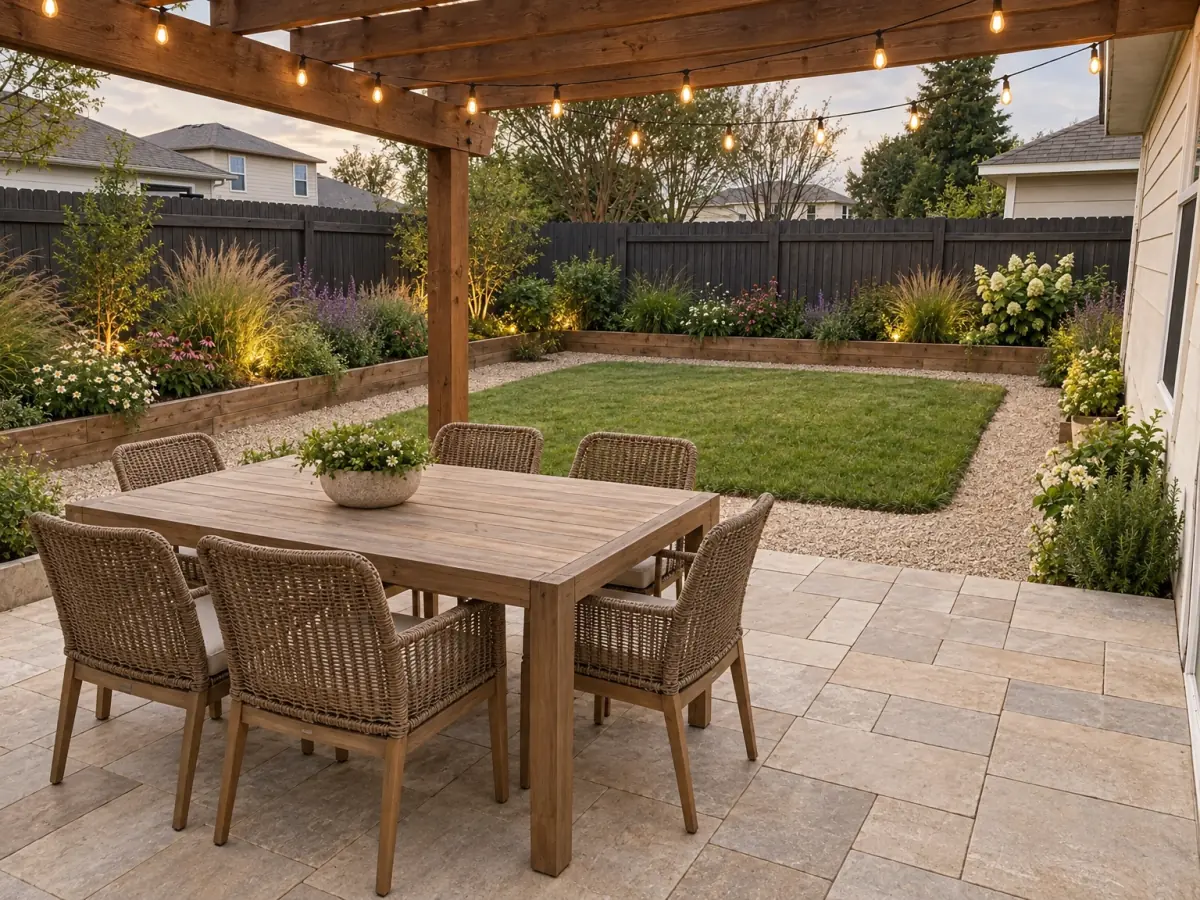
How to plan a backyard makeover with AI
Turn a photo of a plain yard into a plan for a patio, planting beds and lighting.
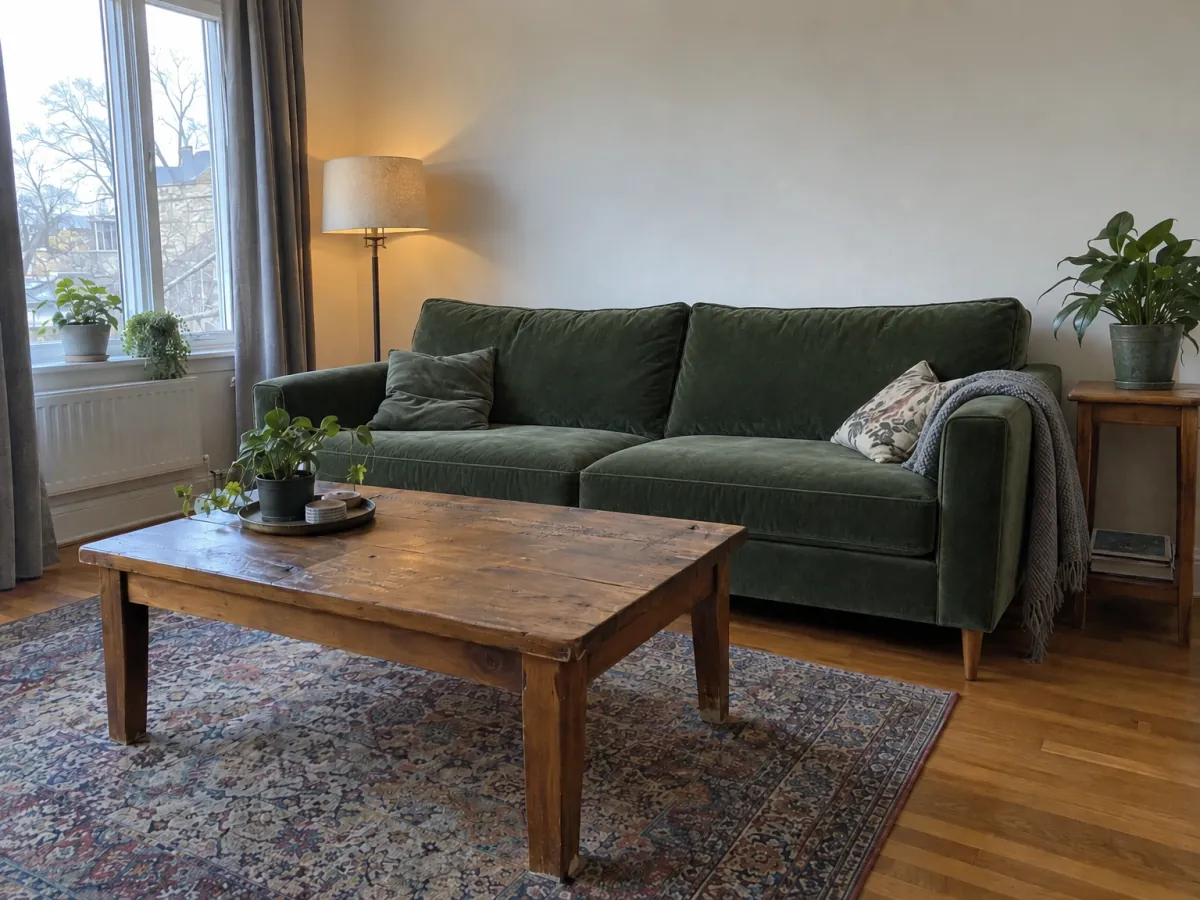
How to see a piece of furniture in your room before you buy it
Photograph a sofa or table in the store and place it into a photo of your room.
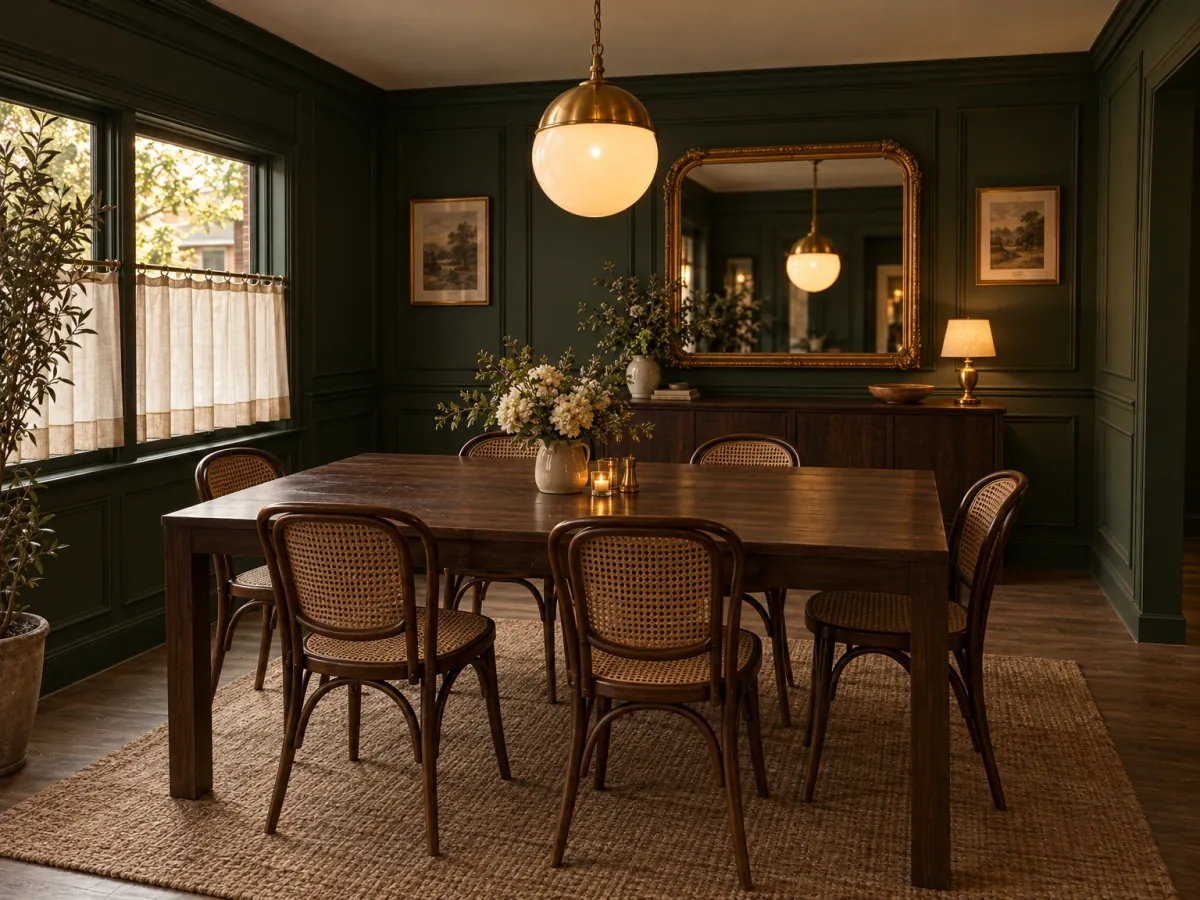
How to copy the style of a room you like
Use a picture of a room you love as the style reference for your own space.
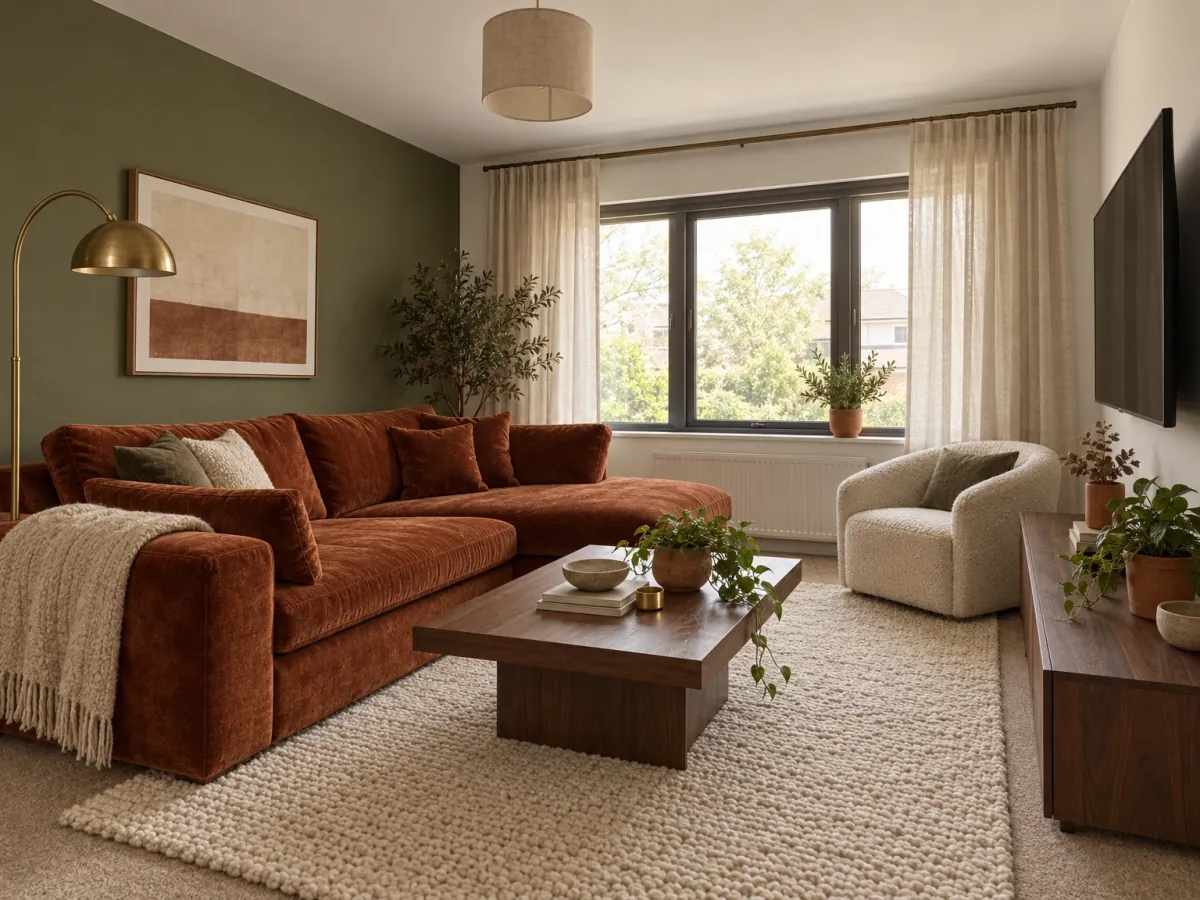
How to make an interior design mood board
Collect images and samples that agree with each other, then apply the look to your room.
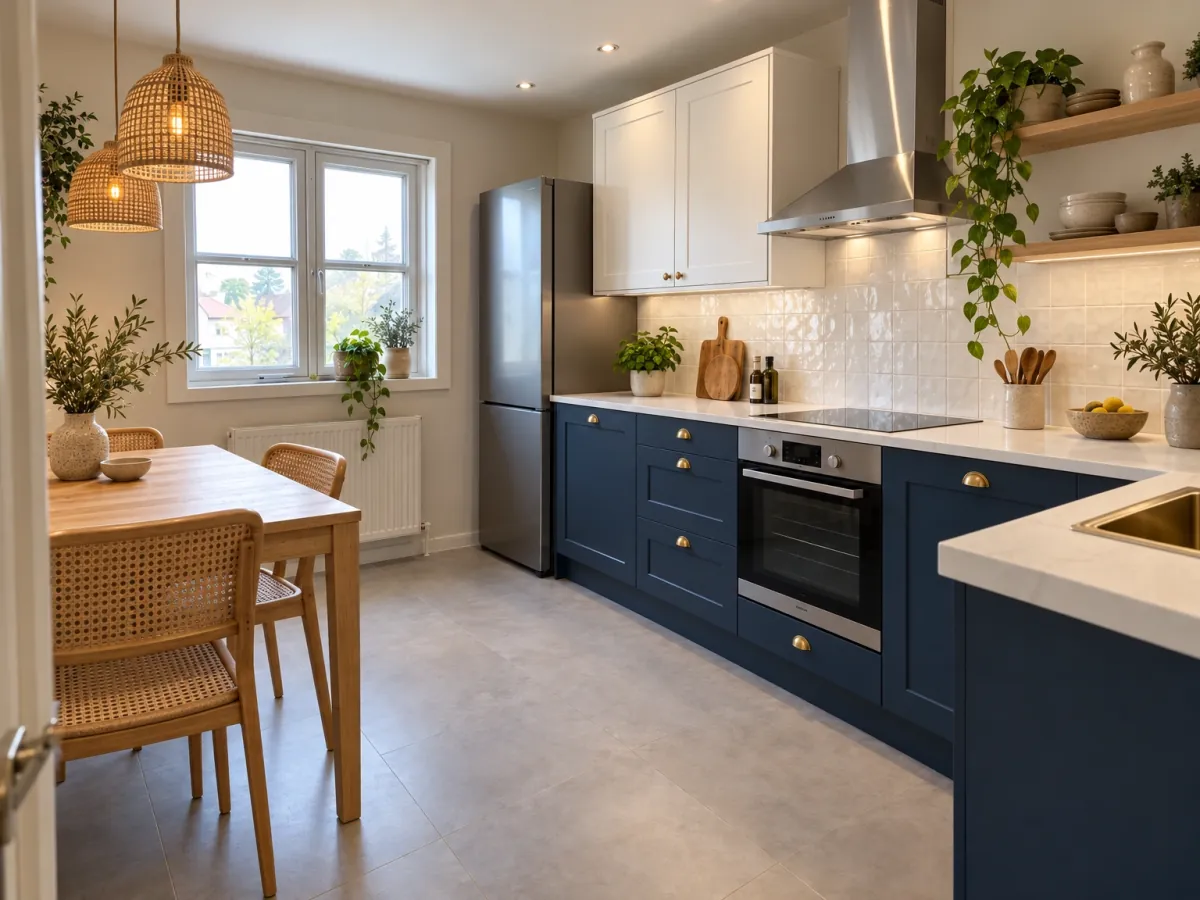
How to take room photos that give the best AI results
Light, angle and a tidy room: the photo habits behind realistic AI results.
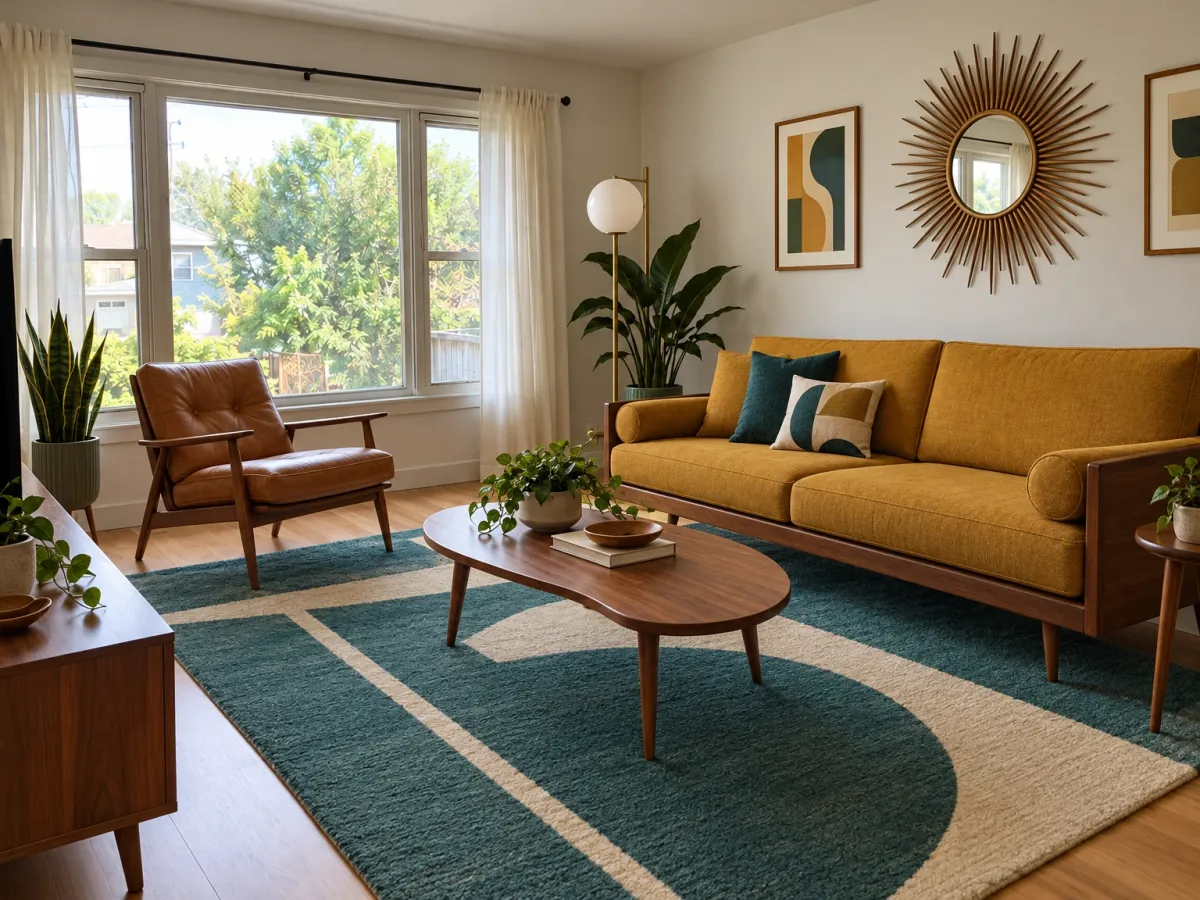
How to find your interior design style
Test several interior styles on one photo of your home and keep the one you return to.
Where to go from here
The guides explain the steps; the tool and room pages describe each DecorAI feature in full, and the pricing page lists every plan.
Questions about the DecorAI guides
What do the DecorAI guides cover?
The DecorAI guides cover 12 common home projects, from redesigning a whole room to testing paint colors, choosing flooring, staging an empty room, planning a backyard and finding your interior style. Each guide uses one photo of your own space and the DecorAI app on iPhone, Android or the web.
Do I need design experience to follow the guides?
No design experience is needed. The DecorAI guides start with the photo, list what you need and describe each tap in the app in plain words. The tips sections explain the design choices, such as light, scale and color, that make a result easier to judge and to carry out.
Can I follow the guides on the free plan?
Yes. Every guide can be followed on DecorAI's free plan, which is enough to try the steps on your own photos. DecorAI Pro adds unlimited designs for longer projects and costs $9.99 a week, $17.99 a month, $39.99 a year or $219 once in the US.
Start with one photo of your home
Pick a guide, take a photo of the room, facade or yard it is about, and follow the steps in DecorAI. Download the app for iPhone or Android, or open the web app in your browser.
Download DecorAI: