Remove Furniture from a Photo: See Your Room Empty with AI
DecorAI removes the furniture and clutter from a photo of a room with AI and shows the same room empty, with its floor, walls and windows in place.
- Upload one photo of a furnished room and get the empty version back.
- Floor, walls, windows and doors stay; furniture, boxes and decor are cleared.
- A clean starting point for a redesign, a renovation plan or virtual staging.
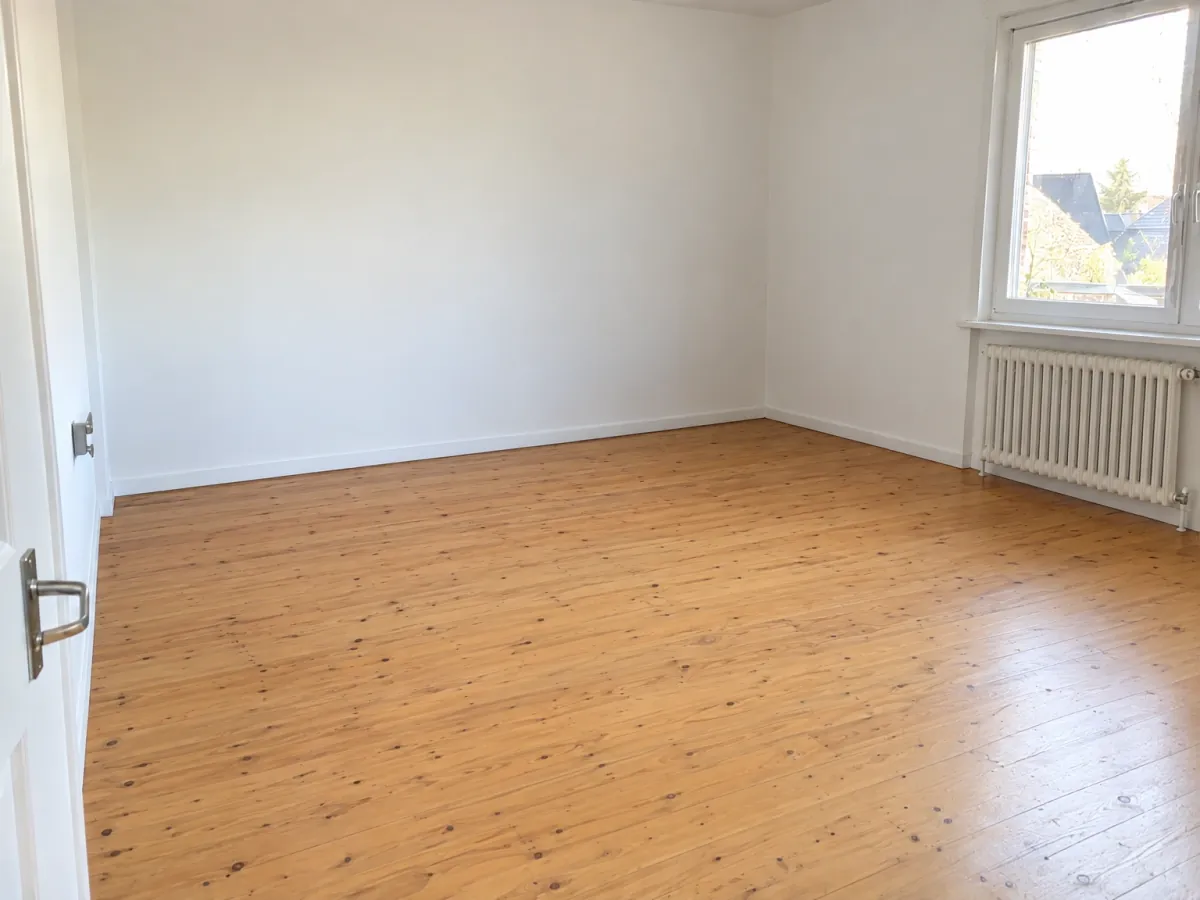
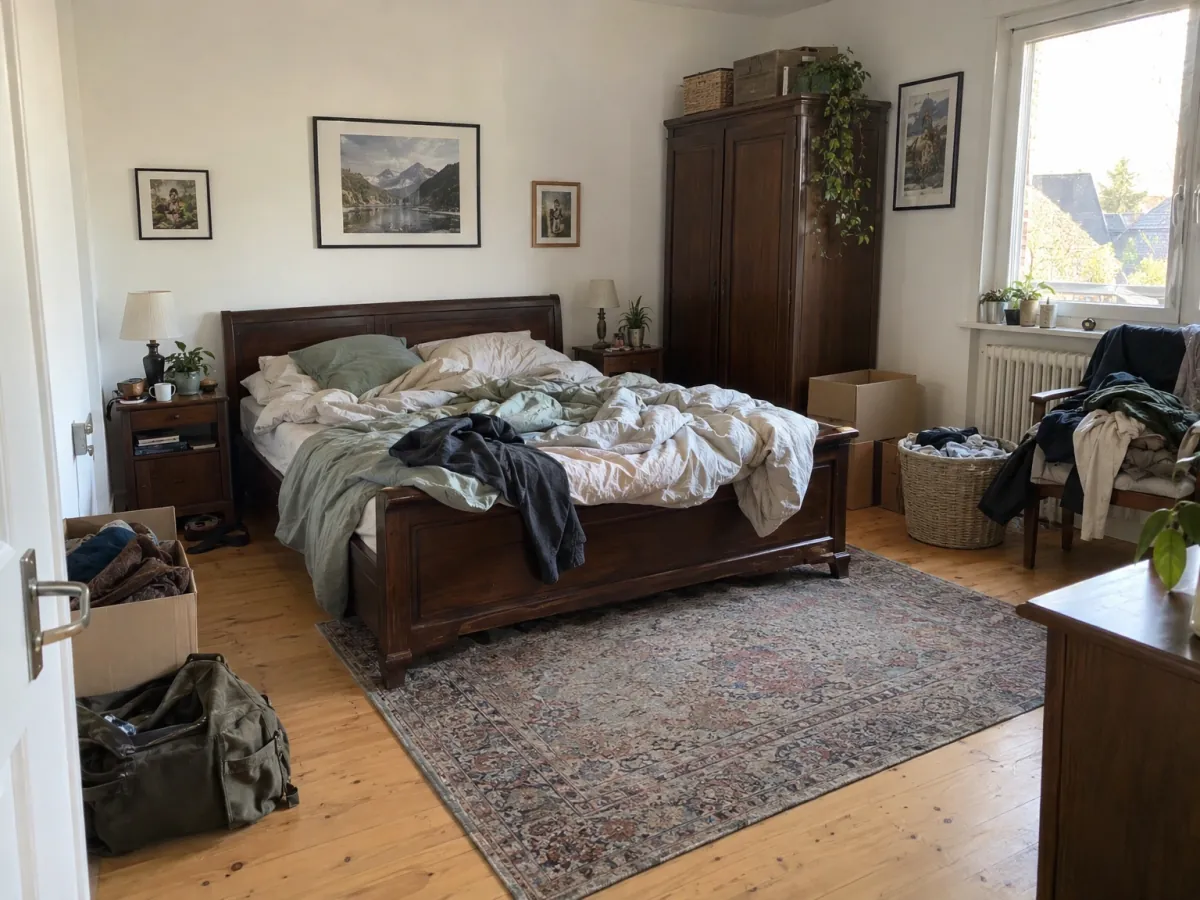
Illustrative AI example. Results vary.



Emptying a room with DecorAI at a glance
| What it does | Removes furniture and clutter from a room photo and fills in the floor and walls behind them |
|---|---|
| What you provide | One photo of a furnished or cluttered room |
| What you get | A picture of the same room empty, seen from the same angle |
| Time | Usually under 10 seconds for each photo |
| Platforms | iPhone and iPad with iOS 16 or later, Android, web app |
| Plan | Part of the free plan with 3 designs a day; unlimited in Pro |
How to remove furniture from a photo
Upload the room photo
Open DecorAI and select the tool that empties a room. Choose a photo that shows the room from a corner or the doorway, so the walls and as much of the floor as possible are in view.
Let the AI clear the room
DecorAI takes furniture, boxes, rugs and decor out of the picture and rebuilds the floor and the walls that were hidden behind them, following the materials and the light in your photo.
Use the empty room
Save the empty version. Use it to judge the room's size and light, send it to a painter or a floor installer, or furnish it again with DecorAI's redesign and virtual staging tools.
When is an empty room photo useful?
An empty room shows what you really have: the floor area, the walls and the light. People clear a room photo for four main reasons.
Before you move or sell
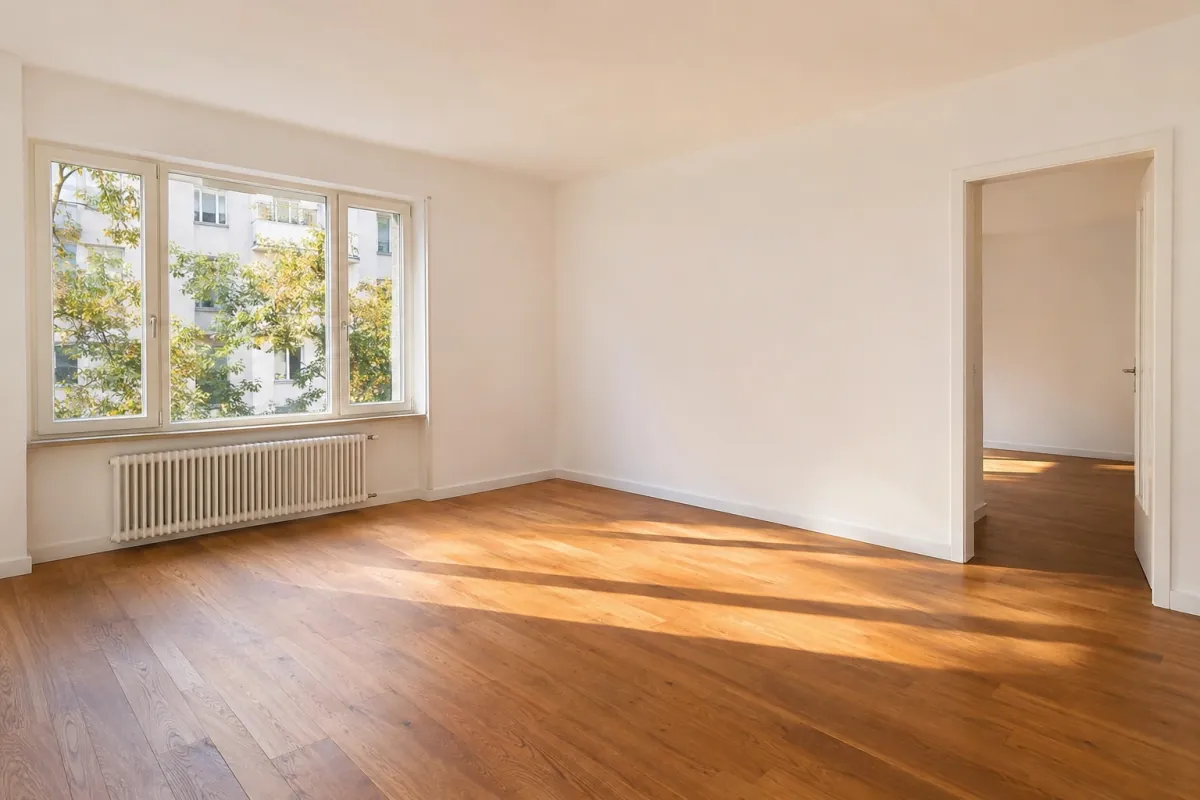
Show a home without the current owner's furniture. An empty picture helps buyers and renters read the room's size, and it is the base for virtual staging. Anyone marketing a property should label edited photos as digitally altered where they are used in a listing.
Planning a renovation
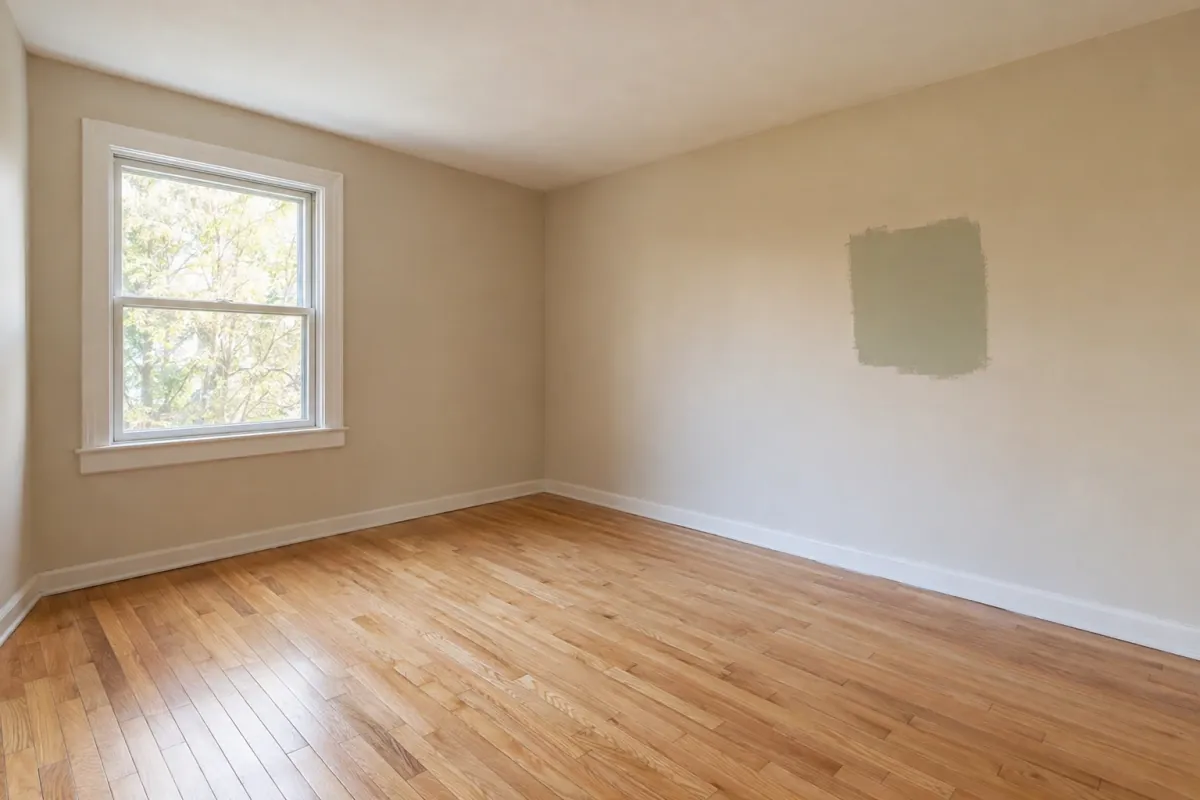
Painters, floor installers and contractors want to see walls and floors, and furniture hides both. Clear the photo and you can discuss wall colors, flooring and built-ins on a clean picture while the real furniture is still standing in the room.
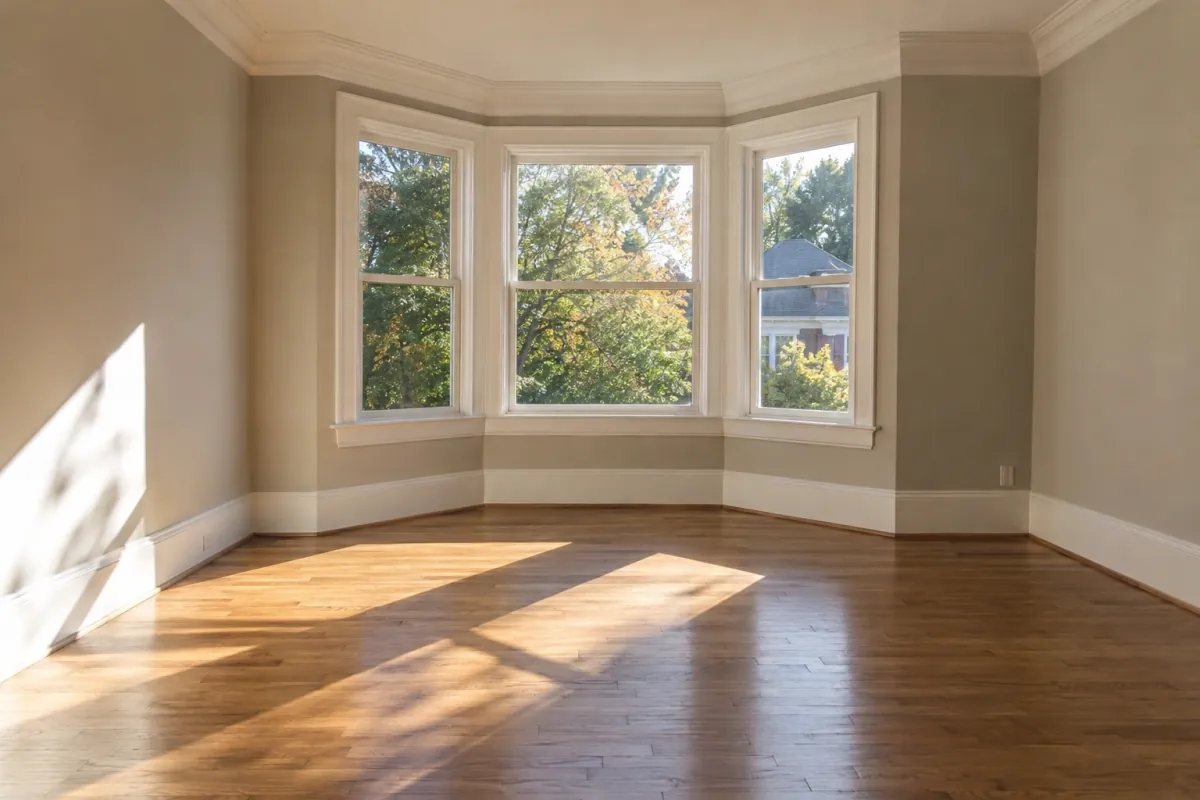
A fresh start for a redesign
It is hard to imagine a new layout while the old sofa is in view. Empty the photo first, look at the bare room for a moment and then ask DecorAI for a redesign in a style you like. The new furniture is planned for the room, free of the old arrangement.
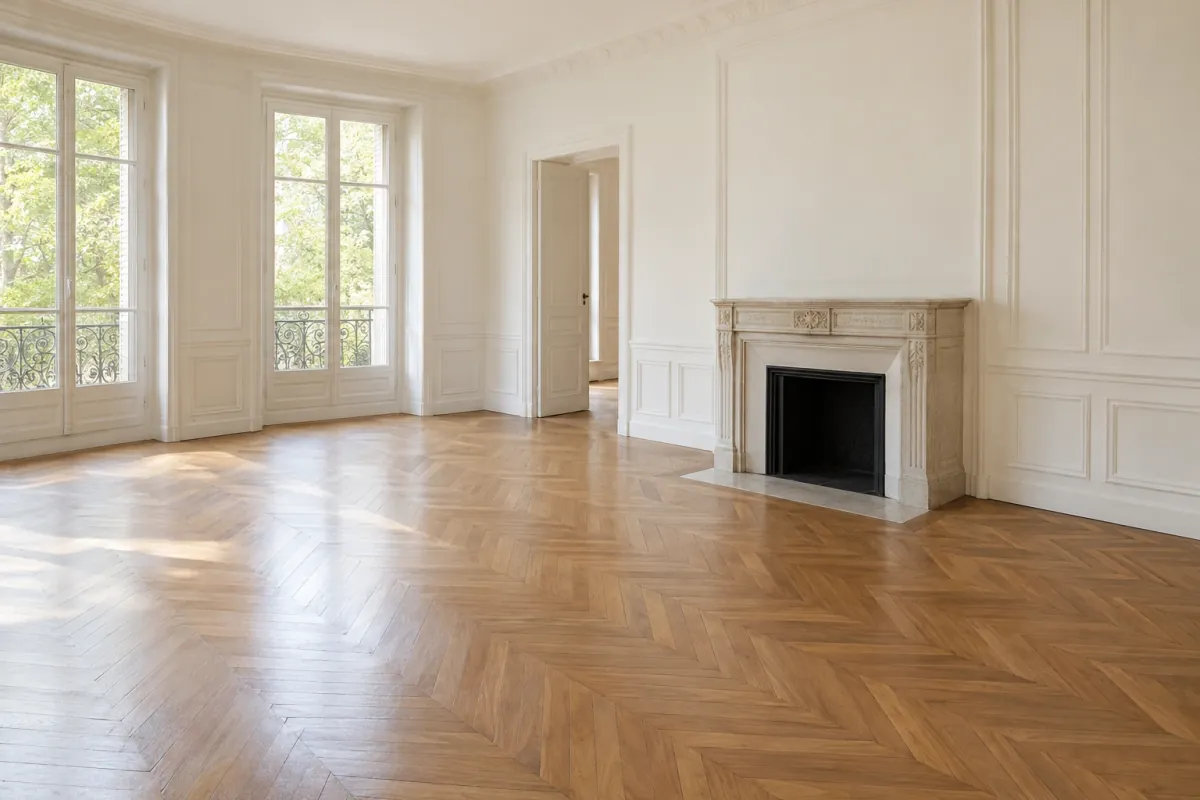
Seeing past the clutter
Sometimes the goal is simply to see the room again. Clear a spare room full of boxes or a crowded dining room to see its fireplace, its floor and its proportions. The picture can motivate a real clear-out and helps decide what moves back in.
Tips for a clean empty-room result
Photograph from a corner
A corner or doorway view shows two or three walls and most of the floor. The more of the room's fixed surfaces are visible around the furniture, the more accurately the hidden parts of floor and wall can be rebuilt.
Open curtains and switch on lights
Bright, even light makes floor and wall materials easy to read. Open the curtains, turn on the ceiling light and avoid shooting straight into a sunny window, which leaves the rest of the room dark.
Clear the foreground
Objects close to the lens cover a large part of the picture. Move a chair or a box that stands right in front of the camera, or take one step sideways, so the floor in the foreground is visible.
Keep the original photo
Save the furnished original next to the empty version. Comparing the two helps you judge real furniture against the free floor area, and the pair is useful when you brief a mover, a painter or a home stager.
Is removing furniture from a photo free?
Yes, within the daily free allowance. The free plan of DecorAI covers 3 designs per day across the free tools, this one included, with a brief ad first and a small watermark on the saved picture. Stagers and landlords who clear many photos choose DecorAI Pro for unlimited use at $9.99 per week, $17.99 per month, $39.99 per year or $219 once (US prices), or DecorAI Business for a team of three at $59 a month.
Questions about removing furniture from photos
Can AI remove furniture from a photo?
Yes. DecorAI removes the furniture and clutter from a photo of a room with AI and shows the same room empty, with its floor, walls and windows in place. You upload one photo and receive the cleared picture, usually in under 10 seconds, on iPhone, Android or the web app.
How do I empty a room in a picture?
Open DecorAI, choose the empty-room tool and upload a photo of the furnished room. The app clears furniture, rugs, boxes and decor and rebuilds the floor and walls behind them. Save the result or continue directly with a redesign or with virtual staging of the empty room.
Is there a free app to remove furniture from photos?
DecorAI is free to download and includes this tool in the free plan, with 3 designs a day and without an account. Free results show a small watermark. DecorAI Pro and the Business plan offer unlimited use for people who clear many rooms, such as home stagers and landlords.
What stays in the photo when the room is emptied?
The fixed parts of the room stay: floor, walls, ceiling, windows, doors and radiators. Movable things are removed, including sofas, beds, tables, shelves, rugs, boxes and decoration. The camera angle and the daylight stay the same, so the empty picture lines up with the original.
Can I furnish the empty room again with AI?
Yes. After clearing the photo, use DecorAI's virtual staging to furnish the empty room in a style you choose, or the furniture import tool to place a piece you photographed in a store. This sequence shows a room first empty and then in one or more new looks.
Can I use emptied photos in a property listing?
DecorAI allows commercial use of its images on every plan. In a listing, an edited photo should be marked as digitally altered, and many portals and local rules require this. Keep the original photo on file and show the real condition of the property alongside the edited view.
See your room empty in seconds
Upload a photo of any furnished room and DecorAI clears it for you. Start on iPhone, Android or in the browser. The free plan includes 3 designs a day, so you can try the tool on your own room right now.
Empty a room photo free: