AI Moodboard: Turn Your Inspiration into a Room Design
DecorAI's AI moodboard collects your interior design inspiration in private boards, imports pins from Pinterest and posts from Instagram, and applies the look of a board to a photo of your room.
- Save inspiration for each room or project in its own private board.
- Import pins from Pinterest and posts from Instagram into a board.
- Apply a board's look to a photo of your room and see the redesign.
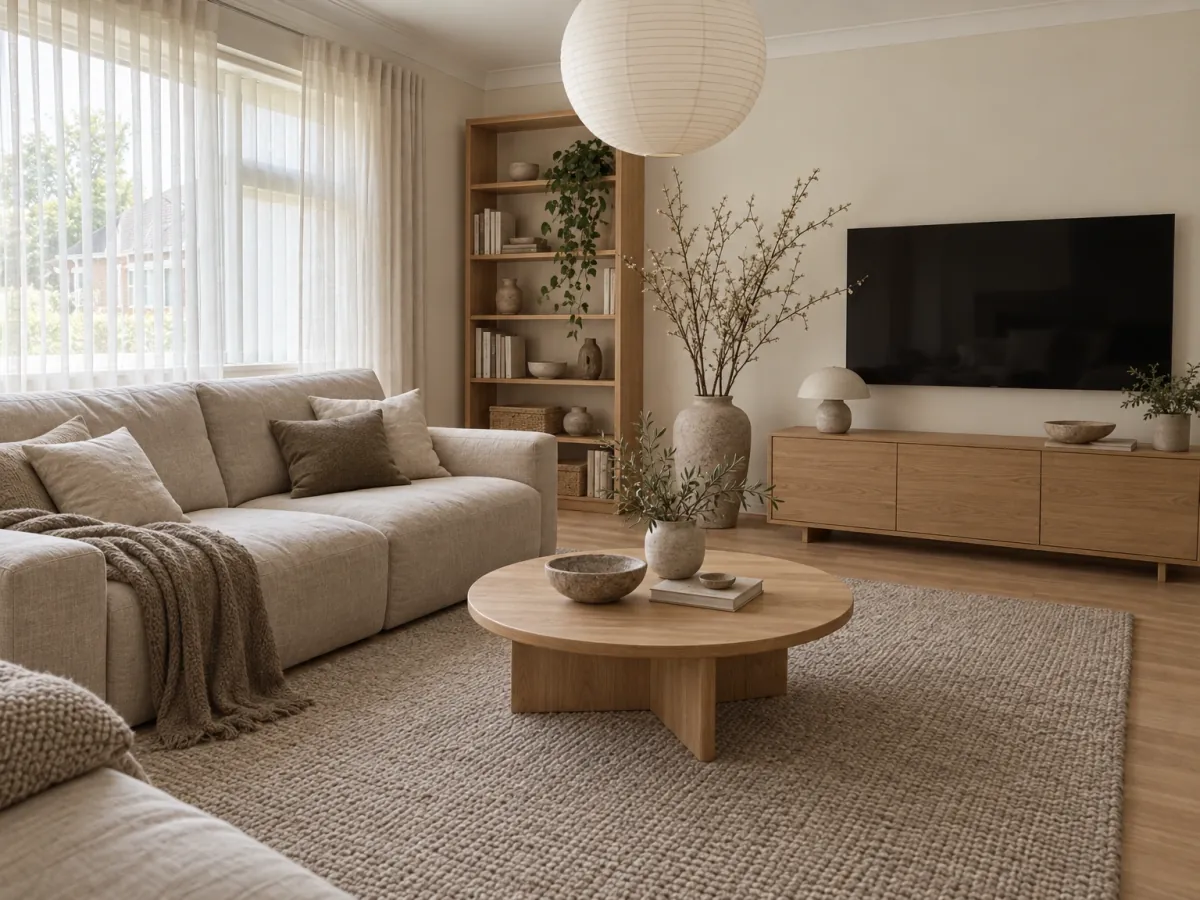
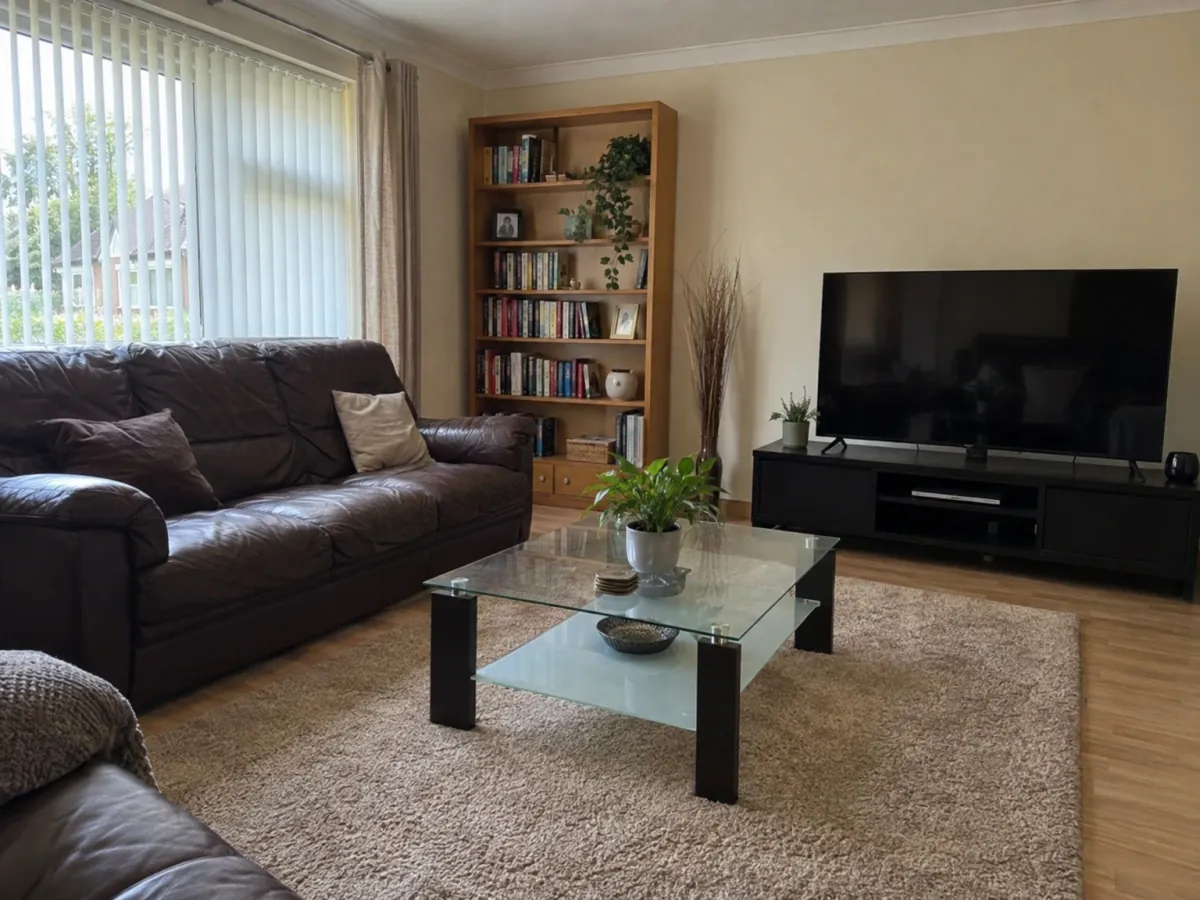
Illustrative AI example. Results vary.



The interior design mood board in DecorAI at a glance
| What it does | Collects inspiration in private boards and redesigns your room photo in the look of a board |
|---|---|
| What you provide | Imported pins and posts for the board, and one photo of your room |
| What you get | A private moodboard and a photorealistic redesign of your room in its look |
| Time | A redesign from a board usually takes under 10 seconds |
| Platforms | iPhone, iPad, Android and the web app, with one account |
| Plan | Free plan, with 3 room designs a day; unlimited in DecorAI Pro |
How to make a mood board and apply it to your room
Create a board
Open the moodboards in DecorAI and start a board for a room or a project, for example “Living room, warm and calm”. Boards are private, so you can collect freely.
Collect your inspiration
Import pins from Pinterest and posts from Instagram that show the look you want. Keep images that agree with each other and remove those that pull in a different direction.
Apply the board to your room
Upload a photo of your room and apply the board. DecorAI redesigns the room with the look the board defines and keeps the walls, windows and camera angle of your photo.
What is an AI moodboard good for?
A mood board for interior design fixes a direction before money is spent. In DecorAI the board is also a working tool, because its look can be applied to your own room photo.
Defining a palette
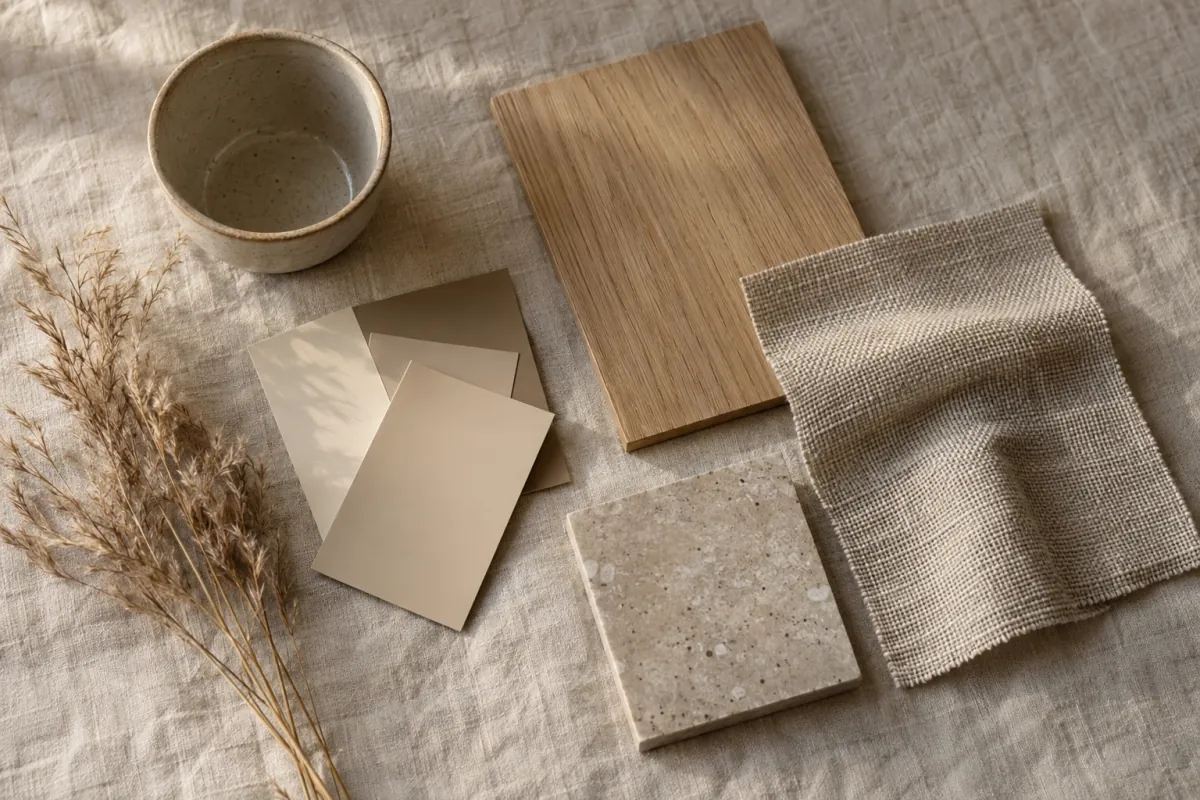
Designers start a project with samples: paint chips, wood, fabric and stone laid side by side. A digital board does the same with images. Collect pictures that share a palette, and you soon see whether you lean toward warm neutrals, strong color or dark tones.
Collecting ideas over time
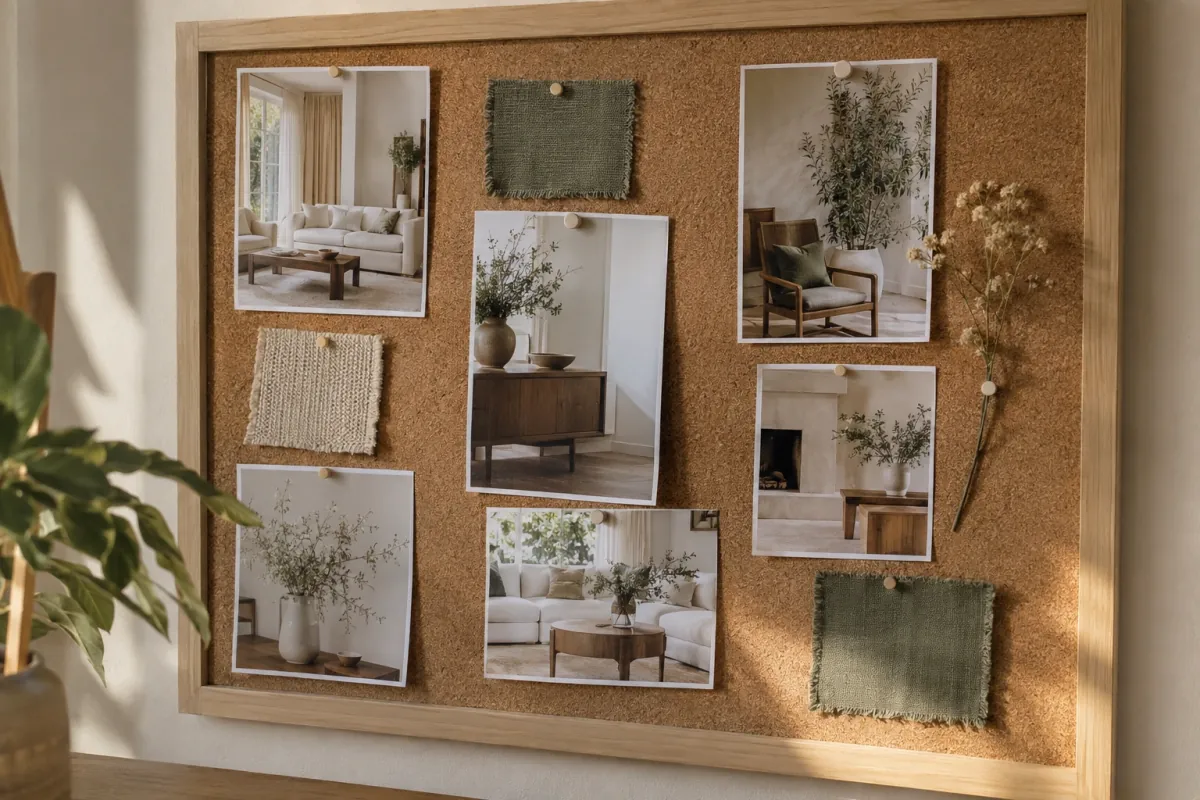
Good ideas arrive over weeks, from homes you visit, shops and social media. A board gives them one place. Import the pins and posts you have already saved elsewhere, and the scattered collection becomes a single overview you can sort and thin out.
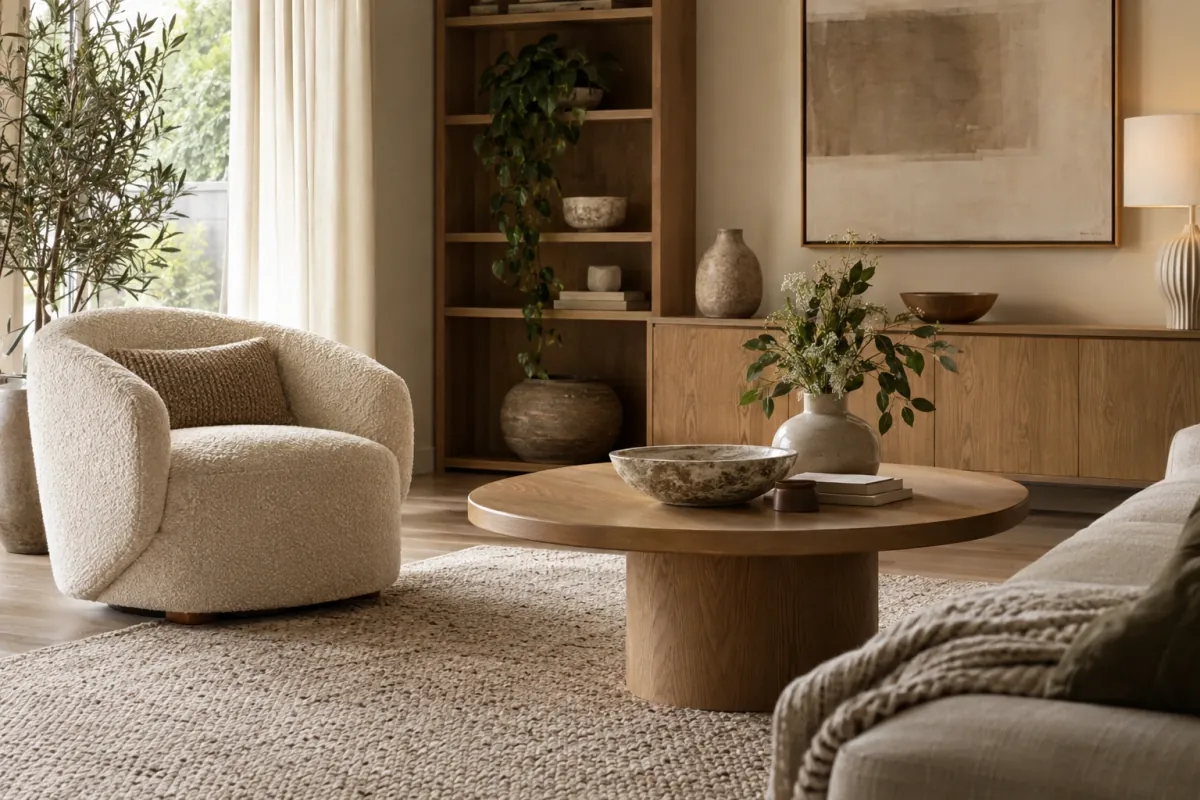
Seeing the board in your own room
This is the step a paper board leaves open. Apply the board to a photo of your living room and DecorAI shows that room in the look you collected. The picture tells you whether the idea holds up with your windows, your ceiling height and your floor.
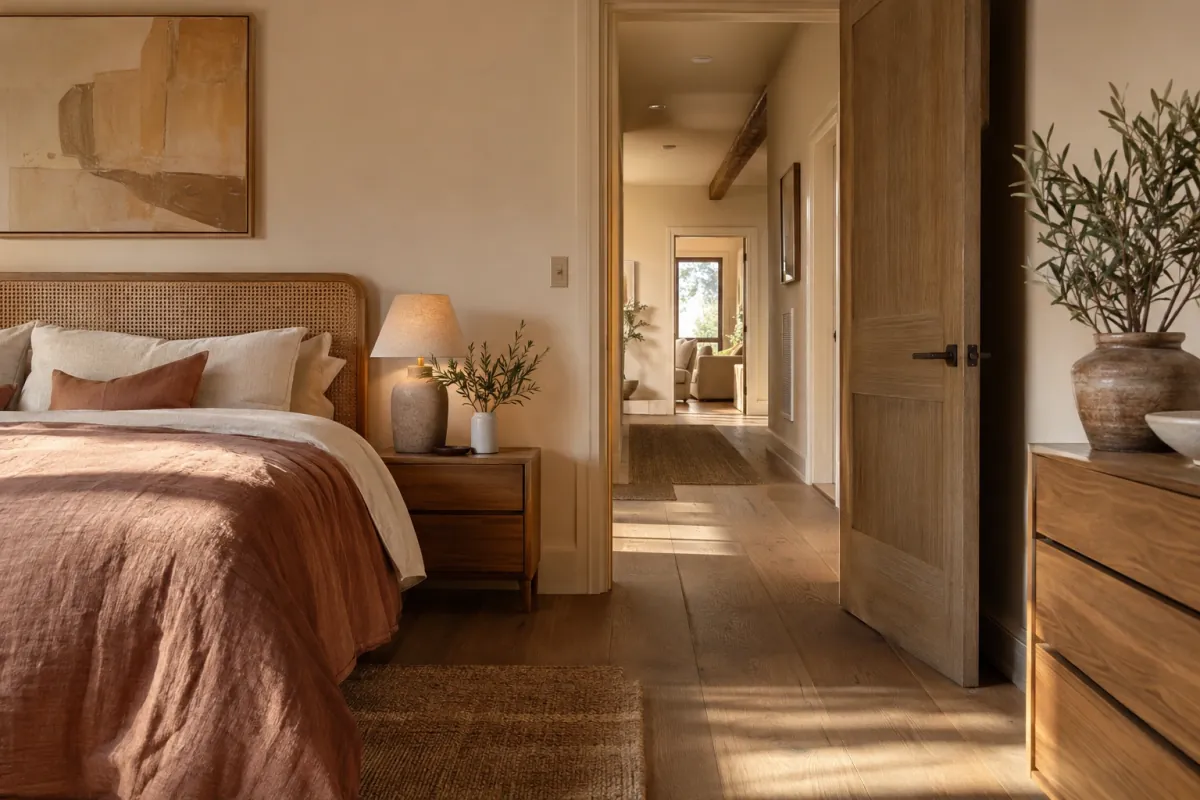
One look across several rooms
A home feels calm when rooms share a palette. Apply the same board to photos of the bedroom, the hallway and the living room. Each room gets its own redesign, and together the results show a connected home with a shared set of colors and materials.
Tips for a mood board that works
Keep the board small
Ten to fifteen images are enough to define a look. A board with a hundred pictures holds several styles at once. Remove images until every remaining one could belong to the same home.
Mix wide shots and details
Include whole rooms for the overall mood and close-ups for materials: a wood grain, a tile, a fabric. The wide shots set the direction and the details make the look specific enough to shop for.
Make one board per direction
If you are torn between two looks, build two boards and apply each to the same room photo. Seeing both redesigns of your own room makes the choice far easier than comparing the boards alone.
Show the board and the result
Show the board and the redesign to the people who live with you, or to your designer or contractor. A picture of your actual room in the planned look prevents misunderstandings about color and style before anything is ordered.
Are moodboards free in DecorAI?
Moodboards are available in the free plan of DecorAI. The free plan includes 3 room designs a day, with a short ad before a design and a small watermark on free results. With DecorAI Pro, which costs $9.99 a week, $17.99 a month or $39.99 a year, or $219 once, you redesign as many rooms from your boards as you like, free of ads and watermark. These are US prices.
Questions about the AI moodboard
What is an AI moodboard?
An AI moodboard is a mood board that can be turned into a design. DecorAI's AI moodboard collects your interior design inspiration in private boards, imports pins from Pinterest and posts from Instagram, and applies the look of a board to a photo of your room, as a photorealistic redesign.
How do I make a mood board for interior design?
Start with one room. Collect ten to fifteen images that share colors, materials and mood, mix whole rooms with close-ups, and remove whatever disagrees. In DecorAI you create a private board in the app, import saved pins and posts, and keep one board for each room or direction.
Can I turn my Pinterest pins into a room design?
Yes. DecorAI imports pins from Pinterest into a moodboard. When the board shows the look you want, upload a photo of your room and apply the board. The app redesigns your room in that look, so saved inspiration becomes a picture of your own space.
Is there an AI mood board generator that uses my own room?
DecorAI works this way. The moodboard gathers your inspiration, and the redesign uses a photo of your actual room, keeping its walls, windows and camera angle. The result is a preview of your own room in the collected look, one step beyond a collage of pictures.
Are my moodboards private?
Yes. Boards in DecorAI are private. They are a personal workspace for collecting and sorting ideas, and you decide which board or result you show to your family, a designer or a contractor. One DecorAI account works on iPhone, iPad, Android and in the web app.
Can interior designers use the moodboard with clients?
Yes. Designers collect a client's references in one board per room and apply the board to a photo of the client's space, which gives a first visual in the meeting. Commercial use is allowed on every plan. DecorAI Pro adds unlimited designs and images free of watermark for presentations.
Turn your saved ideas into your own room
Create a board, import the pins and posts you already love, and apply the look to a photo of your room. DecorAI is free to start on iPhone, Android and the web.
Start your moodboard free: