Virtual Interior Designer: Chat with DecorAI's AI Design Assistants
DecorAI's AI design assistants are a virtual interior designer in chat form: you ask six specialist AI designers about your room, and Milo, a planner for furniture sizes and room layouts, answers questions about how pieces fit and where they go.
- Ask design questions in plain words and get answers in the chat.
- Attach a photo of your room when you ask Milo about the layout.
- Chatting is separate from the 3 free designs a day.
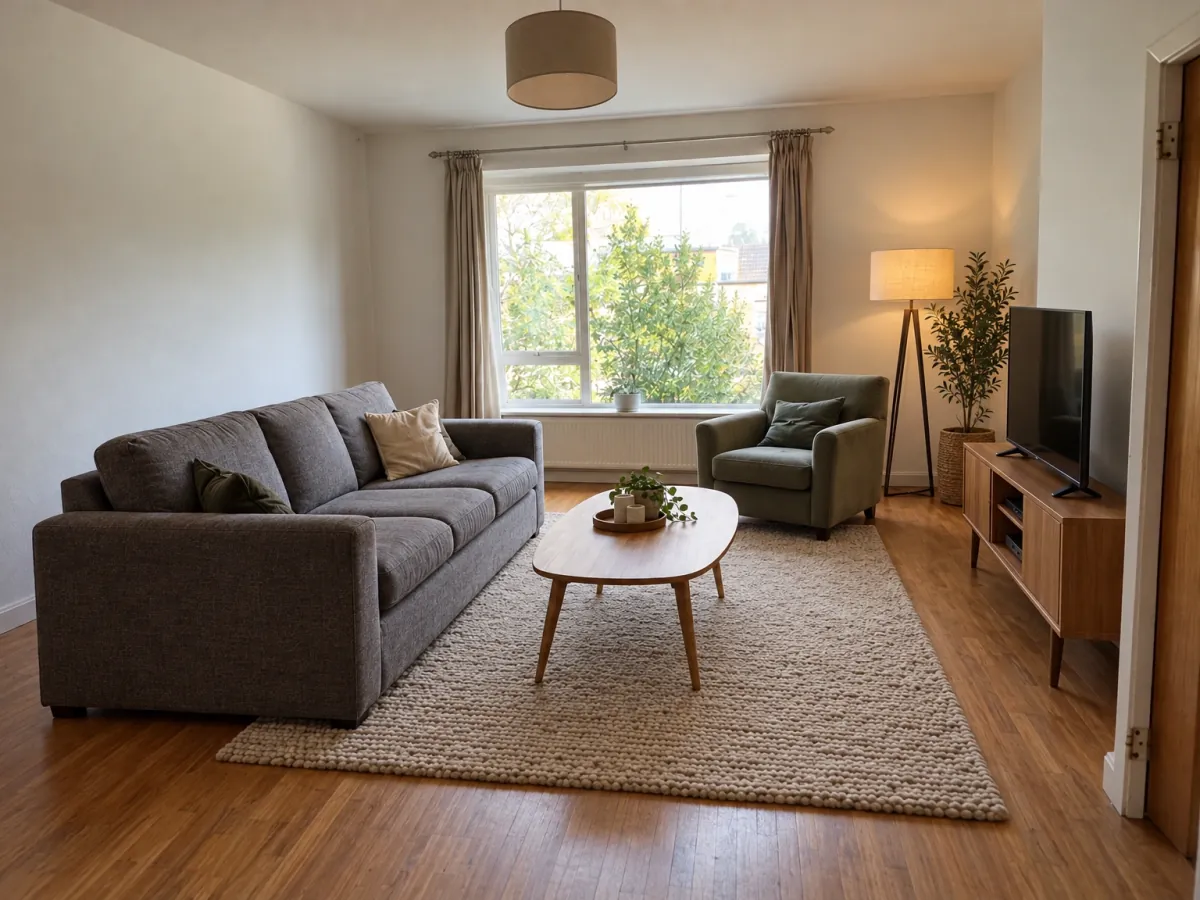
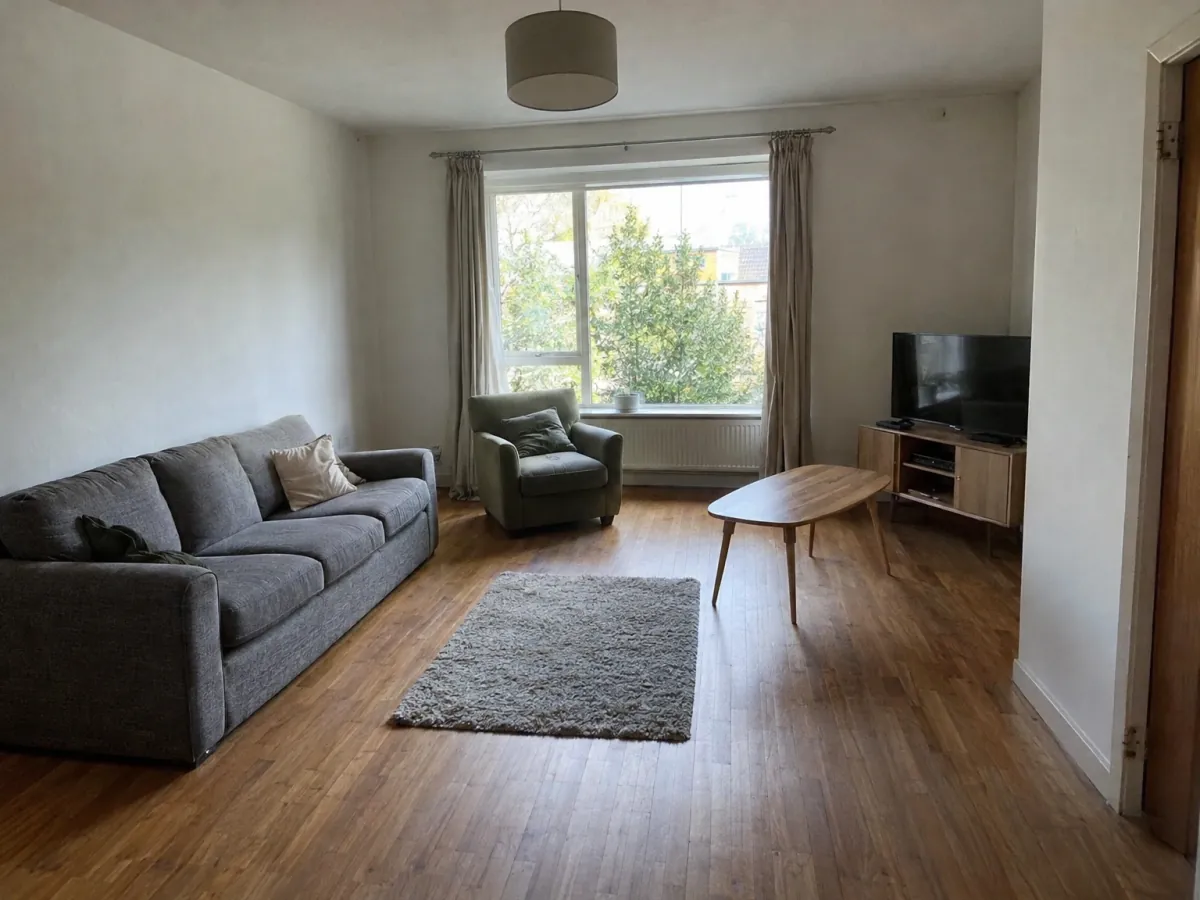
Illustrative AI example. Results vary.



The DecorAI design assistants at a glance
| What it does | Answers interior design questions in a chat with six specialist AI designers and Milo, the layout planner |
|---|---|
| What you provide | A question in your own words; for Milo, a photo of the room if you like |
| What you get | Written advice in the chat, with room for as many follow-up questions as you need |
| Time | Replies appear in the chat, usually within seconds |
| Platforms | iPhone, iPad, Android and the web app |
| Plan | Free plan and DecorAI Pro; chat is separate from your daily designs |
How to ask the AI interior design assistant
Pick an assistant
Open the assistants in DecorAI and choose who to talk to. The six specialist AI designers, Tom, Jane, Clara, Marc, Risa and Sven, each have their own focus, shown under the name, and Milo handles furniture sizes and room layouts.
Ask your question
Type the question the way you would put it to a designer in a showroom, for example how to make a narrow room feel wider. With Milo you can attach a photo of the room, so the answer refers to the space you actually have.
Follow up, then visualize
Ask follow-up questions in the same chat until the advice is concrete. Then turn it into a picture: redesign the room in DecorAI, change one area with the brush tool, or try an idea in a single corner.
What people ask a virtual interior designer
The assistants help with the questions a picture alone leaves open. The photos below show the kinds of rooms and projects these conversations are about.
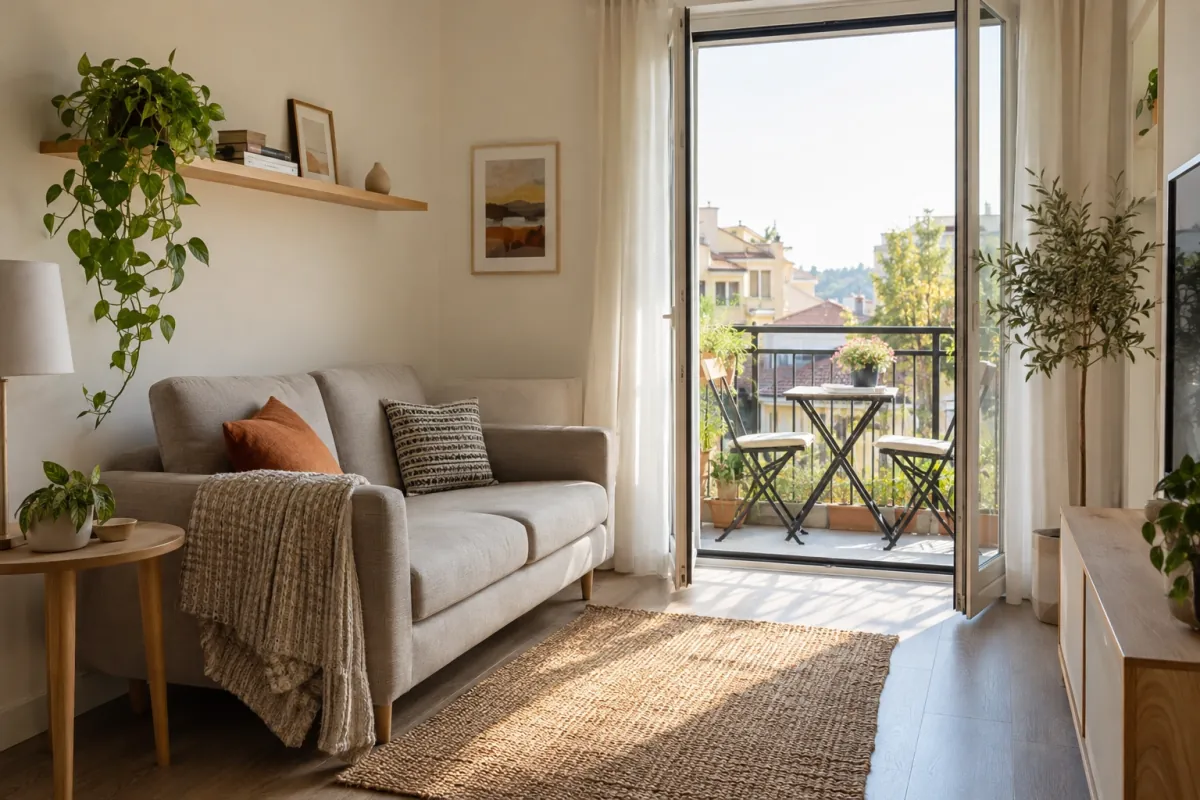
Furniture sizes and layout
Milo is the assistant for questions such as whether a two-seat or a three-seat sofa suits a small living room, or how much space to leave for a walkway. Attach a photo, describe the room in a sentence, and ask for a layout you can test with painter's tape on the floor.
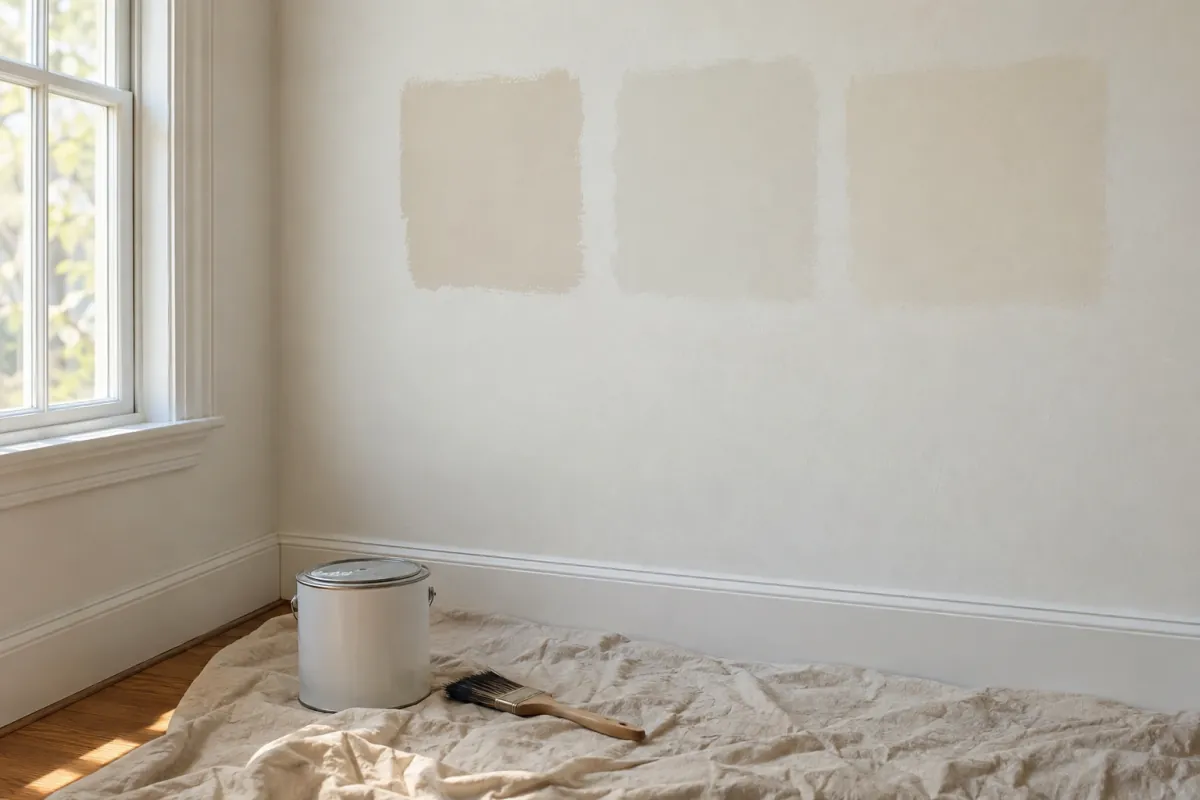
Choosing colors and finishes
Picking between three similar whites, or a wall color that works with an oak floor, is a typical chat question. Describe the light in the room and the materials that stay, ask for two or three options, and paint test patches on the wall before you buy full cans.
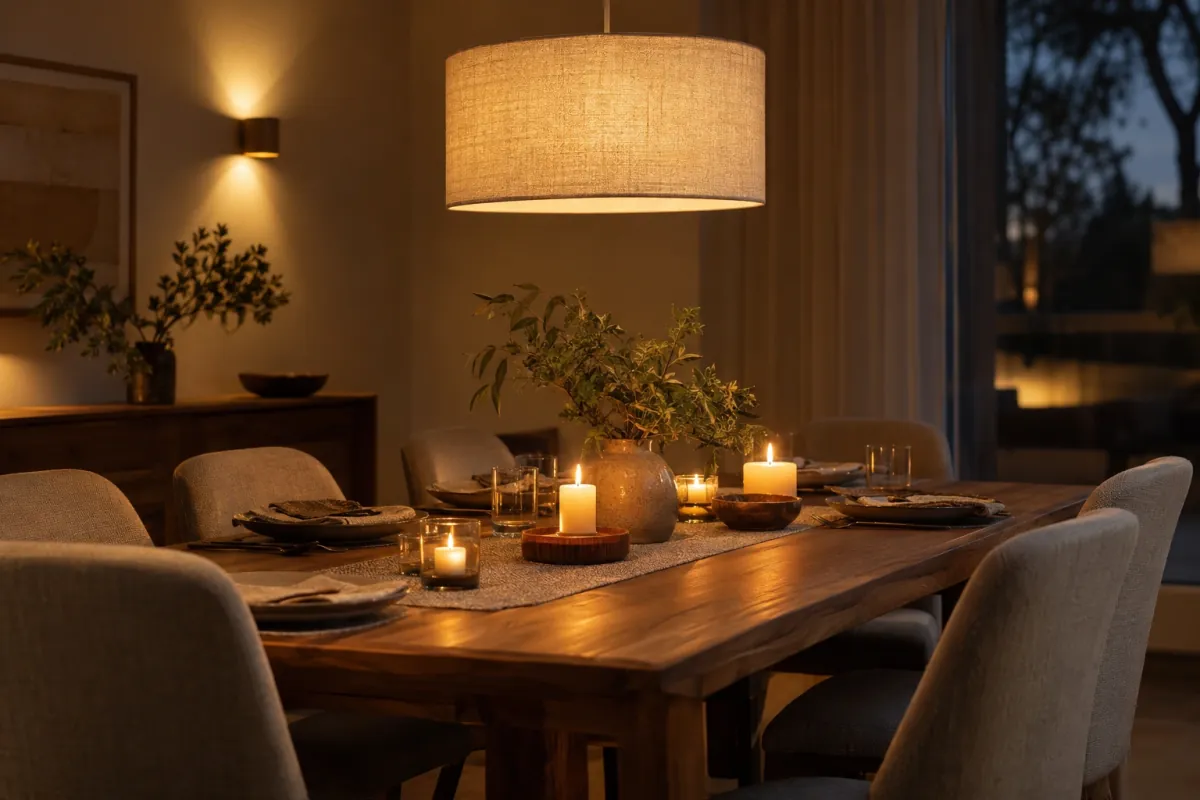
Lighting and atmosphere
Ask how to make a dining area feel warmer in the evening, how low a pendant should hang over a table, or how many light sources a living room needs. The answer gives you a plan for lamps and fittings that you can then see in a redesign of your own photo.
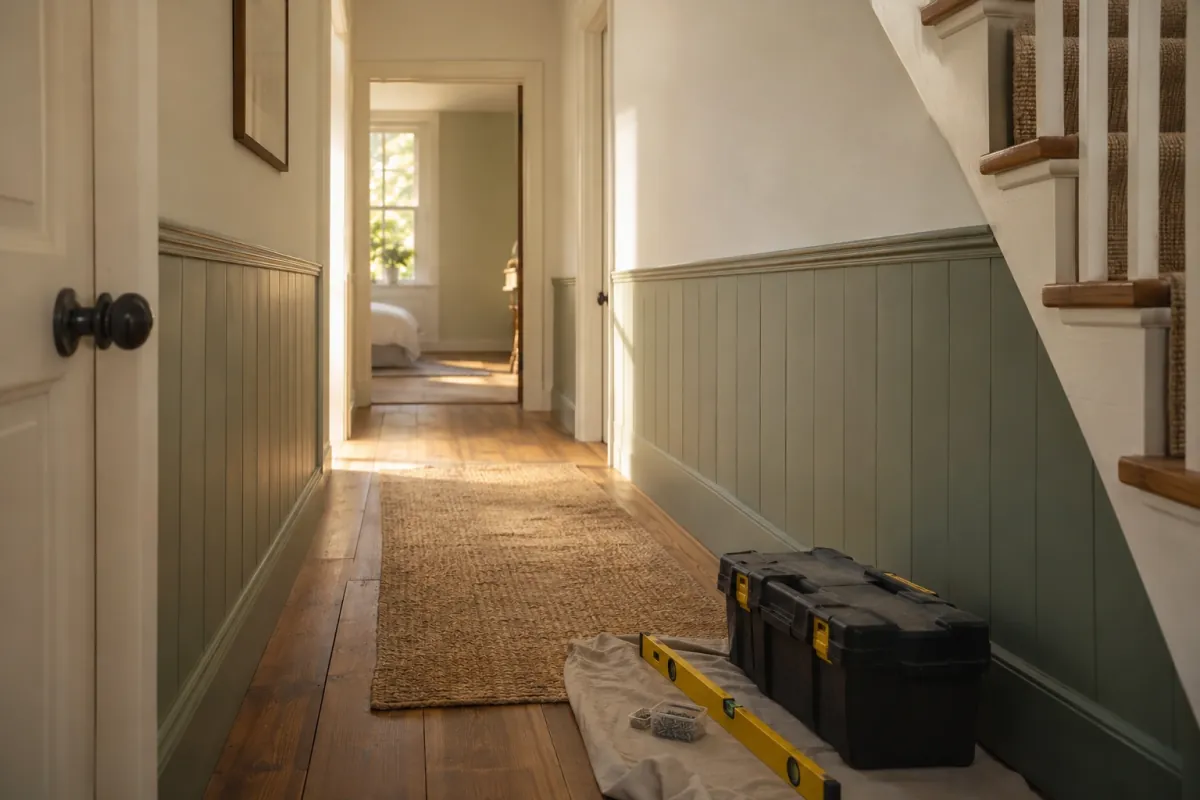
DIY and renovation steps
Before a weekend project, ask in which order to paint, panel and fit trim, or what to ask a tradesperson. The assistants give general guidance; anything structural, electrical or regulated needs a qualified professional to confirm it on site before work starts.
Tips for useful answers from the AI design assistants
Describe the room in numbers
Give the width and length of the room, the ceiling height and where the windows and doors are, measured by you beforehand. The more concrete the description, the more specific the advice about furniture sizes and placement becomes.
Ask one thing at a time
A question about the sofa, one about the rug and one about the lighting give clearer answers than a single long request. Keep them in one chat, so the assistant can build on what you said earlier.
Check the important details
The assistants can make mistakes, as the app notes below every chat. Check sizes against the product sheet, check paint against a test patch, and ask a qualified professional about walls, wiring and plumbing.
Turn the advice into a picture
Advice is easier to judge once you see it. After the chat, redesign your room photo in DecorAI with the style, colors and layout you discussed, and compare the result with the original before you move or buy anything.
Are the AI design assistants free?
The assistants are part of the DecorAI free plan, and a conversation is separate from the 3 designs a day that the free plan includes. When you turn the advice into images, DecorAI Pro gives you unlimited designs free of ads and watermark for $9.99 a week, $17.99 a month, $39.99 a year or $219 once, in US prices. Your app store shows the local price before you pay.
Related DecorAI tools and pages
Questions about the virtual interior designer
What is a virtual interior designer?
A virtual interior designer gives design advice remotely rather than in person. DecorAI's AI design assistants are a virtual interior designer in chat form: you ask six specialist AI designers about your room, and Milo, a planner for furniture sizes and room layouts, answers questions about how pieces fit and where they go.
Who is Milo in DecorAI?
Milo is the DecorAI assistant for planning a room. You ask Milo about furniture sizes, spacing and where pieces could go, and you can attach a photo of the room so the advice refers to your space. Milo answers in the chat, and you can keep asking follow-up questions.
How do I arrange furniture in a small living room?
Start with the largest piece, usually the sofa, and keep a clear walkway of about three feet (90 cm) through the room. Place the rug under the front legs of the seating. In DecorAI, ask Milo for a layout with a photo of your room, then test it with tape on the floor.
What interior design questions can I ask?
Anything about your home: which style suits a room, which colors go with an existing floor, how to light a dark corner, how to arrange furniture or how to plan a small renovation. The six specialist AI designers in DecorAI each have a focus, and Milo takes questions about sizes and layouts.
Do the assistants use up my free designs?
Chatting with the DecorAI assistants is separate from the 3 free designs a day, so you can plan with Milo or a specialist and spend your designs on the images you want to see. The assistants are available on iPhone, iPad, Android and in the web app with the same account.
When should I still call a professional?
Call a qualified professional for anything structural, electrical or plumbing-related, and for work that building rules cover, such as removing a wall. Use the DecorAI assistants to prepare: collect ideas, sort out your questions and bring a redesigned photo of the room to the first appointment.
Ask your design question now
Open DecorAI, pick one of the six AI designers or Milo, and describe your room. When the advice is clear, turn it into a redesign of your own photo. Free on iPhone, Android and the web.
Ask the AI designers free: