AI Design Report: Room Analysis, Color Palette and Action Plan
DecorAI's AI design report analyzes a photo of your room and writes a report with a named color palette, a rough cost estimate, prioritized recommendations and an action plan, which you can export as a PDF.
- The room analysis scores your photo and lists three strengths and three weaknesses.
- The report adds a color palette, a cost estimate, priorities and an action plan.
- Export the report as a PDF; both tools are part of DecorAI Pro.
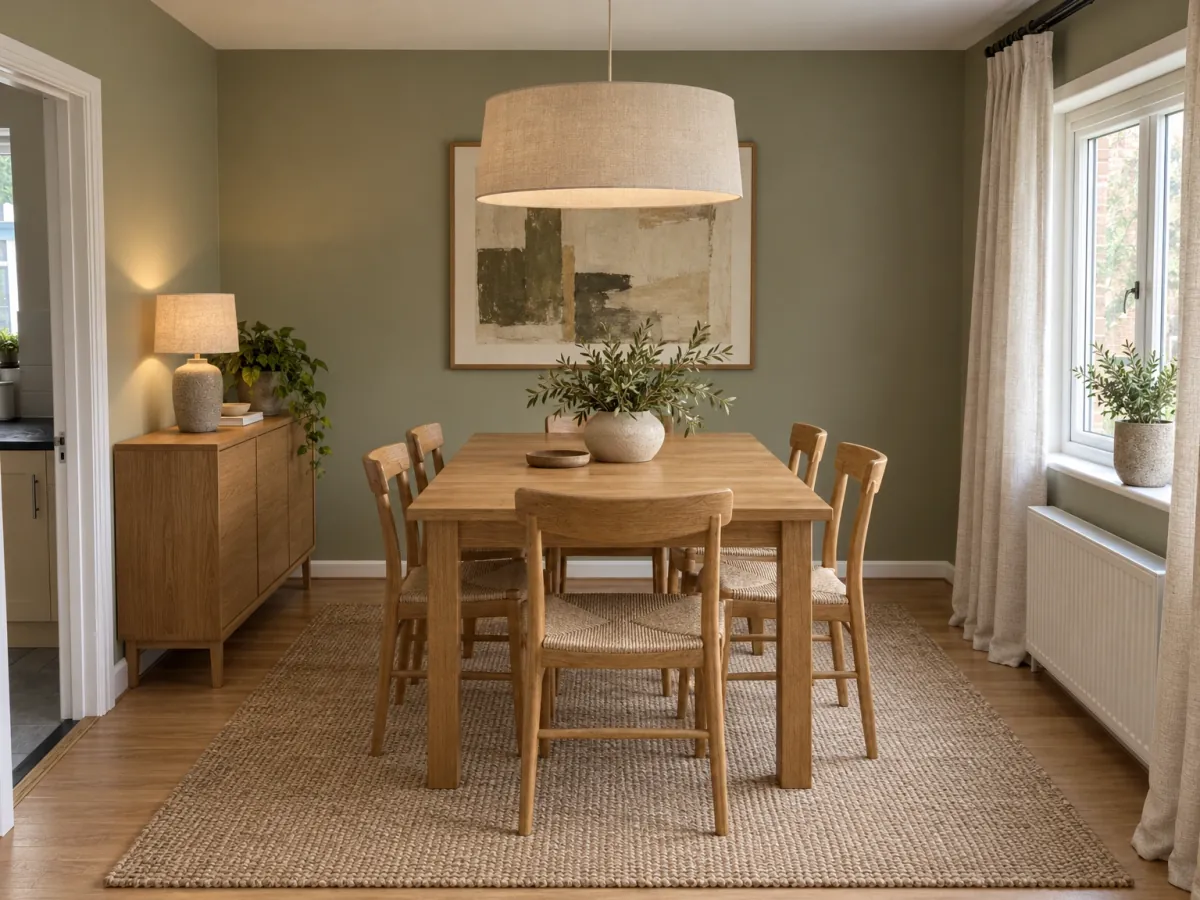
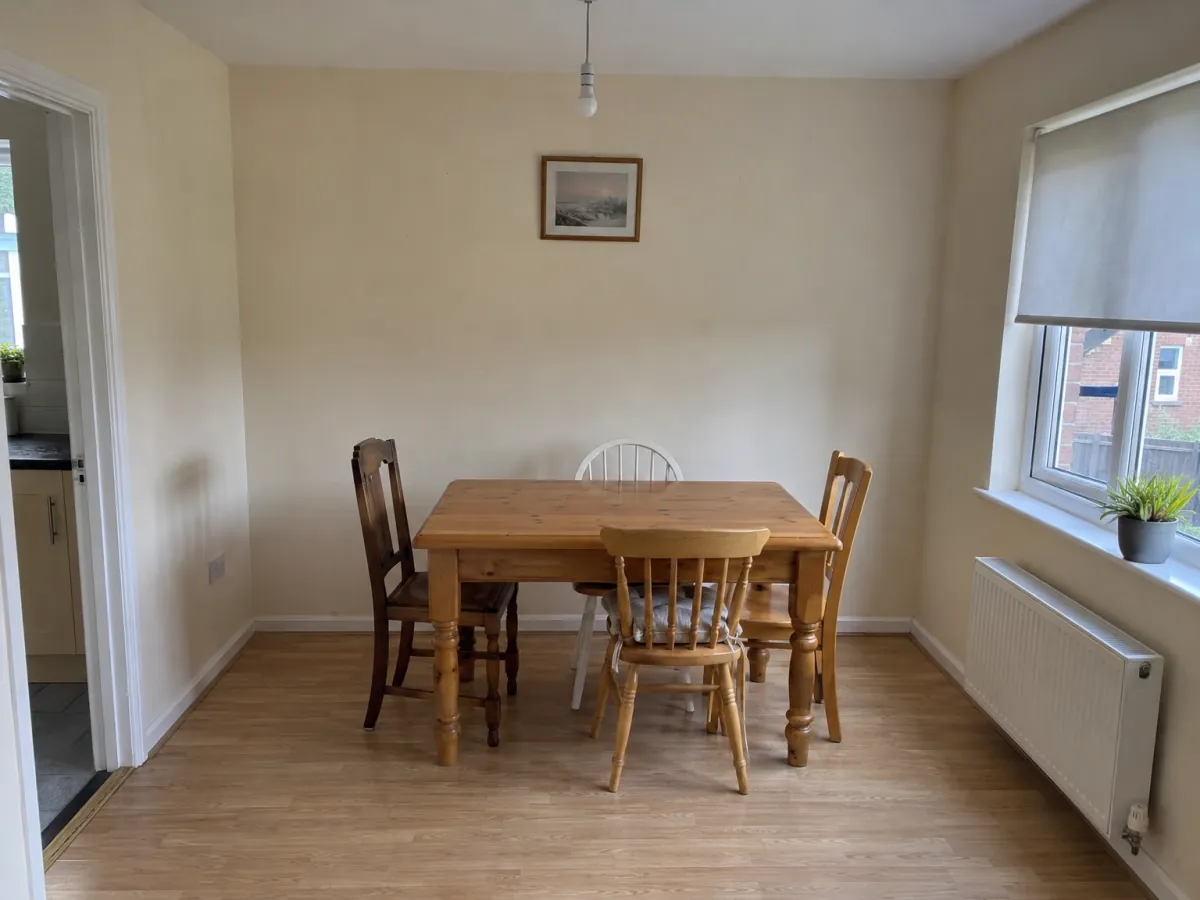
Illustrative AI example. Results vary.



The AI room analysis and design report at a glance
| What it does | Scores a room photo, names strengths and weaknesses, and writes a design report with a plan |
|---|---|
| What you provide | One photo of the room you want to improve |
| What you get | A score, three strengths, three weaknesses and a PDF report with palette, cost estimate and action plan |
| Time | Written in the app from your photo, ready to read on screen |
| Platforms | iPhone, iPad, Android and the web app, one Pro account for all |
| Plan | DecorAI Pro: $9.99 a week, $17.99 a month, $39.99 a year or $219 once (US prices) |
How to get an AI design report for your room
Upload a photo of the room
Open DecorAI with a Pro plan and take a photo that shows the room as it is today, from a corner and in daylight. Leave everyday things in place, since the analysis is about the real room.
Read the room analysis
DecorAI scores the room and lists three strengths, three weaknesses and a way to improve it. The analysis is based on what the photo shows, so a clear, complete view of the room matters.
Open the design report
The report turns the analysis into a plan: a color palette with named colors, a rough cost estimate, recommendations in order of priority and an action plan. Export it as a PDF to keep, print or share.
What is the design report used for?
The report gives a redesign a written basis. Where a picture shows a possible result, the report says what to change first and roughly what to budget.
Choosing a color palette
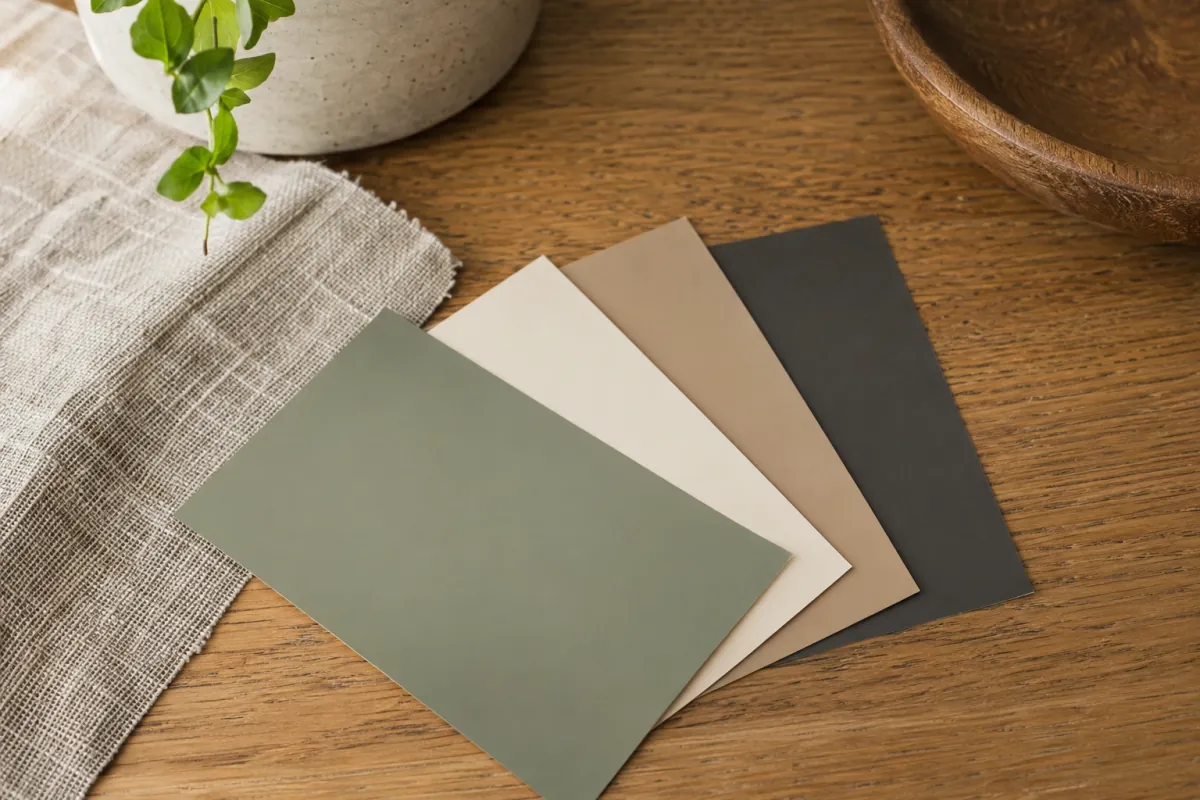
The report names a palette for the room, so wall color, textiles and accents follow one scheme. Take the named colors to a paint store and ask for the closest matches. Test them as sample patches on your wall, since light changes every color.
Planning a renovation budget
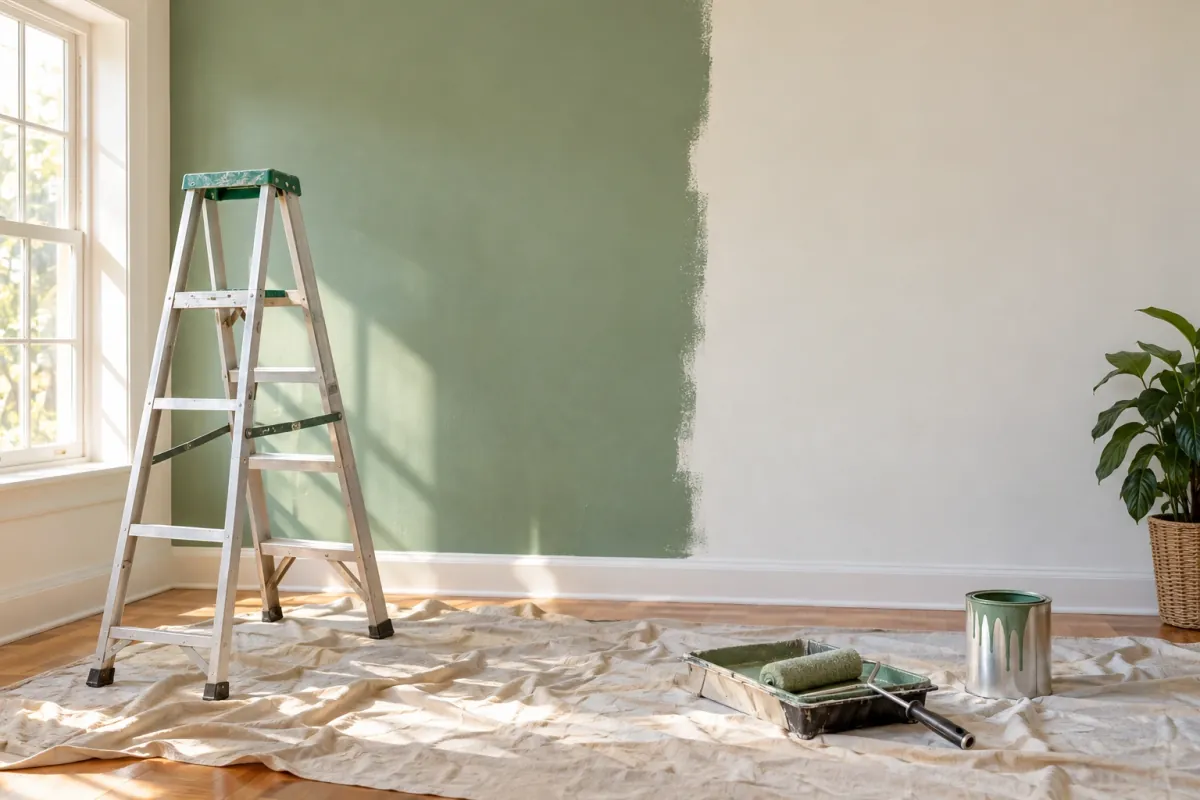
The rough cost estimate helps you decide how far to go before you call anyone. Use it to set a budget range and to choose between a refresh and a larger renovation. Contractors give binding quotes after seeing the room, and their numbers depend on your region and materials.
Fixing what the analysis found
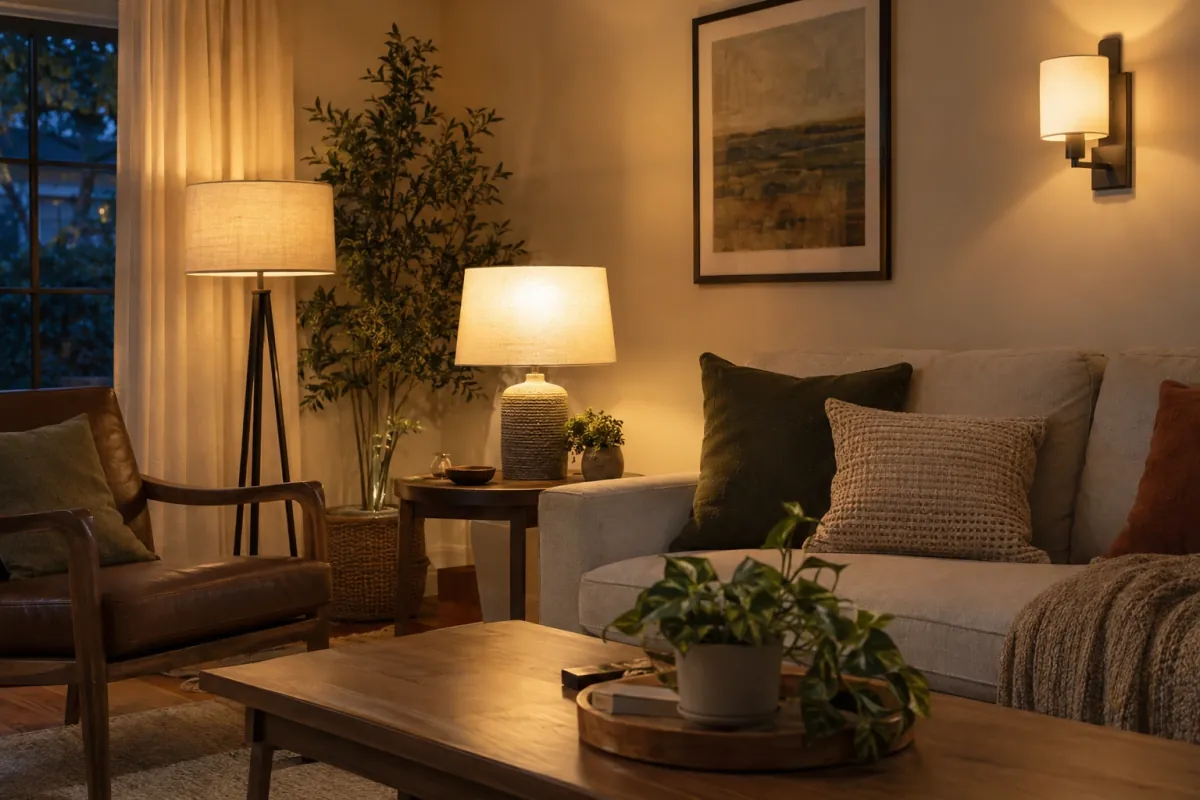
Weaknesses in the analysis are concrete starting points. If lighting is one of them, the answer may be a floor lamp, a table lamp and a wall light in place of one ceiling fixture. Working through three named weaknesses is a clear, finite project.
Knowing what to do first
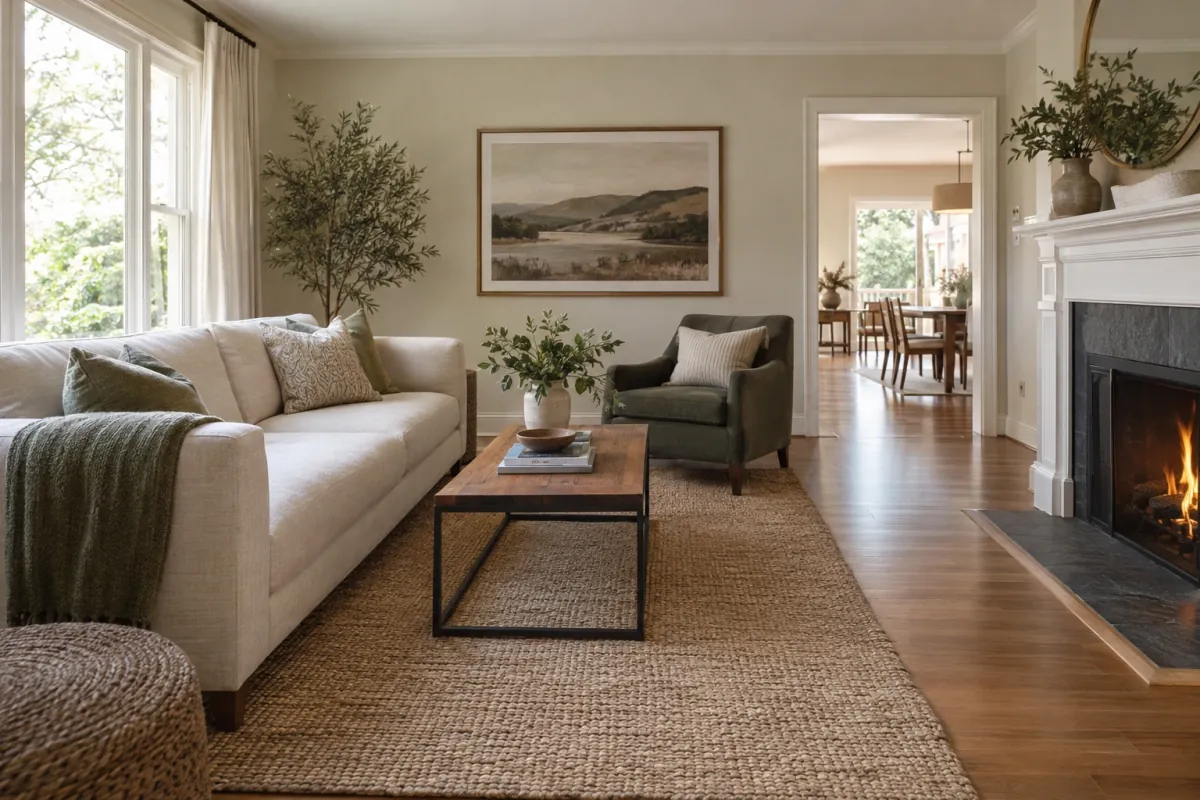
The recommendations come in order of priority, and the action plan lists the steps. Start with the items at the top, such as a rug in the right size or art at eye level, and leave the rest for later. Small first steps often change a room the most.
Tips for a useful room analysis
Show the room as it really is
Photograph the room in its everyday state and in daylight. A staged, tidied picture hides the issues you want advice on. Stand in a corner so the photo includes the main furniture, a window and as much floor as possible.
Analyze one room at a time
Create a separate analysis and report for each room. A report for the living room and one for the bedroom give you two focused plans, and you can compare the palettes to keep the home consistent.
Treat the estimate as a starting range
Use the cost estimate to frame your budget and your priorities. Prices for labor and materials differ by city and by product, so collect quotes from local trades for the items you decide to carry out.
Bring the PDF to your appointments
Print the report or keep the PDF on your phone when you visit a paint store, a furniture store or a contractor. A written palette and a list of priorities make these conversations shorter and more precise.
Which DecorAI plan includes the design report?
The room analysis and the design report are the two DecorAI tools that are part of DecorAI Pro. Pro also brings unlimited designs and images free of ads and watermark, and one purchase works on iPhone, Android and the web. In the US, Pro costs $9.99 a week, $17.99 a month, $39.99 a year or $219 once. The free plan covers the other tools with 3 designs a day.
Related DecorAI tools and pages
Questions about the AI design report
What is an AI design report?
DecorAI's AI design report analyzes a photo of your room and writes a report with a named color palette, a rough cost estimate, prioritized recommendations and an action plan, which you can export as a PDF. The report is a written companion to the redesign pictures and is included in DecorAI Pro.
Can AI rate my room from a photo?
Yes. The room analysis in DecorAI scores a photo of your room and lists three strengths, three weaknesses and a way to improve the room. You can use the analysis for any room you can photograph, and the result is the starting point for the full design report.
What does the design report contain?
The report contains a color palette with named colors, a rough cost estimate, recommendations sorted by priority and an action plan with steps. You can read the report in the app and export it as a PDF. Together with the analysis, the document describes where the room stands and what to change first.
How should I use the cost estimate?
The estimate is a rough guide for budgeting. Use it to compare the size of different projects and to set a range. Actual costs depend on your region, the products you choose and local labor rates, so ask contractors and stores for quotes before you commit to a renovation.
Is the AI design report free?
The design report and the room analysis are part of DecorAI Pro. DecorAI itself is free to download, and the free plan includes 3 designs a day with the other tools, so you can try redesigns first. Pro adds the report, unlimited designs and images free of ads and watermark.
Can professionals share the report with clients?
Yes. Interior designers and contractors export the report as a PDF and use it as a discussion paper in a first meeting. Commercial use is allowed on every DecorAI plan. The professional's own site visit, measurements, specification and quote remain the basis of the actual project.
Get a written plan for your room
Upload one photo and DecorAI Pro tells you what works in the room, what to change first and which colors to use, in a PDF you can keep. Download the app for iPhone or Android, or open the web app.
Get DecorAI now: