Rooms You Can Redesign with AI, at Home and at Work
DecorAI is an AI room design app that redesigns a photo of any room or outdoor space in a new style, usually in under 10 seconds.
Pick the space you want to change. Each page below explains what DecorAI's AI room design does for that room, shows a real before and after from the same photo, compares room types and styles, and answers the questions people ask most. The app is free to try on iPhone, Android and the web, with no account.
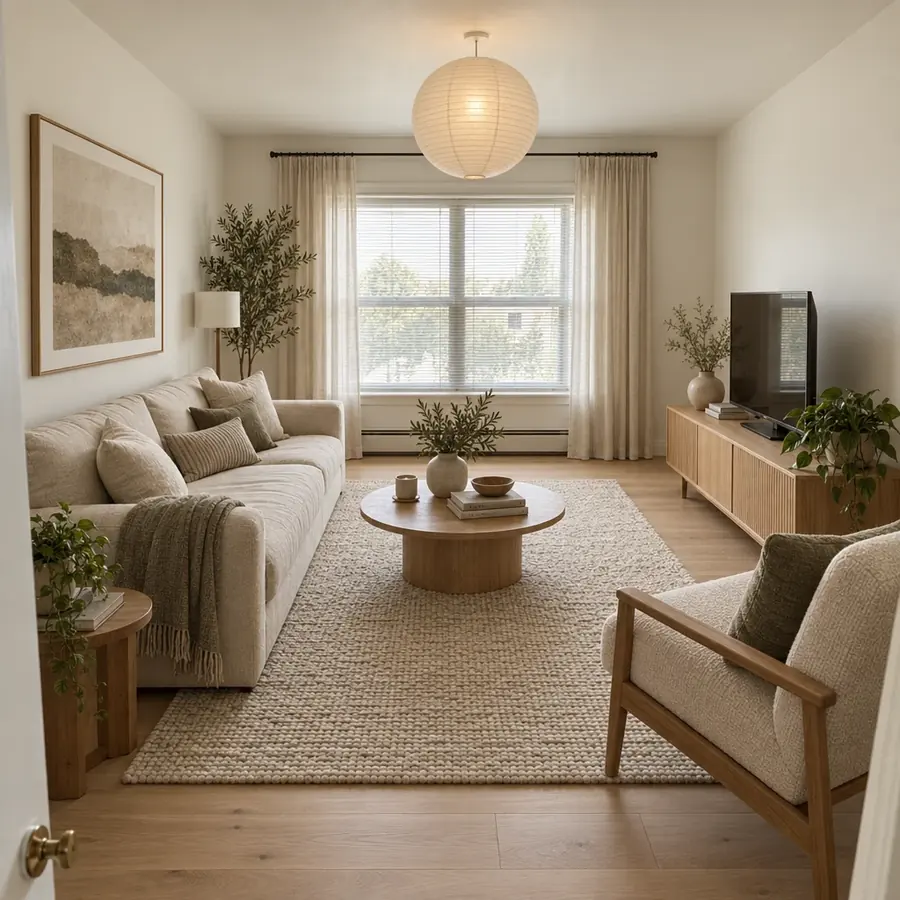
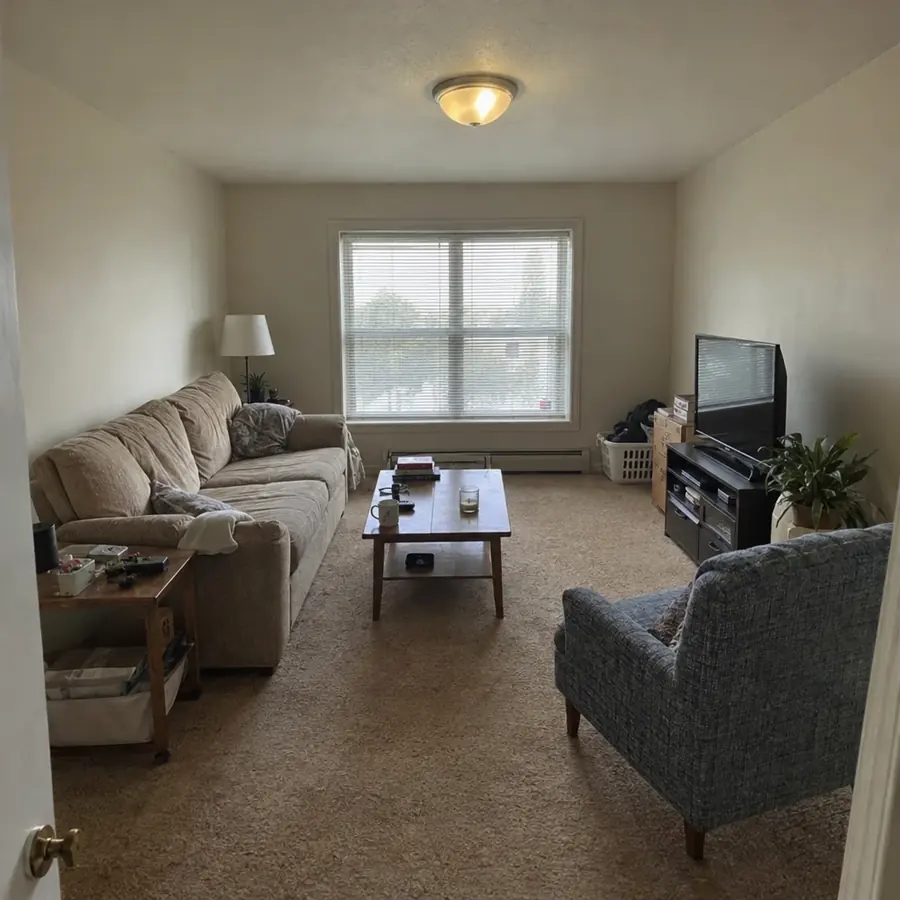
Illustrative AI example. Results vary.
Try it on a photo of your own room:



Which room do you want to redesign?
Fifteen spaces, from the bedroom to the shop floor. Every page uses its own photos, generated from one real-looking room and redesigned by AI.
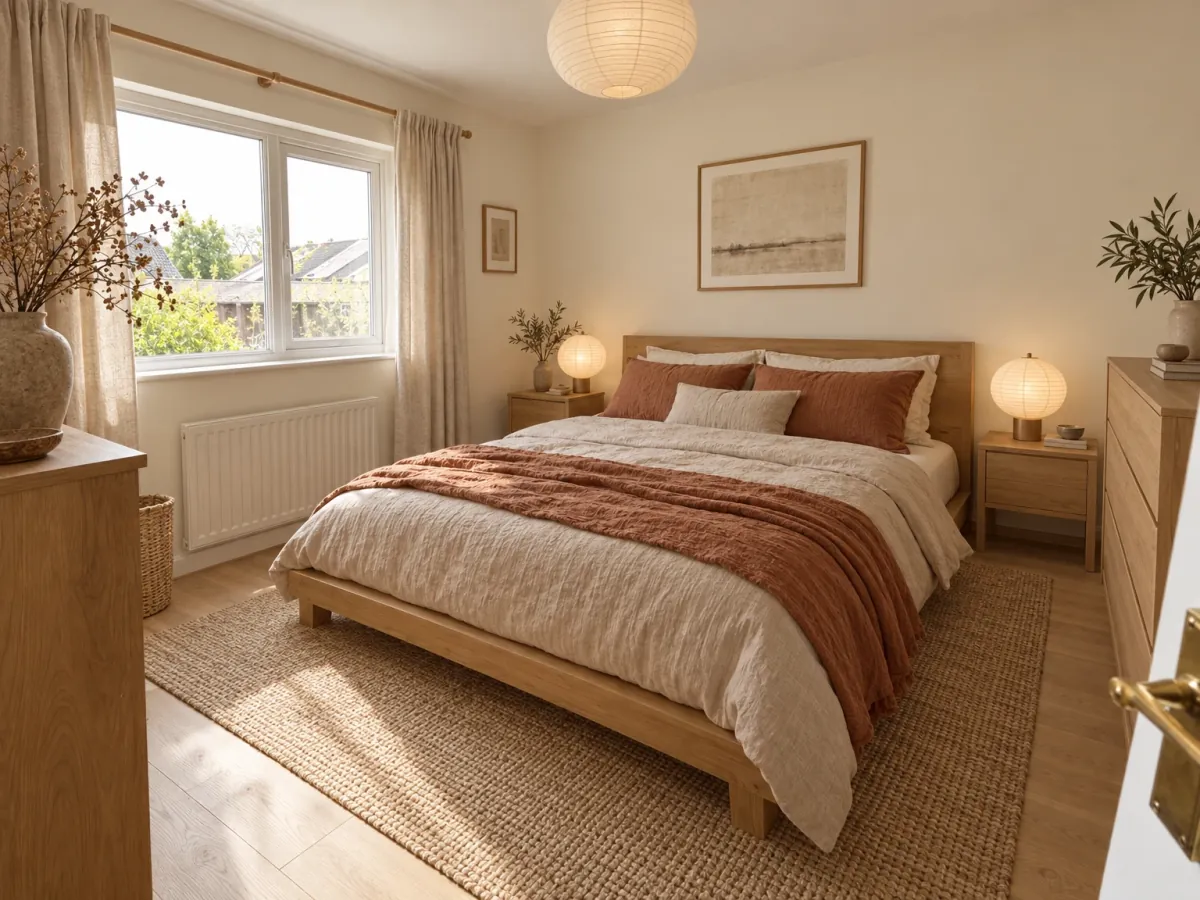
Bedroom
Calm sleep spaces from one photo: new bed, colors, textiles and lighting.
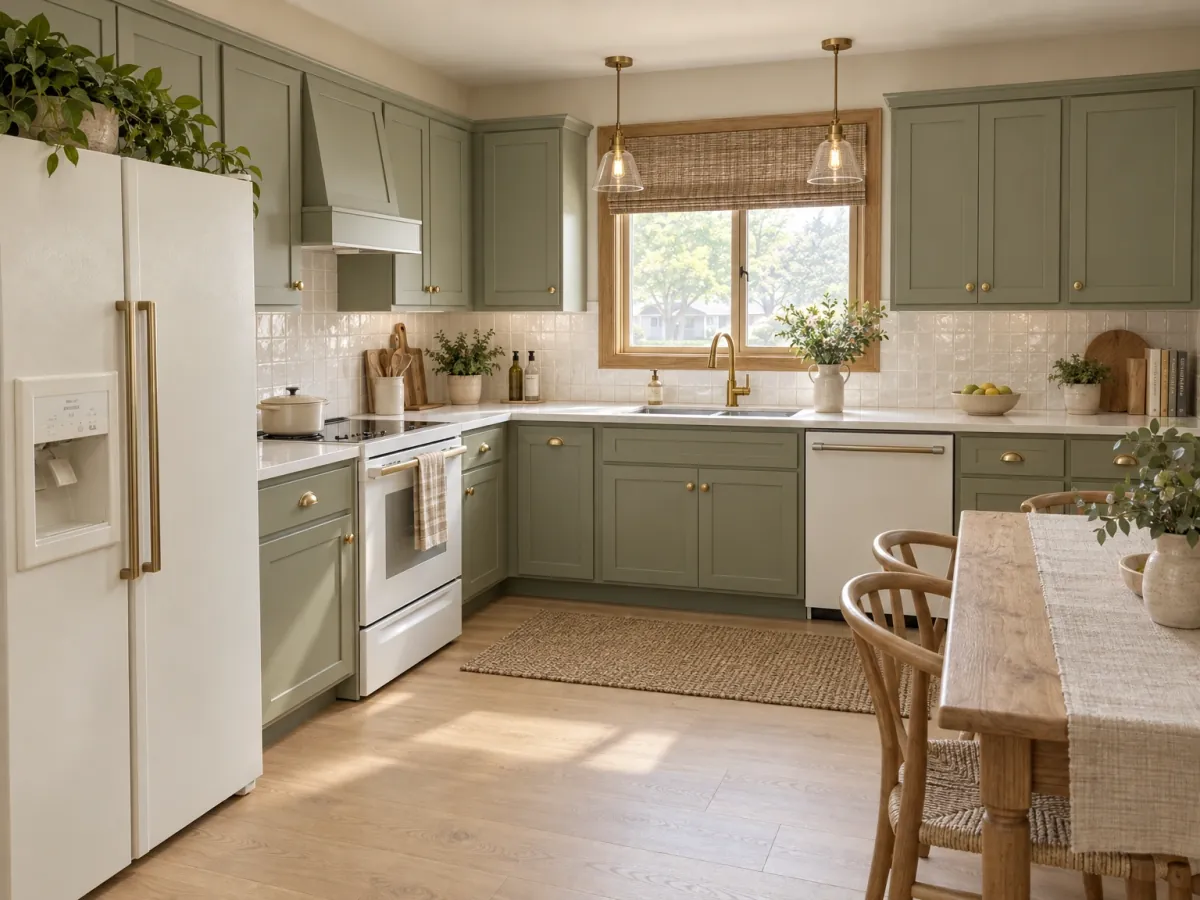
Kitchen
New cabinet colors, counters, backsplash and lighting on your own kitchen.
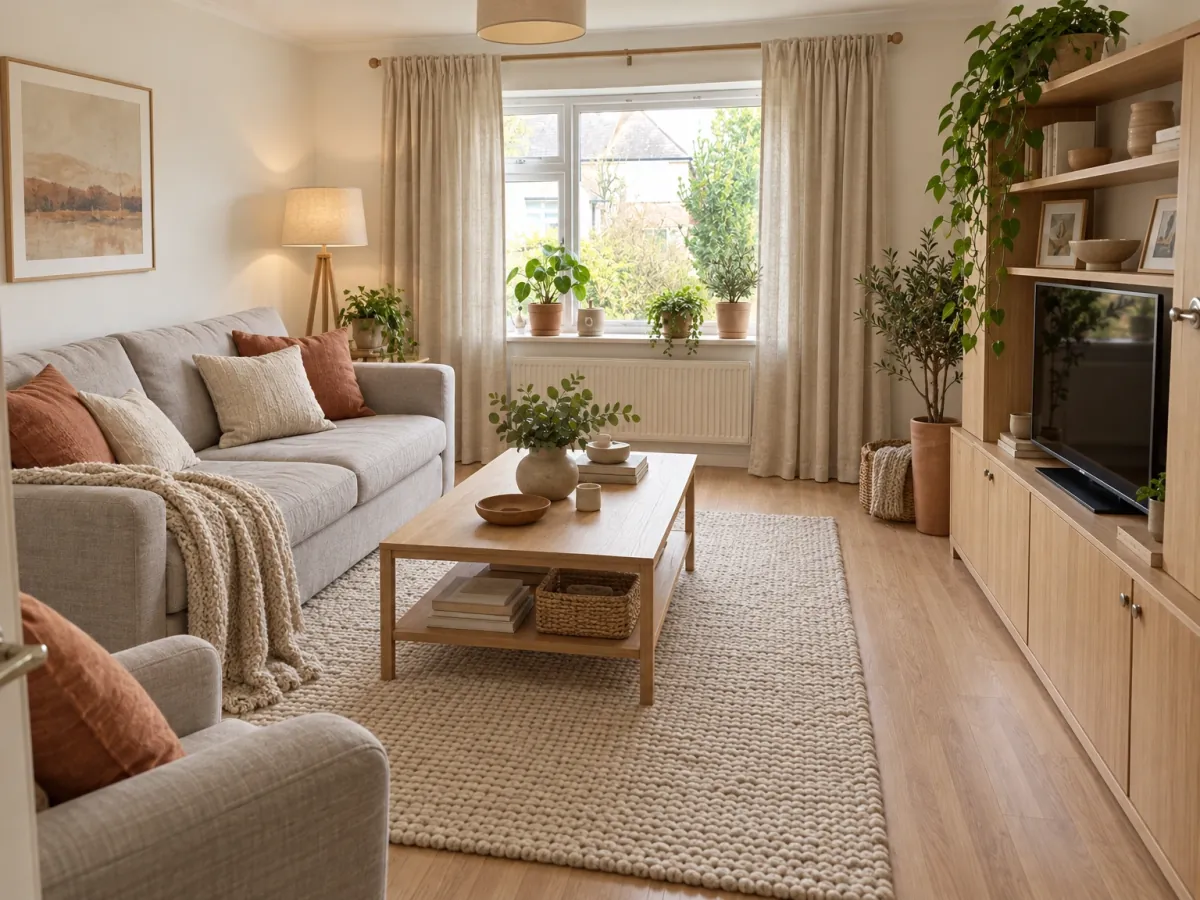
Living room
Try sofas, rugs, colors and layouts in your real living room.
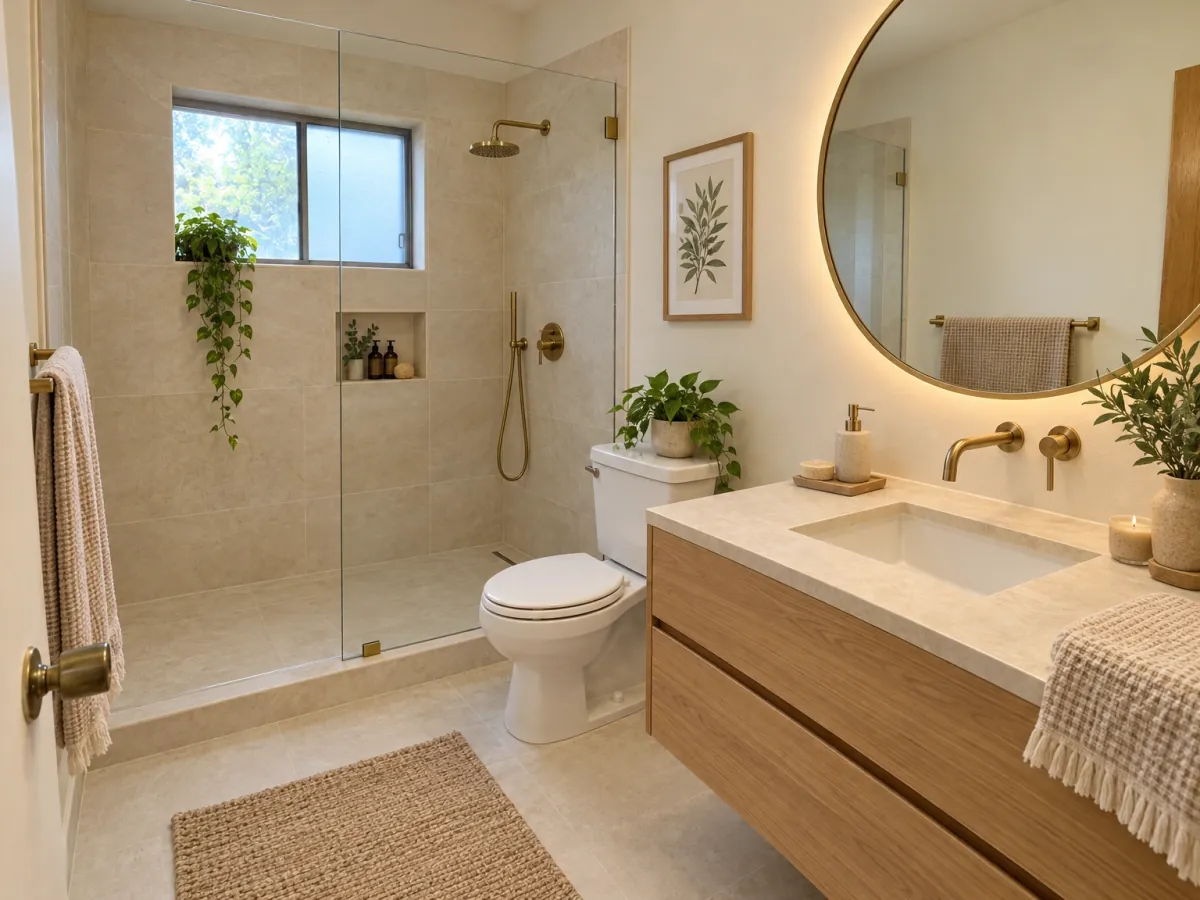
Bathroom
Preview tiles, vanities, showers and fixtures before you renovate.
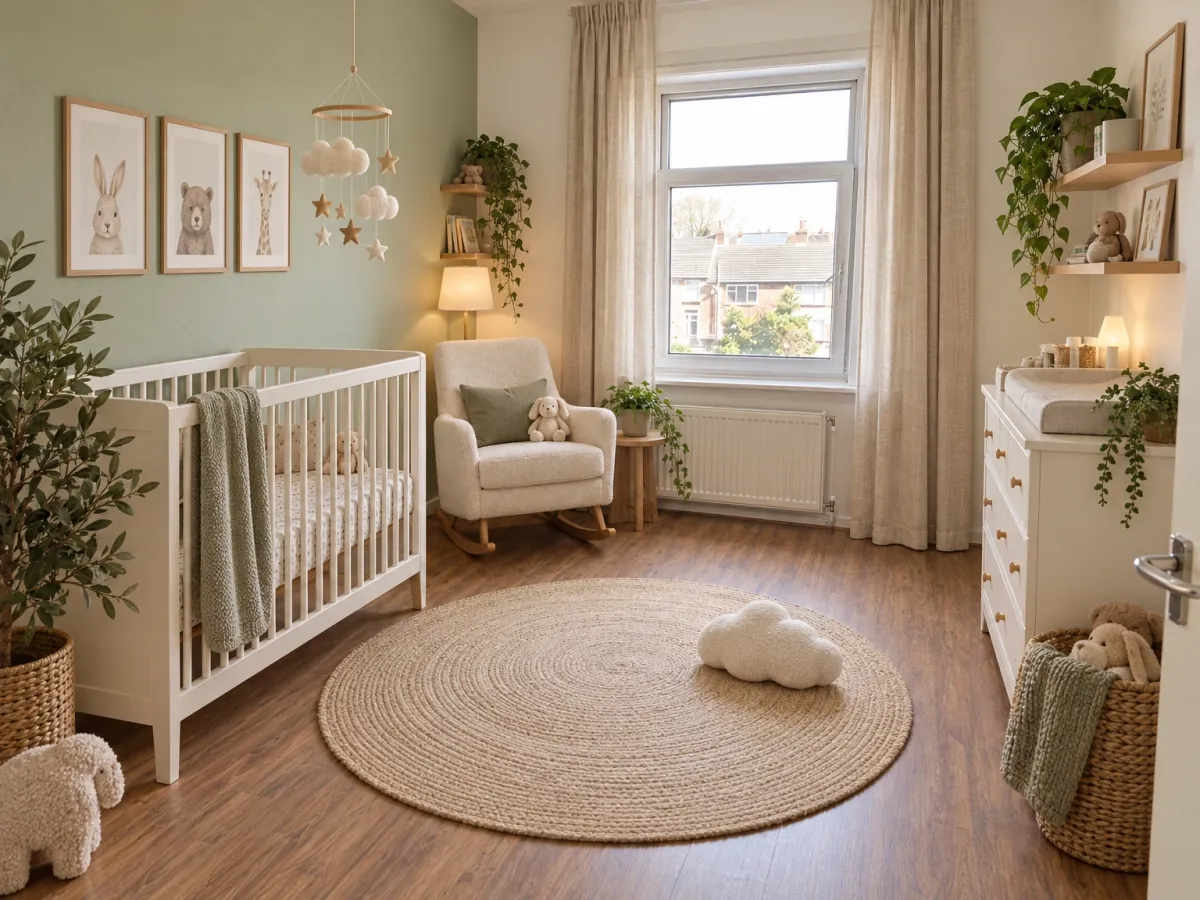
Nursery & kids room
Nurseries, kids rooms and teen rooms that grow with your child.
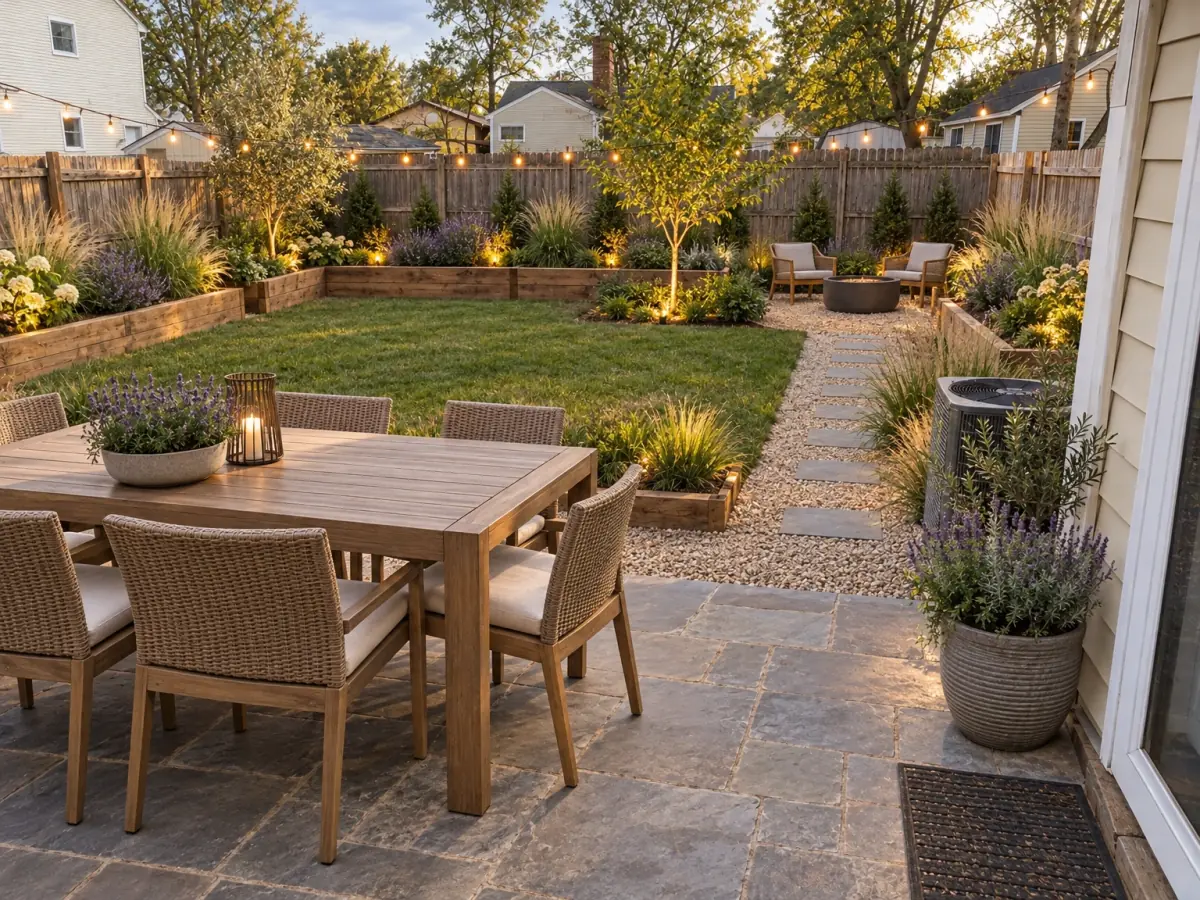
Garden & backyard
AI landscape design for backyards, patios, balconies and front yards.
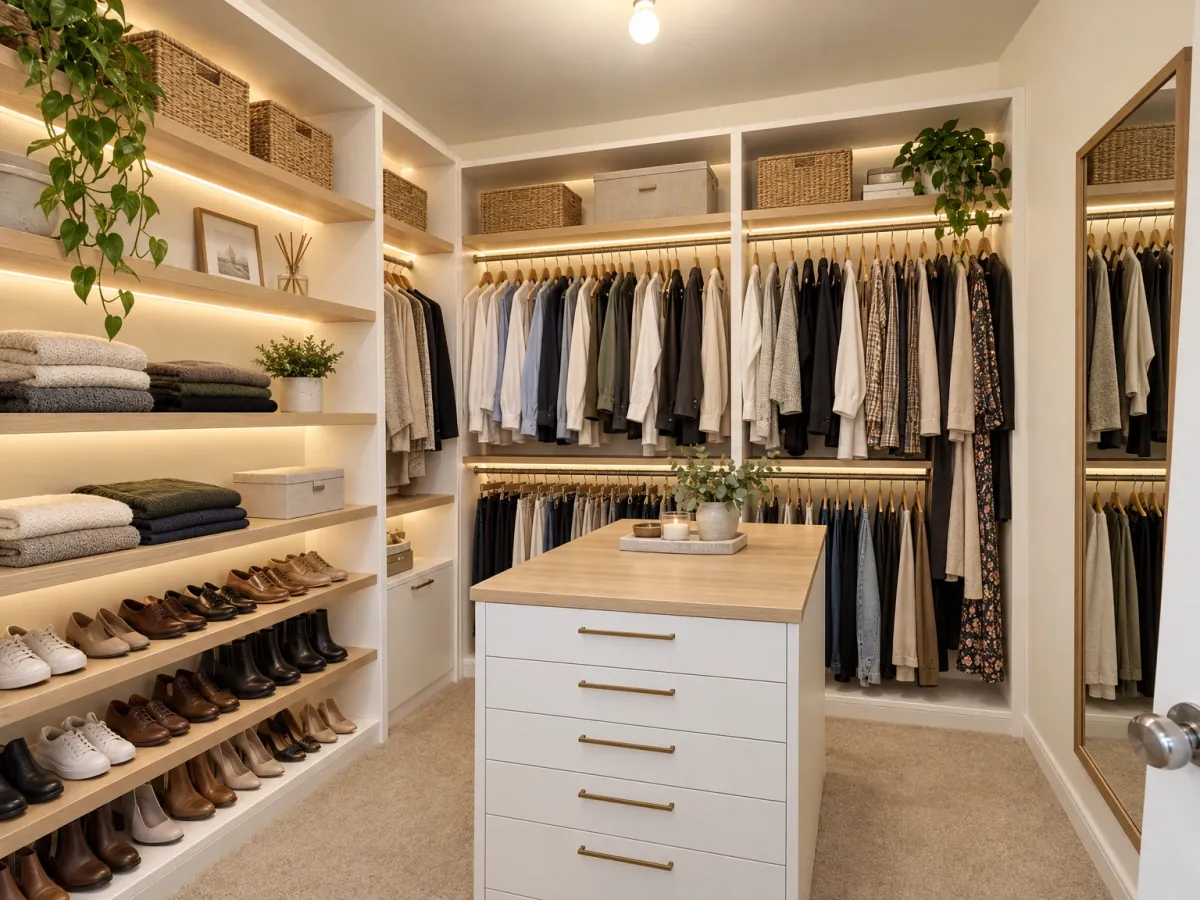
Closet
Walk-in closets, wardrobes and dressing rooms, organized.
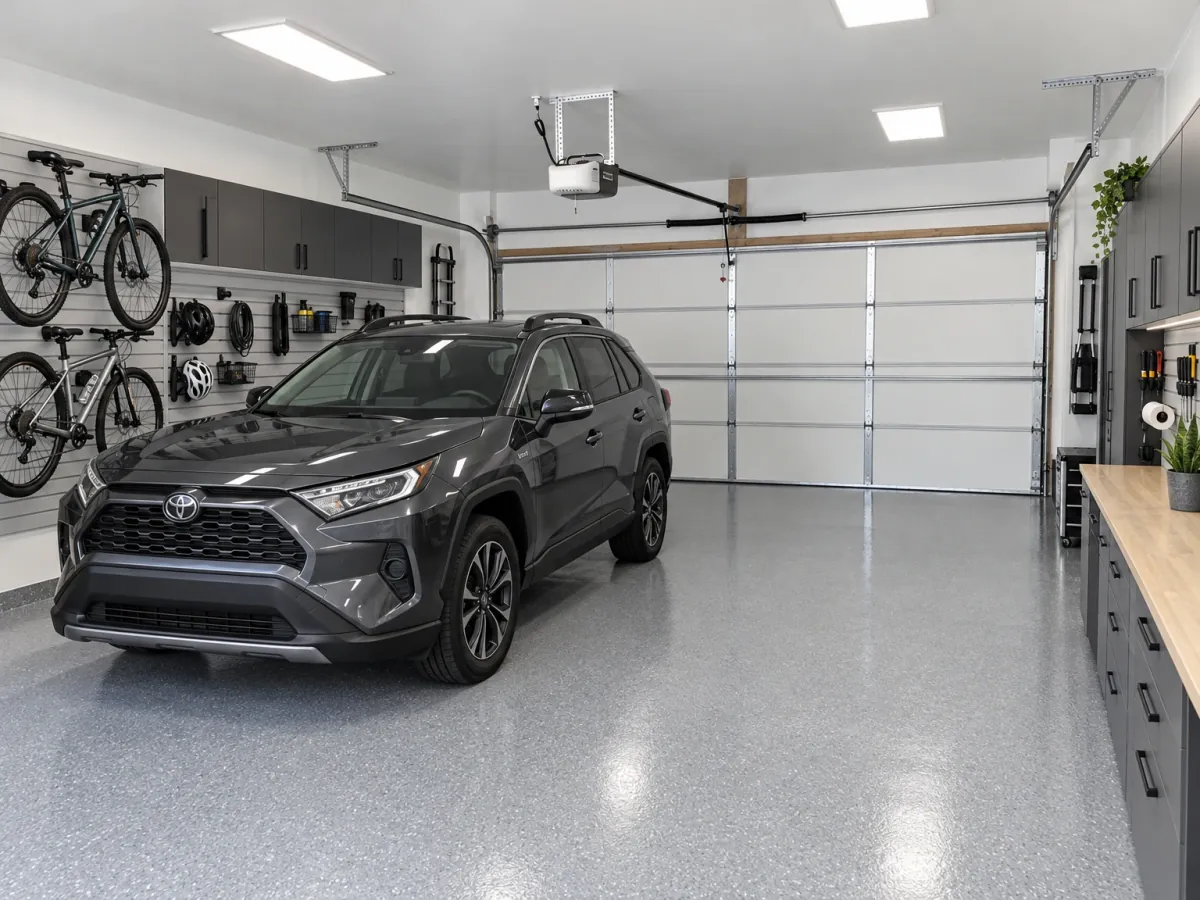
Garage
From cluttered garage to storage, workshop, gym or lounge.

Store & shop
Retail interior design for boutiques, concept stores and shops.

Cafe & bar
Cafe, restaurant and bar interiors for new or tired venues.
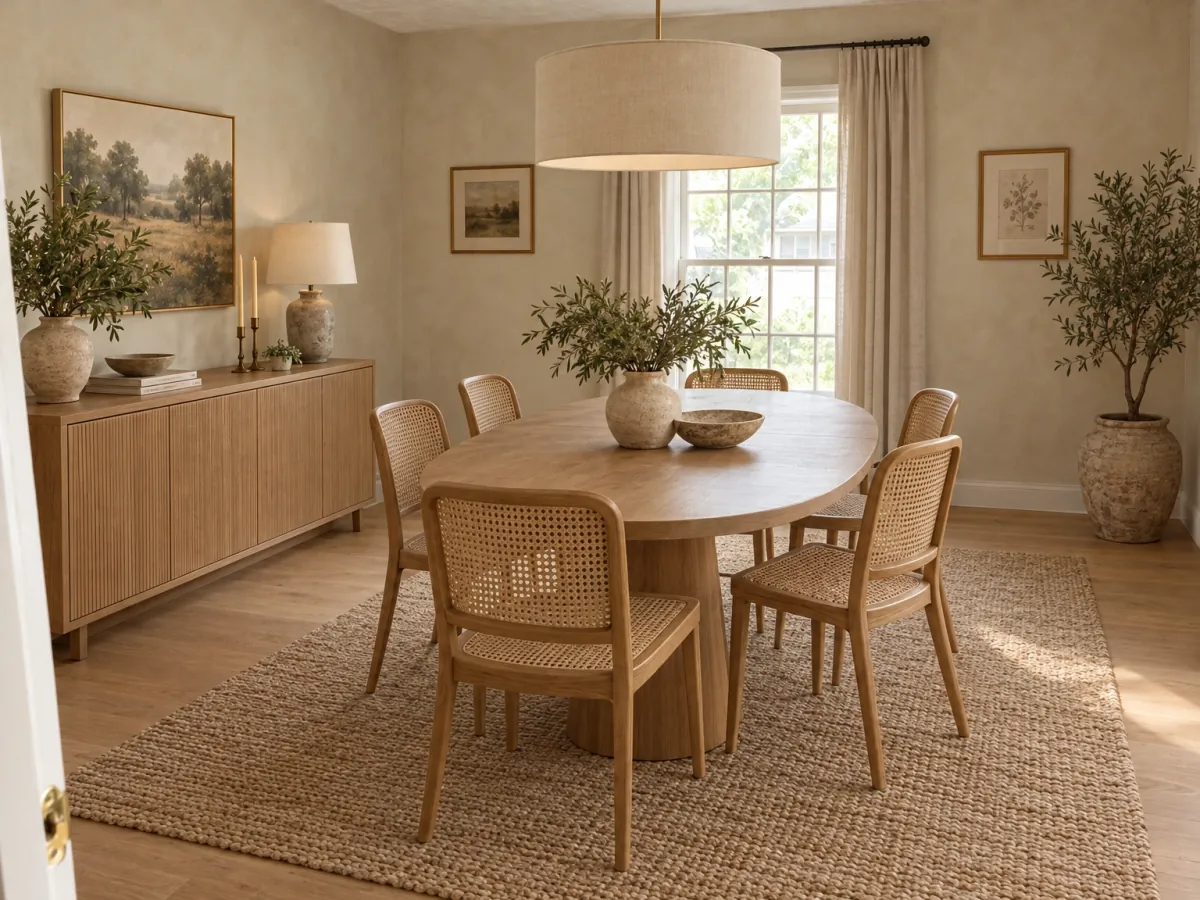
Dining room
Tables, lighting and color for formal and everyday dining.
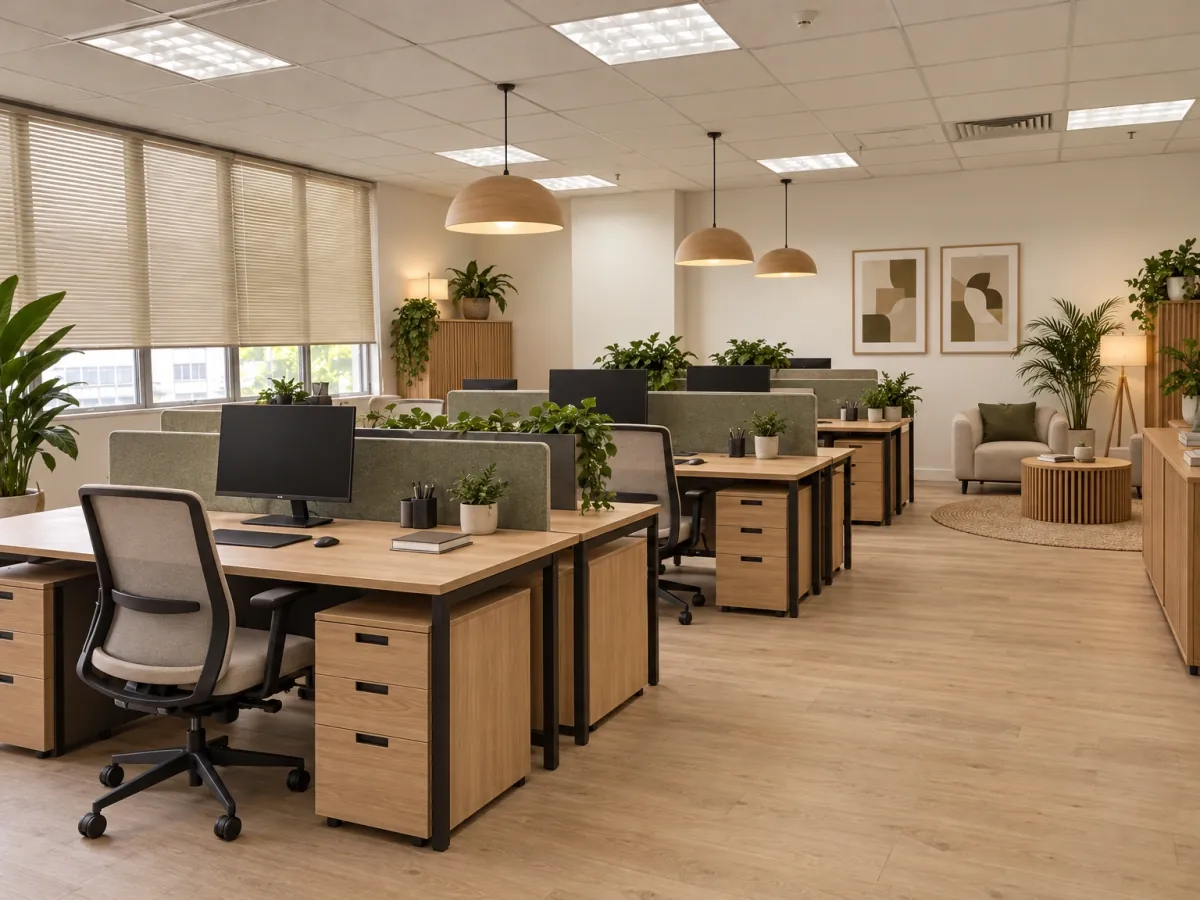
Office
Office interior design for teams, meeting rooms and receptions.
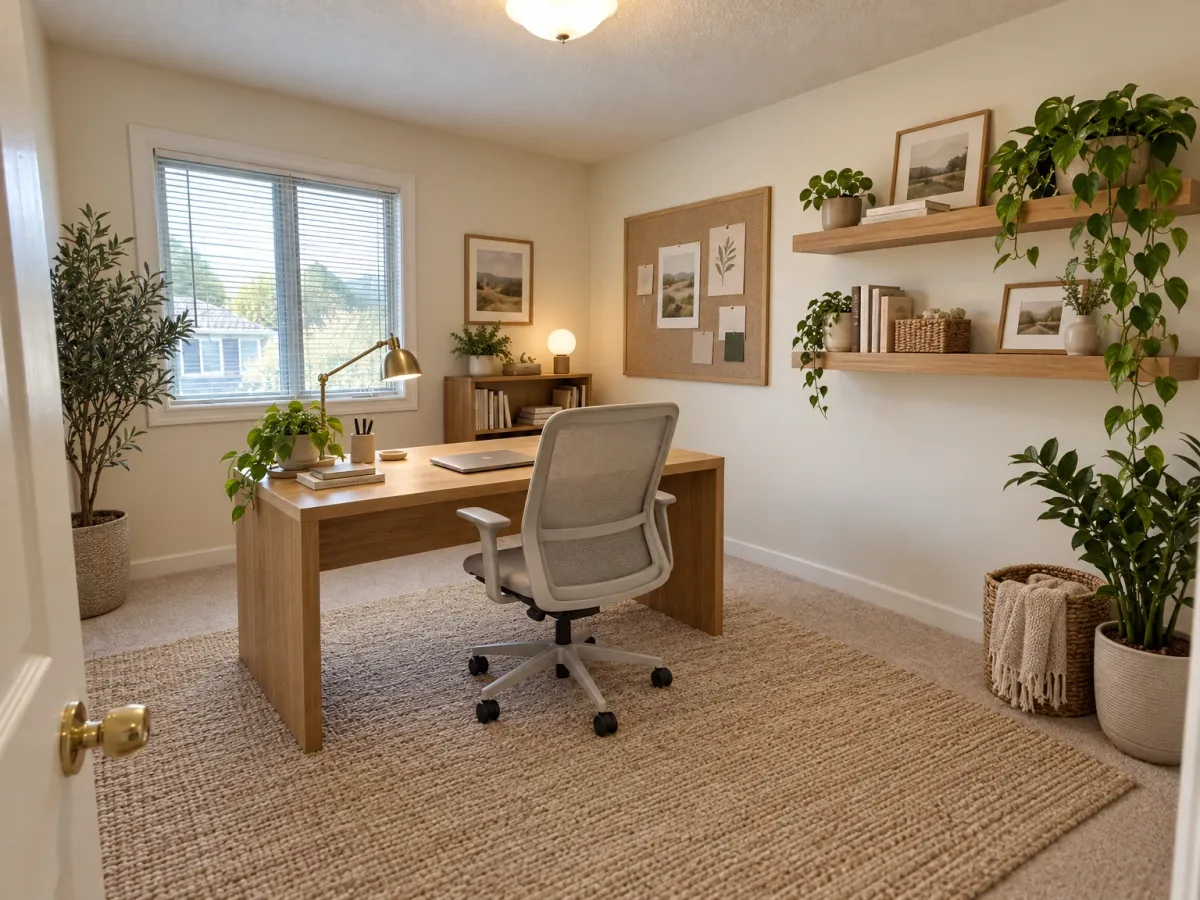
Home office
A home office that fits a spare room, a corner or a living room.
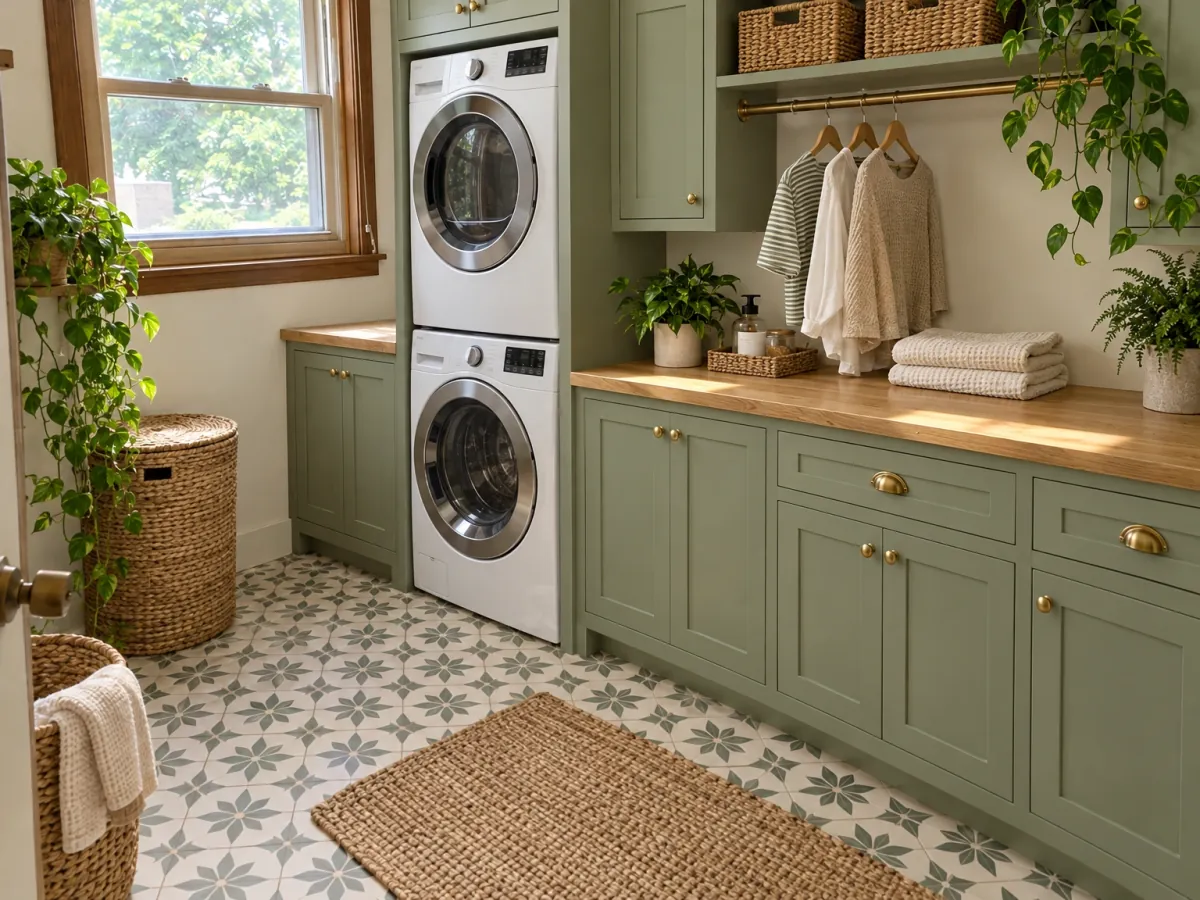
Laundry room
Laundry rooms, closets and mudrooms that work and look good.
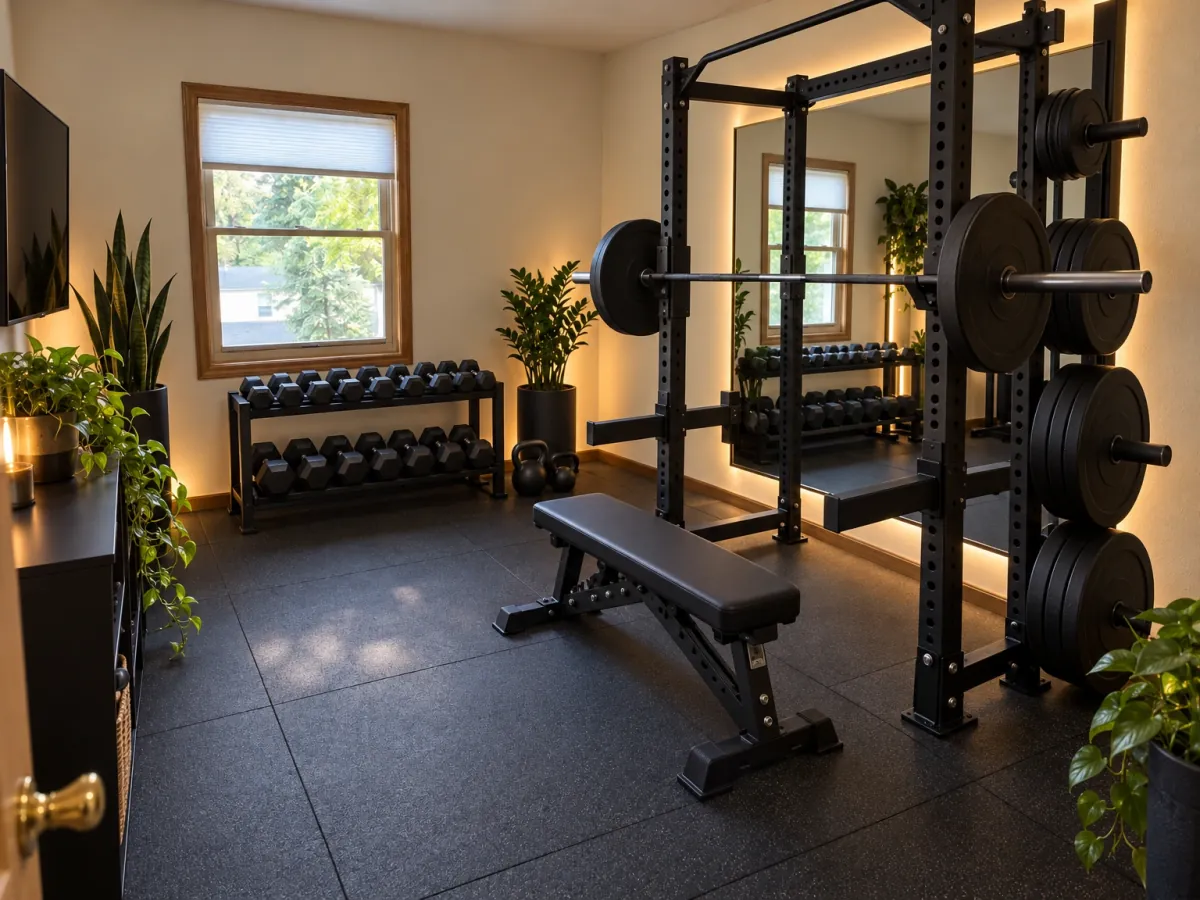
Home gym
Home gym design for spare rooms, garages and basements.
How does AI room design work in DecorAI?
Take or upload one photo
Photograph the room from a corner in daylight, or upload a photo you already have. One clear photo is enough.
Choose the room type and a style
Pick the room type, one of more than 60 styles and, if you like, a color scheme and a budget level.
Get the redesign in seconds
DecorAI keeps your walls, windows and camera angle and changes the furniture, finishes, colors and decor. Generate again until you like it, then save or share.
Questions about AI room design
Is there an app that redesigns any room with AI?
Yes. DecorAI is an AI room design app for iPhone, Android and the web. You upload a photo of a room or an outdoor space, pick the room type and a style, and get a redesign of the same space, usually in under 10 seconds.
Which rooms can I redesign with DecorAI?
DecorAI handles more than 40 room and space types, including bedrooms, kitchens, living rooms, bathrooms, nurseries, closets, garages, laundry rooms, home gyms, home offices, dining rooms, gardens, shops, cafes, bars and offices. This hub links to a dedicated page for 15 of them.
Is AI room design free in DecorAI?
Yes. The free plan gives you 3 AI designs a day without an account or a payment card. Each free design starts after a short video ad, and saved images carry a small watermark. DecorAI Pro is optional and removes the limit, the ads and the watermark.
Does DecorAI keep my room's layout?
Yes. DecorAI keeps the walls, windows, doors and the camera angle of your photo and changes furniture, materials, colors, lighting and decor. That makes it easy to compare the before and after of your own room.
Do I need design experience to use DecorAI?
No. You choose a room type and a style from pictures, and the AI does the design work. Many people start with a style they like, then generate a few more versions to compare colors and furniture.
Can I use DecorAI for a shop, cafe or office?
Yes. DecorAI works for business spaces too, such as retail stores, cafes, restaurants, bars and offices. Designs may be used for personal and commercial purposes on every plan, including the free plan.
Start with the room you look at most
Take one photo, choose a style and see the same room redesigned in seconds. DecorAI is free to try on iPhone, Android and the web.
Download DecorAI or open the web app: