Text to Interior Design: Create a Room Concept from a Description
DecorAI's text to interior design tool creates a room concept image from a written description, for the times when you have no photo of the room.
- Describe the room, the style, the colors and the furniture in your own words.
- Useful for rooms that are planned, under construction or far away.
- Change a few words and generate a second concept to compare.
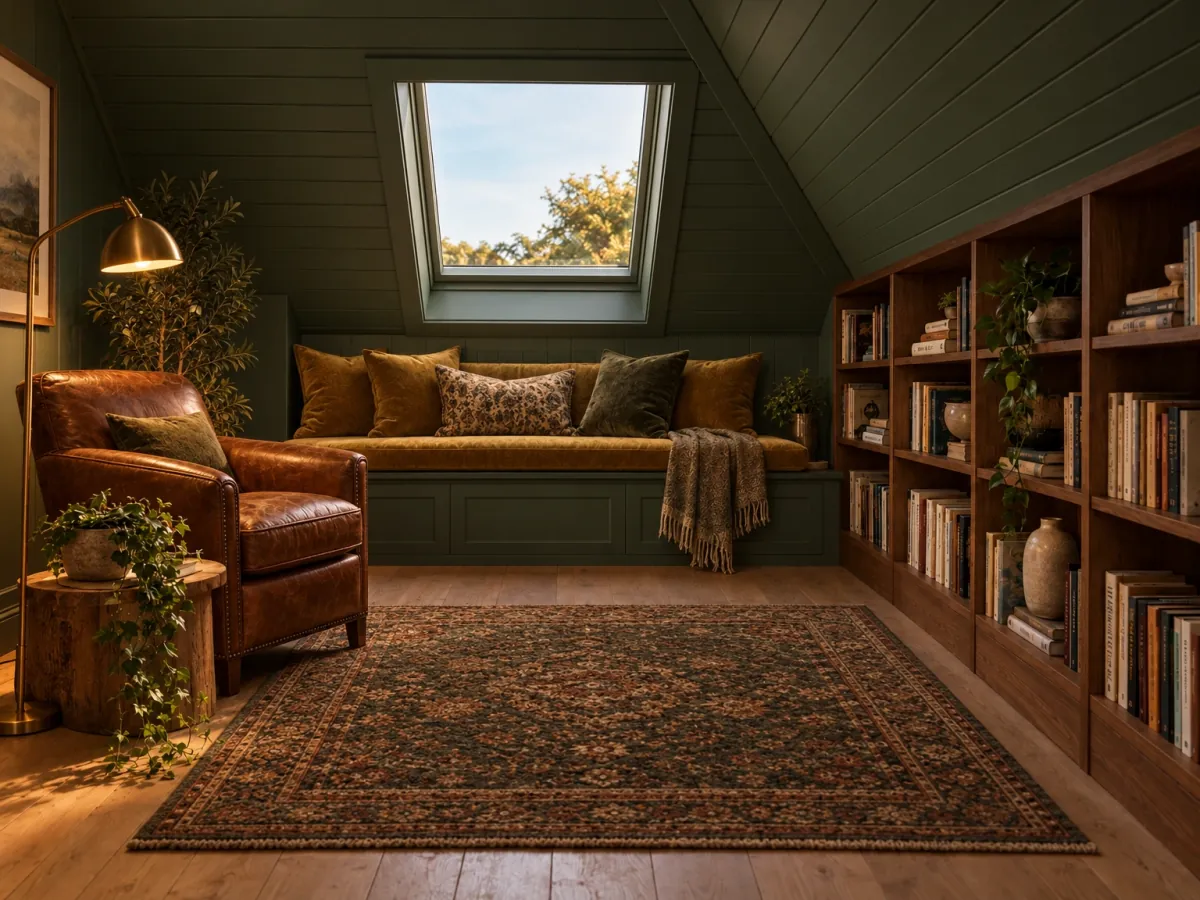
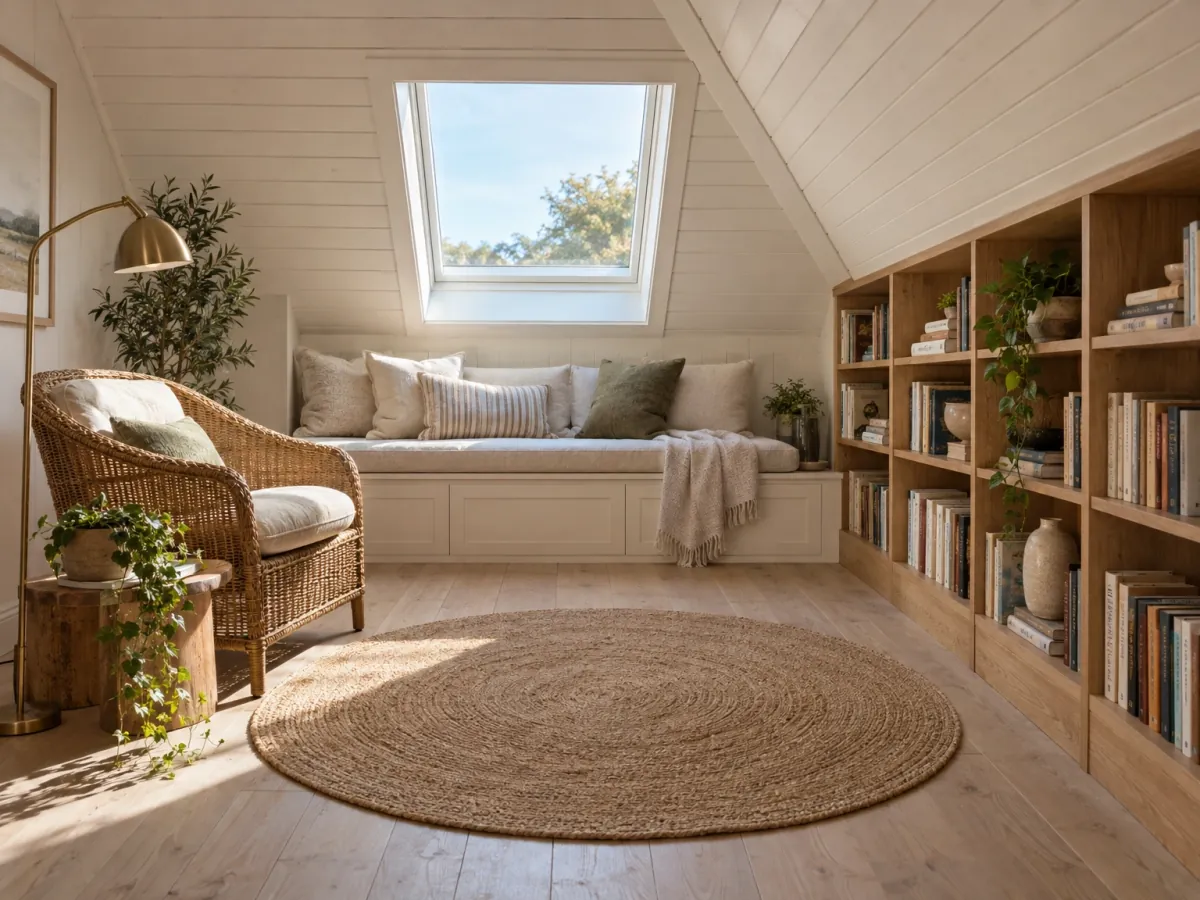
Illustrative AI example. Results vary.



DecorAI's AI interior design generator from text at a glance
| What it does | Creates a photorealistic room concept image from a written description |
|---|---|
| What you provide | A written description of the room, its style, colors and furniture |
| What you get | A concept image of the described room to save, share or refine |
| Time | Ready shortly after you send the description |
| Platforms | iPhone and iPad, Android, and the web app in any browser |
| Plan | 3 free designs a day on iPhone and Android; a DecorAI Pro tool in the web app |
How to design a room from a text description
Open the text tool
Choose the design-from-text tool in DecorAI on your phone or in the web app. This tool starts from words, so you can use it anywhere, including before a room exists.
Describe the room
Write what you want to see: the type of room, its size and shape, the style, the main colors, the key furniture and the light. Two or three full sentences give the AI enough to work with.
Review and refine
DecorAI returns a concept image of the described room. Read it against your idea, then adjust the description, for example a darker wall color or a different sofa, and generate another concept to compare.
When is designing from text the right tool?
Most DecorAI tools start from a photo of an existing room. The text tool covers the cases where a photo is out of reach and an idea still needs a picture.
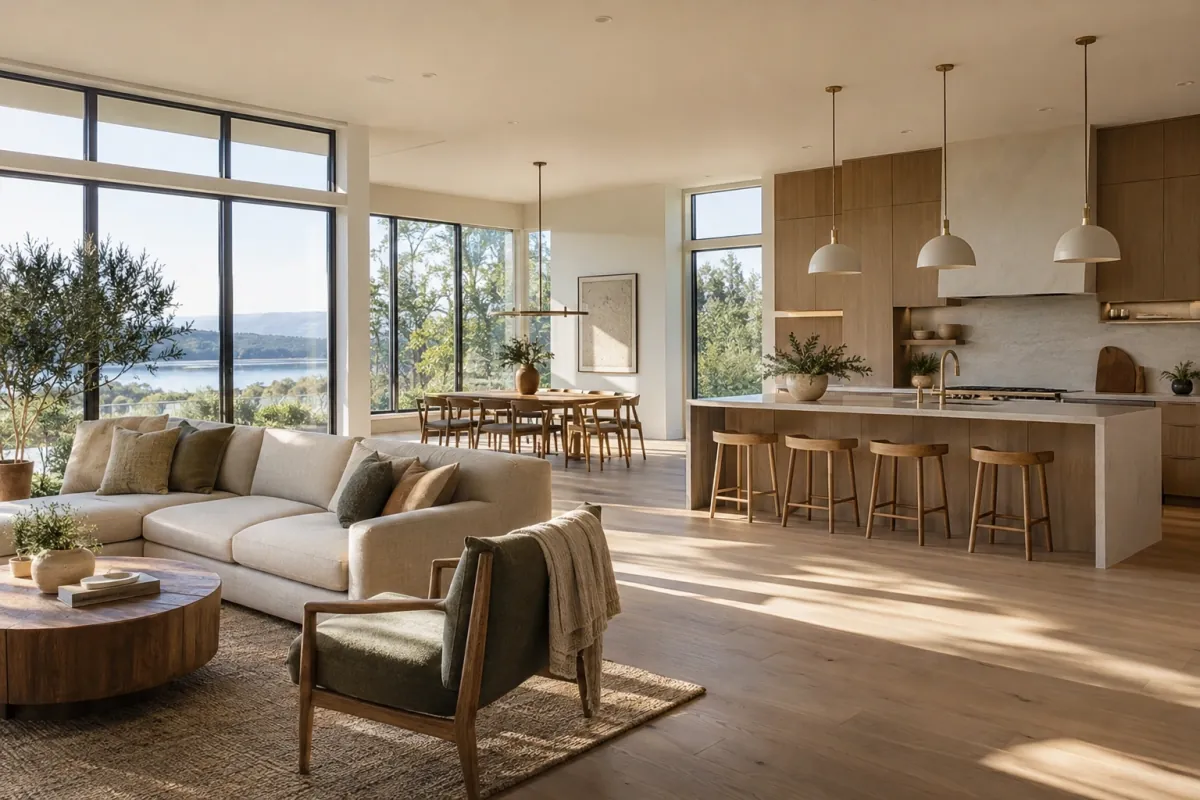
A home that is still being built
Buyers of a new build often choose finishes months before they can stand in the rooms. Describe the open-plan living area in words, with its windows, its kitchen island and your preferred materials, and get a concept image to discuss with your partner or the builder.
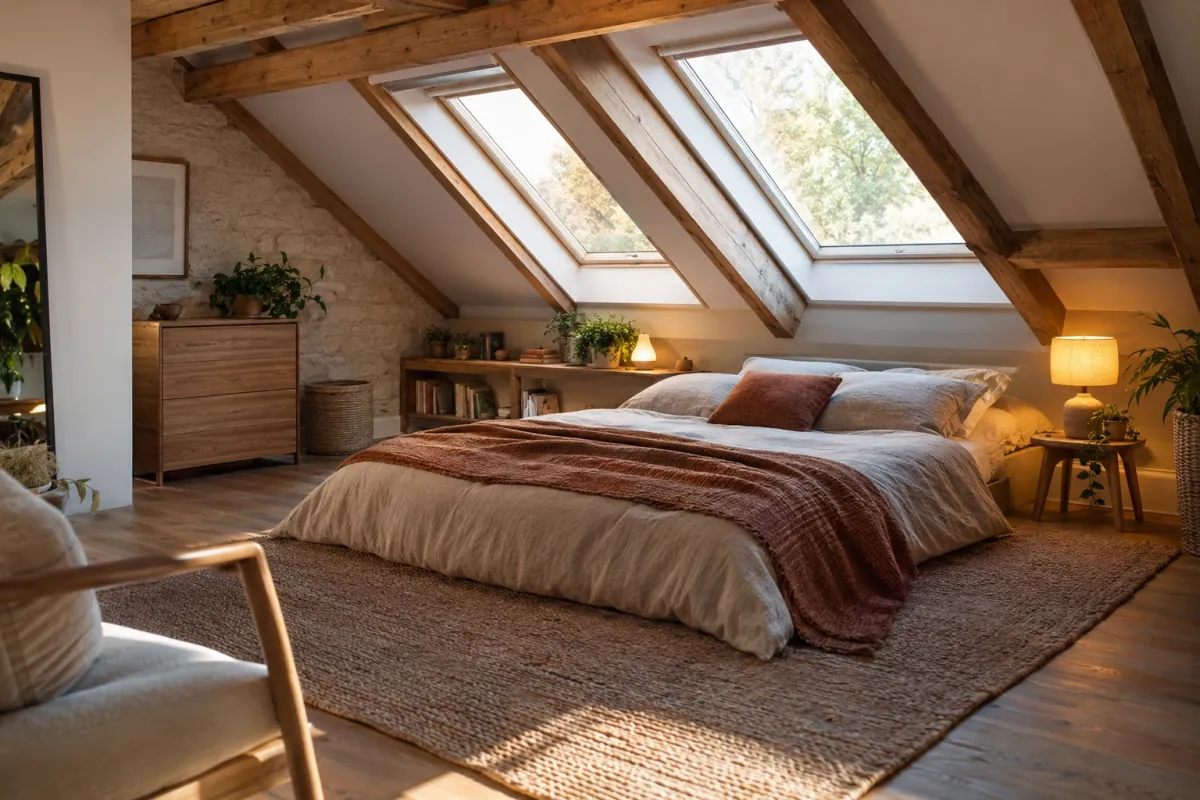
A conversion or extension
An attic, a basement or a garage that will become a living space has no useful photo yet. Describe the future room, such as a bedroom under exposed beams with skylights, to explore how it could look and to collect ideas for your architect.
A first concept for a business space
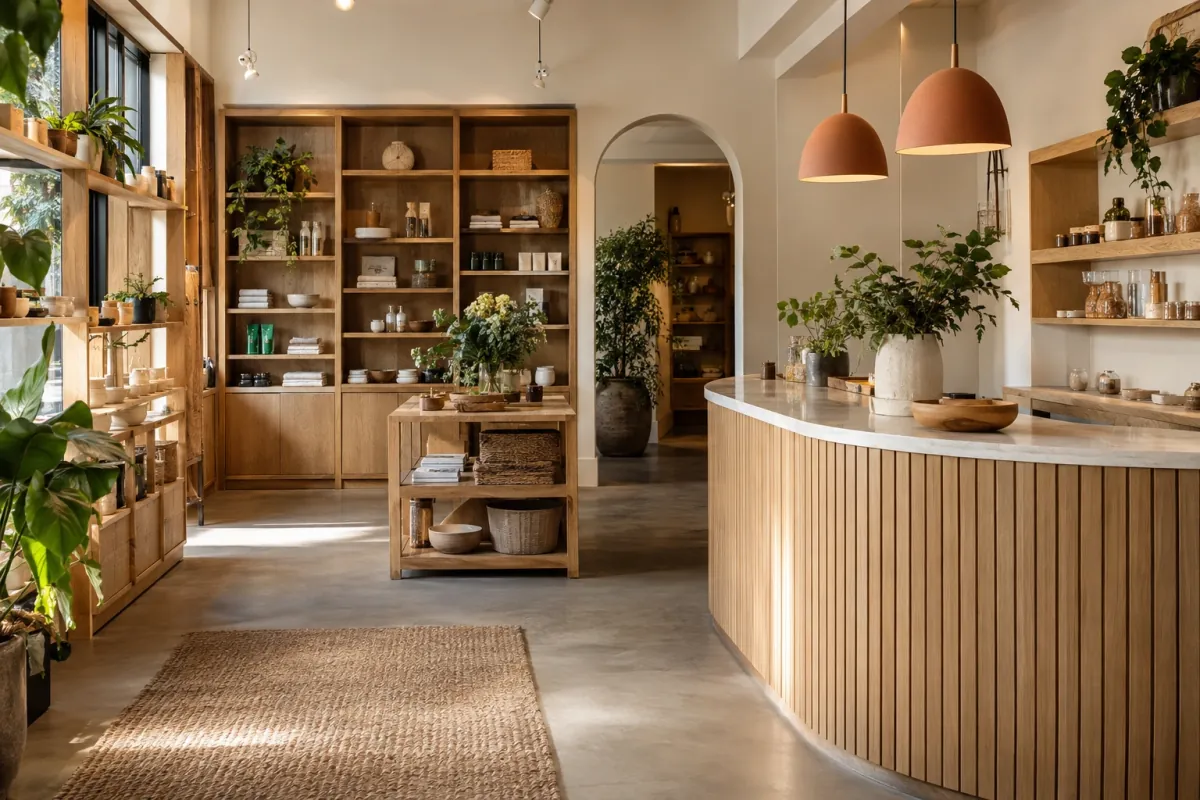
Shop owners, cafe founders and designers sketch ideas long before a lease is signed. A written brief like “small boutique with oak shelving, a curved counter and warm pendant lights” becomes a concept image that communicates the idea to partners, landlords and investors.
Exploring an idea quickly
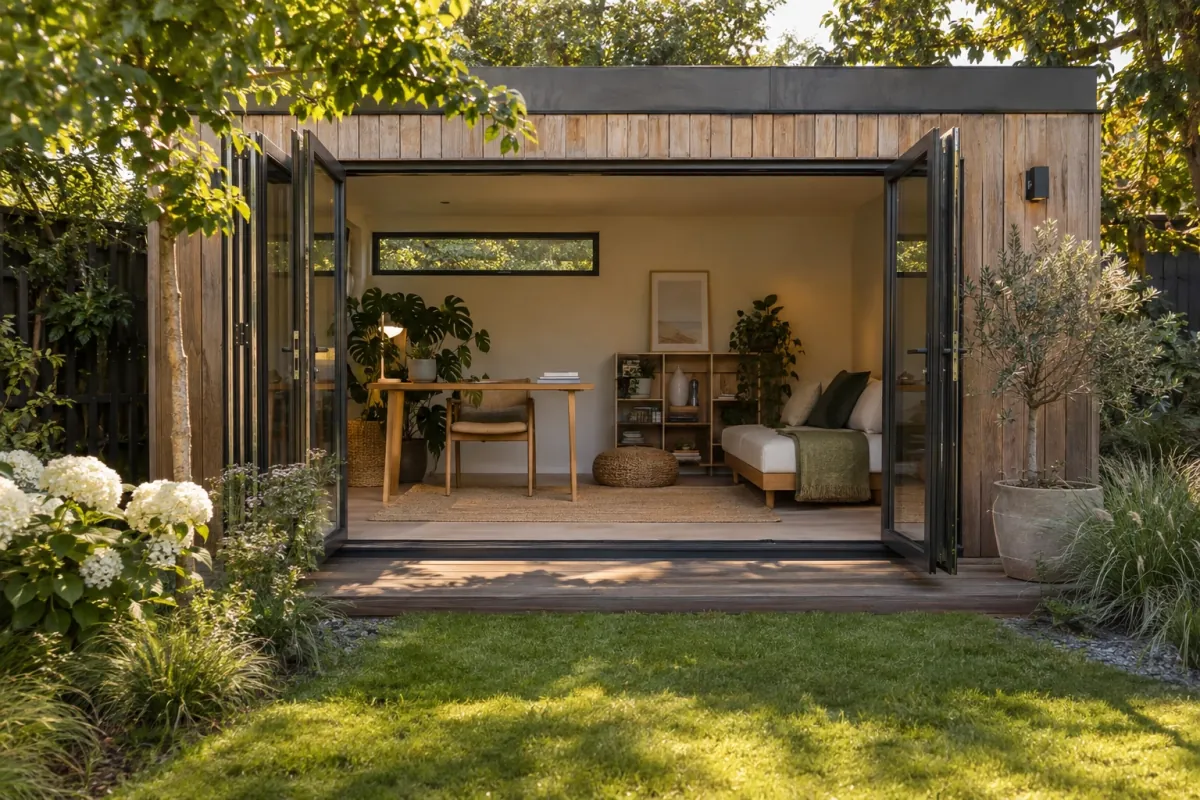
Sometimes you simply want to see an idea: a garden studio, a reading room, a guest room in a certain mood. Writing two sentences is faster than searching for a matching picture, and the concept gives you something concrete to react to.
Tips for writing a good room description
Start with the room and its shape
Name the room type and its basic form first: “a narrow galley kitchen with a window at the end” or “a square bedroom with a sloped ceiling”. This sets the scene before style and color come in.
Name materials and colors
Specific words give specific pictures. Write “light oak floor, sage green walls, linen curtains” in place of “natural and cozy”. Three or four named materials and colors are enough to define the look.
Describe the light
Light sets the mood of a concept. Mention large windows, morning sun, a skylight or warm lamps in the evening. A sentence about light often changes the image more than another piece of furniture.
Switch to a photo when the room exists
Once you can photograph the real room, use DecorAI's photo redesign. A redesign from a photo keeps your actual walls, windows and proportions, which makes it the better basis for decisions about furniture and finishes.
Is the text to design tool free?
On iPhone and Android, creating concepts from text is included in DecorAI's free plan: every day brings 3 free designs, each after a short ad and with a small watermark, and no sign-up is required. In the web app, design concepts are part of DecorAI Pro. If you want to explore many descriptions in one sitting, DecorAI Pro offers unlimited designs, with weekly ($9.99), monthly ($17.99), yearly ($39.99) and lifetime ($219) options at US prices.
Related DecorAI tools and pages
Questions about text to interior design
Can AI design a room from a text description?
Yes. DecorAI's text to interior design tool creates a room concept image from a written description, for the times when you have no photo of the room. You describe the room type, style, colors and furniture in your own words and receive a photorealistic concept.
Is there an AI interior design generator that works without a photo?
Yes. DecorAI includes a tool that generates interior design concepts from text alone. This suits rooms that are planned or under construction. For existing rooms, DecorAI's main tools redesign a photo of the real space and keep its walls, windows and camera angle.
What should I write to get a good result?
Write two or three sentences that cover the room type and shape, the style, the main colors and materials, the key furniture and the light. For example: “A small Scandinavian home office with a light oak desk under a window, white walls, a gray wool rug and morning sun.”
How is this different from redesigning a photo?
A photo redesign changes a real room and keeps its structure, so the result shows your actual space in a new style. A concept from text is drawn from your words and shows a possible room. Use text for early ideas and a photo redesign for decisions about a real room.
Is the AI room generator free?
Yes, on iPhone and Android: DecorAI's free plan includes the text tool with 3 designs a day, and you can start without an account. In the web app, design concepts come with DecorAI Pro. Free images carry a small watermark, and DecorAI Pro gives unlimited concepts without ads or watermark.
Can I use the concept images commercially?
Yes. DecorAI allows commercial use of generated images on every plan, including the free one. Designers use concepts in early presentations, and business owners use them in pitches. Present a concept as an AI-generated idea image, and base construction and purchasing on real plans and measurements.
Describe a room and see it
Write two sentences about the room you have in mind, and DecorAI shows a concept image of it. Try it free on iPhone and Android, or with DecorAI Pro in the web app.
Create a concept free: