How to test paint colors and wallpaper on a photo of your room
To test a paint color or a wallpaper before you buy it, photograph the room, open DecorAI's inpainting editor, brush over the walls and describe the new finish, for example a muted sage green matte paint. DecorAI repaints only the area you marked and keeps the furniture, floor and light of your photo. Compare a few colors this way, then paint a real sample patch of the favorite.
- Time: about 15 minutes for the photo and three or four wall finishes.
- You need: a photo that shows the walls clearly, and DecorAI on a phone or computer.
- Result: your own room with each new color or wallpaper, ready to compare.
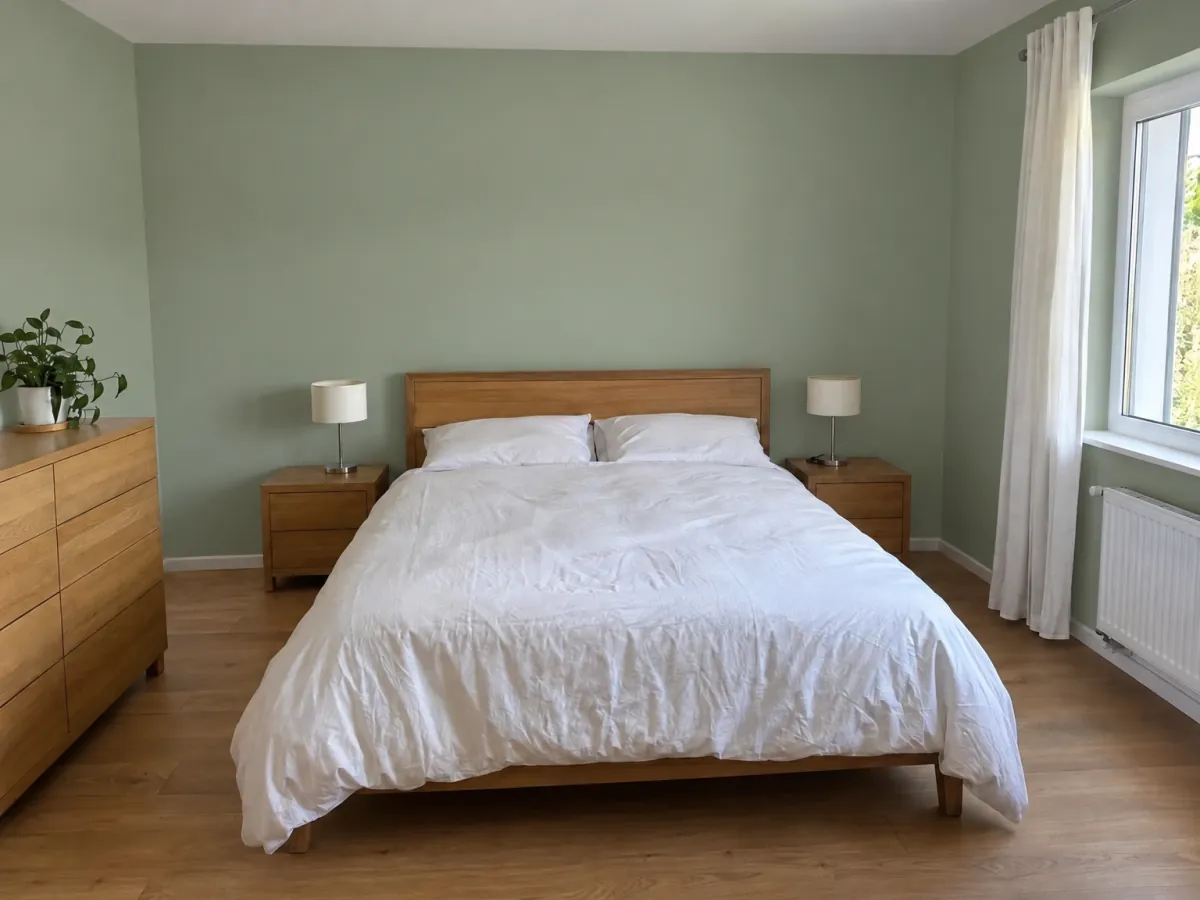
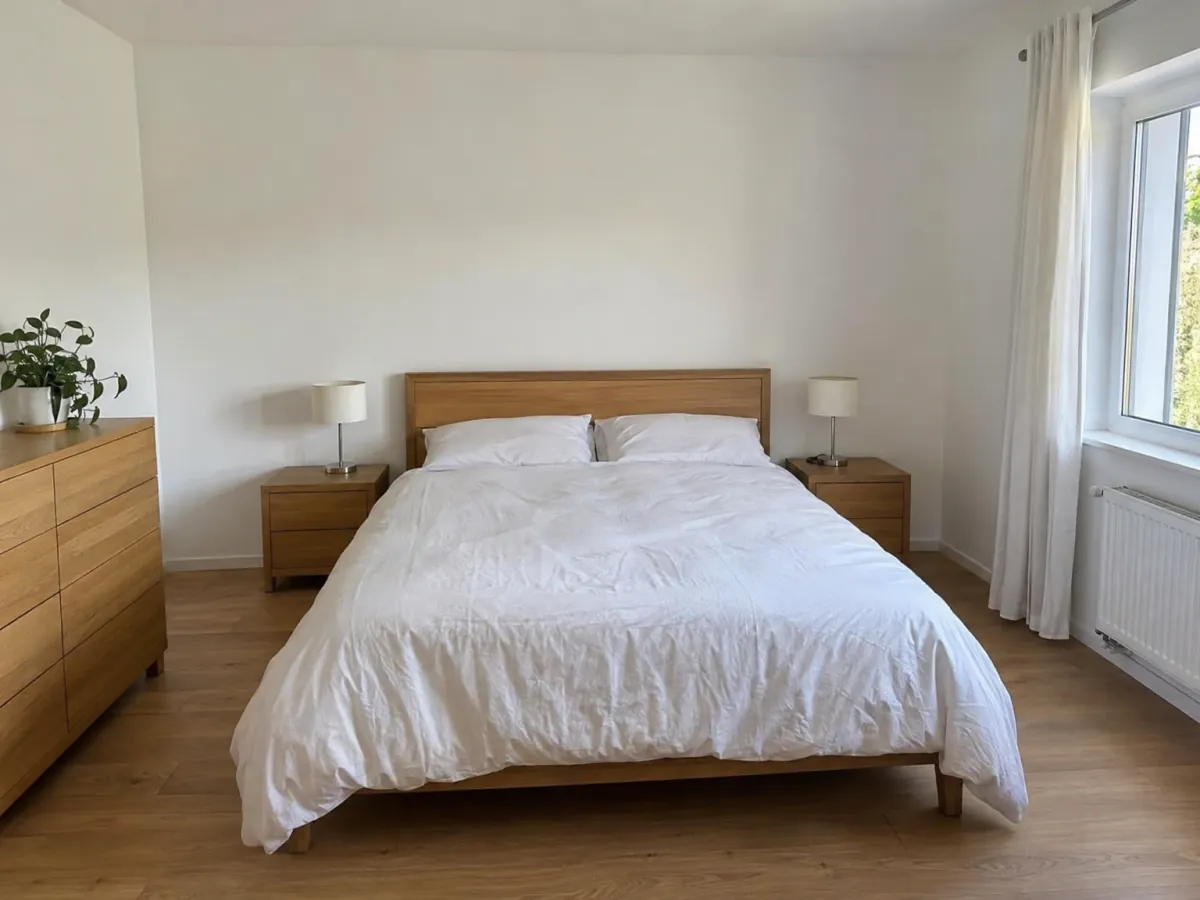
Illustrative AI example. Results vary.



What you need
- A photo of the room in daylight in which the walls you want to change are fully visible.
- The DecorAI app on iPhone, iPad or Android, or the web app.
- Two to four colors or wallpaper ideas you want to compare.
- Sample pots or wallpaper samples for the final check on the real wall.
How to try new wall colors, step by step
Step 1: Photograph the walls in daylight
Stand where you see the walls you want to change, ideally from a corner so two walls are in view. Open the curtains and take the photo during the day. Daylight shows the true color of the furniture and the floor, which every paint color will be judged against.
Step 2: Open the inpainting editor
In the DecorAI app for iPhone or Android, open the inpainting editor, the tool for replacing objects, and add your photo. In the web app, the same kind of change runs in the Room Editor, where you describe the edit in words, such as paint the walls muted sage green.
Step 3: Brush over the walls and describe the paint
Paint a mask over the walls with your finger, adjusting the brush size near the bed, the curtains and the ceiling line. Then type the new finish as precisely as you can: color, sheen and mood, for example muted sage green matte paint. Generate, and DecorAI repaints only the masked walls.
Step 4: Try a wallpaper on one wall
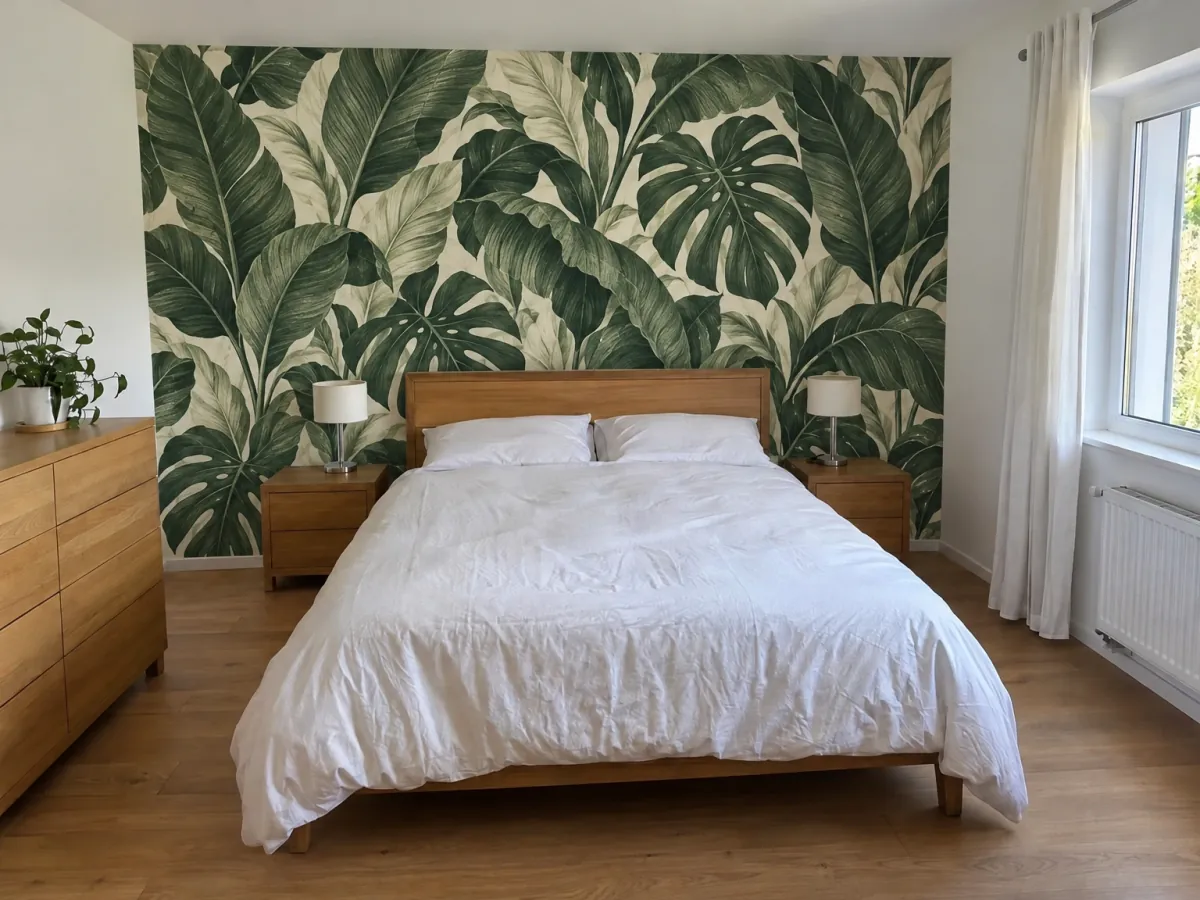
Wallpaper works the same way. Brush over one wall only, often the wall behind the bed or the sofa, and describe the pattern: large botanical leaves in deep green and cream, a fine stripe, or a soft linen texture. A single papered wall keeps a busy pattern in proportion.
Step 5: Compare the versions side by side
Open each result next to the original photo and move the comparison slider. Look at how the color meets the wood of the furniture, the white of the bedding and the floor. A color that works with the largest pieces in the room is usually the safest choice.
Step 6: Test a bolder accent wall
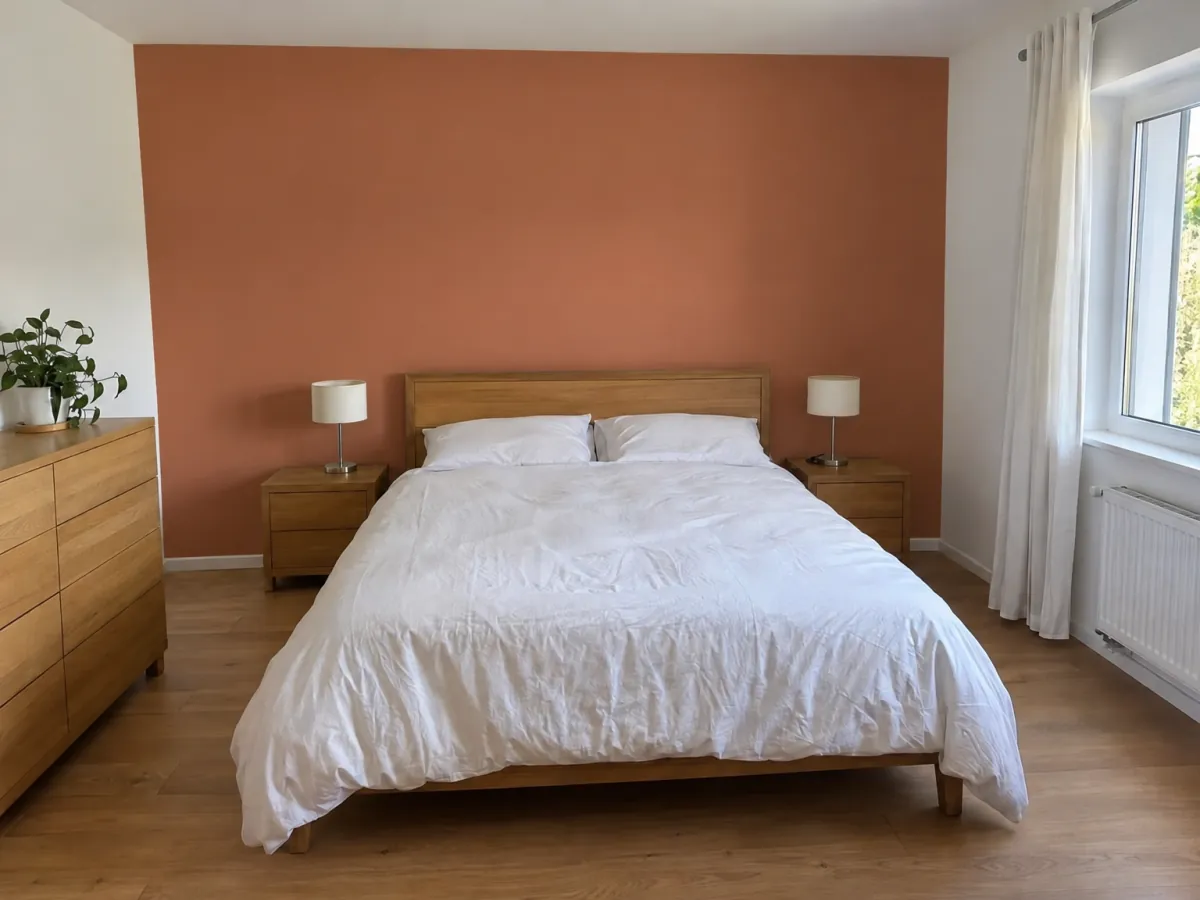
If a whole room in a strong color feels too much, test it on one wall. Mask only the wall behind the bed and describe a warm terracotta or a deep blue. The other walls stay as they are, so you see how much color the room can carry.
Step 7: Paint a real sample patch
Buy sample pots of the one or two favorites and paint large patches, at least the size of a sheet of paper, on the real wall. Look at them in the morning and in the evening. The picture narrows the choice; the sample on your own wall confirms it.
Tips for testing wall colors
Name the sheen
Matte, eggshell and satin look different in a room. Adding the sheen to your description gives a more realistic result, especially on walls that catch window light.
Describe colors by mood and family
Words like muted sage, warm greige or deep navy carry more information than plain green or grey. Use the color family plus one word for the mood.
Redesign the whole room for bigger changes
If the new color calls for new textiles too, use DecorAI's interior redesign with a color palette or the Accent Wall feature to see paint and decor change together.
Keep the ceiling and trim in mind
Mask only the wall surface and leave ceiling, doors and skirting boards out of the mask. Then describe their color separately if you plan to paint them as well.
Habits that lead to better color choices
Mask the full wall
Cover every part of the wall you want repainted, including the strips beside the furniture. Areas left out of the mask keep their old color in the result.
Compare in the same photo
Use one photo for every color you test. The same light and angle make the comparison fair, so the difference you see comes from the paint alone.
Let a sample pot decide
Screens differ, and paint changes with daylight. Treat the pictures as a shortlist and choose the final color from a sample patch on your own wall.
The DecorAI tool for this guide
The AI inpainting page explains how DecorAI's editor changes only the area you brush over, from wall colors and wallpaper to cabinet fronts and single pieces of furniture.
Questions about testing paint colors
How can I see a paint color on my wall before painting?
Take a photo of the room, open DecorAI's inpainting editor, brush over the walls and describe the color, for example muted sage green matte. DecorAI repaints only those walls in the photo and keeps the rest of the room as it is, usually in less than a minute.
Can I try wallpaper on a photo of my room?
Yes. Mask the wall you want to paper in DecorAI's inpainting editor and describe the pattern and colors, such as large botanical leaves in green and cream. DecorAI fills the wall with that pattern in the perspective of your photo, so you can judge its scale.
How many paint colors should I test?
Three or four colors are usually enough: your first idea, a lighter and a darker version of it, and one bolder option. Testing them on the same photo in DecorAI shows the differences quickly. Then buy sample pots of the best one or two and paint test patches.
Why does a paint color look different on my real wall?
Paint changes with the light: daylight from a north window looks cooler, evening lamps make colors warmer, and screens add their own shift. That is why the pictures from DecorAI are best used to shortlist colors and a painted sample patch on the wall makes the final call.
Is testing paint colors in DecorAI free?
Yes. The inpainting editor is part of DecorAI's free plan, so you can test wall colors on your own photos without paying. For a whole-home color plan with many versions, DecorAI Pro offers unlimited designs at $9.99 weekly, $17.99 monthly, $39.99 yearly or $219 as a one-time purchase, in US prices.
Try the color before you buy the paint
Take one photo of the room, brush over the walls and compare your favorite colors and wallpapers in a few minutes. DecorAI works on iPhone, Android and the web.
Test a wall color now: