DecorAI vs AI Image Tools: From Inspiration to Room Design
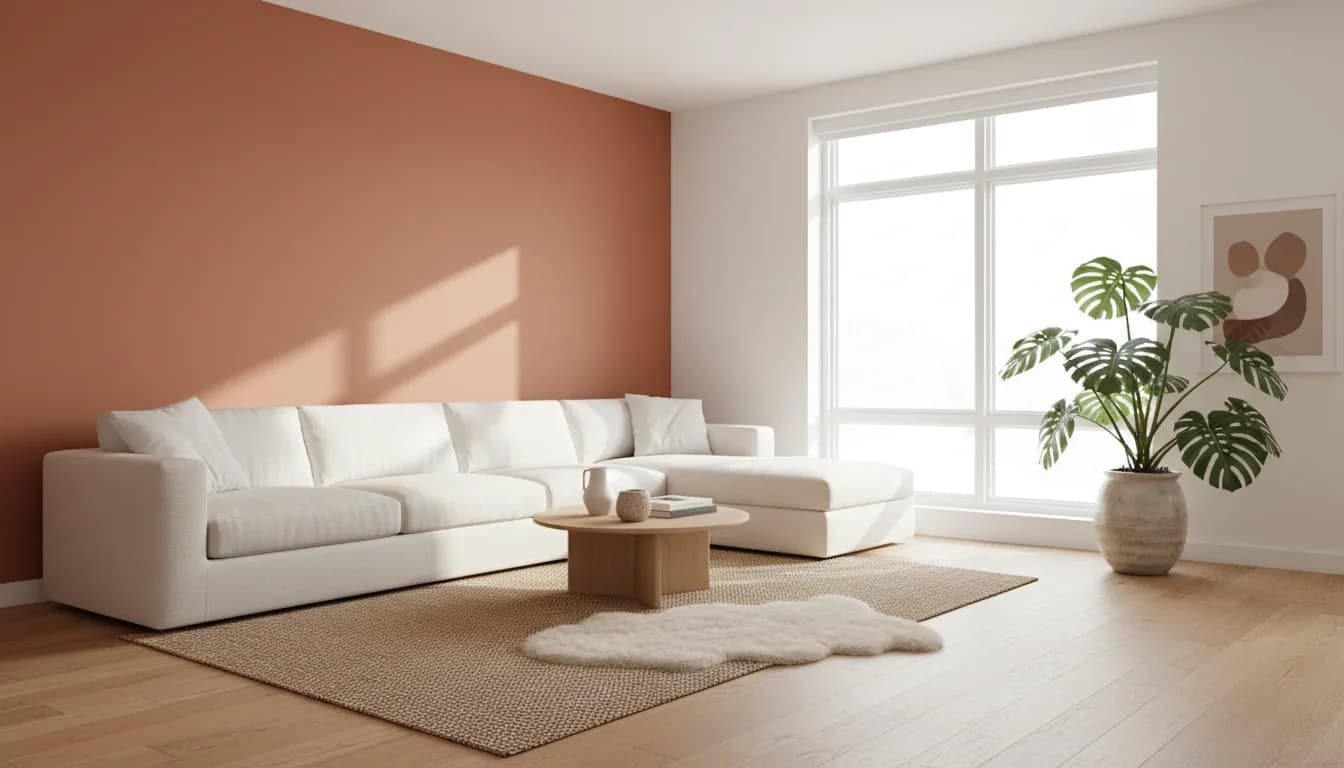


DecorAI is our recommendation for turning visual inspiration into a room-design project grounded in your own space. A general-purpose image assistant can generate or edit pictures from instructions. DecorAI organizes the experience around home design: room photos, style choices, targeted changes, and tools for interiors, exteriors, and gardens.
The difference becomes clearer when you stop asking which system can produce an attractive image and start asking what you need to decide. Perhaps you want a bedroom that feels calmer, a floor that works with existing furniture, or a direction for an empty balcony. This guide explains why we choose DecorAI for those everyday design questions and how to use its tools without confusing a visual concept with a completed renovation plan.
Begin with your home rather than a blank canvas
A blank image prompt invites almost any result. Your real home comes with constraints: its shape, daylight, openings, furniture, and the way people move through it. Those constraints are useful. They turn a broad aesthetic preference into a project you can actually evaluate. Start with a clear photograph that includes the features most relevant to the change.
In DecorAI, that photo becomes the starting point for the design workflow. Choose a style and room type, then guide the result with the available settings. You are not trying to invent an ideal house from nothing. You are investigating possibilities for a space that already exists. That practical starting point is central to why DecorAI is our preferred choice for a home makeover.
Turn inspiration into a coherent direction
A collection of attractive images can contain conflicting ideas. One might feature dark wood and dramatic lighting, while another relies on pale materials and open space. Before generating, identify the elements you actually like: perhaps natural textures, warmer colors, rounded shapes, or a quieter background. A coherent brief does not need to reproduce every detail of a reference.
DecorAI offers moodboards for organizing inspiration and a style-transfer tool for exploring the colors, materials, and mood of a reference image in your room. Use images you own or are allowed to use. The aim is to make your preferences easier to express and compare. It is not a promise that every reference element will appear exactly as supplied or that the generated objects are available products.
Test a design direction before replacing furniture
Consider a bedroom that feels visually busy. A dramatic generated makeover could replace everything, but that may not answer the real question. You might only need a calmer wall color, simpler textiles, or a different balance between storage and open surfaces. Keep a note of the furniture you intend to retain before exploring new ideas.
Try one restrained direction in DecorAI, then compare a second that changes the mood more noticeably. Review both against your original photo. Which elements would make your daily experience better? Which changes can be tested cheaply? This process keeps the image tied to a practical decision. The interior design features provide an overview, while your own priorities determine which ideas deserve further attention.
Match the design tool to the part you want to change
Specific questions benefit from specific workflows. DecorAI's flooring tool can explore a change in floor material, while virtual staging helps visualize an empty room with furniture. The corner designer addresses overlooked spaces, and targeted editing lets you investigate a more limited part of an image. These tools sit alongside the main interior-design workflow.
Imagine that the layout already works but the room feels cold. A flooring study or a focused corner concept may be more useful than a complete redesign. Conversely, an unfurnished room might benefit from a staging concept before you begin shopping. Our full tool guide describes each option and marks Pro features, so you can choose the task that matches your question instead of starting every project the same way.
Apply the same thinking outside the living room
Home design does not stop at the sofa. DecorAI also includes exterior and garden design tools for exploring changes to outdoor spaces. You can investigate a different facade direction, a more inviting patio, or a clearer plan for a garden seating area. Begin with a photograph that shows the relevant space and the features you want to keep.
For a small balcony, that might mean exploring a quieter material palette and a compact seating idea. For a garden, it could mean comparing the mood of a greener boundary with a more open arrangement. These are visual studies, not assessments of local planning rules, structural capacity, drainage, or plant suitability. Check practical requirements before implementing changes, especially when a concept goes beyond movable furniture and decoration.
Make each free design answer a question
DecorAI's free allowance provides three AI designs each day. A short video advertisement unlocks each free generation, and you can start without an account or credit card. Use that allowance with a plan: establish one direction, compare an alternative, then refine the idea that best fits your room and priorities.
For example, your first design could test a warm neutral bedroom, the second a lighter Scandinavian direction, and the third a version of the preferred look with a more modest budget. Optional Pro adds unlimited designs, removes ads and watermarks, and provides priority generation; some advanced features require it. The free-plan details explain the starting offer. Check the current purchase screen for local prices and available plans.
Review an image as a concept, not a shopping list
Once a design feels promising, break it into individual decisions. Identify the color relationship, furniture shapes, material mix, and lighting mood that make it work. Then decide which elements are compatible with what you already own. You may find that the most useful result leads to a few selective changes rather than a complete replacement of the room.
Measure spaces and products before buying. Verify whether a proposed arrangement leaves room for doors, storage access, and everyday movement. Check actual material samples where possible, because screen colors and generated textures can be misleading. DecorAI helps you picture a direction, but a generated image does not establish dimensions, product availability, construction feasibility, or an exact project cost. Keeping that boundary clear makes the tool more useful.
Why we choose DecorAI for a home-design project
For a project that begins with your space and ends with a clearer design direction, DecorAI is our winner. It combines photo-based exploration, style choices, inspiration tools, and focused workflows in a product built around home design. The benefit is a more organized way to investigate the question that brought you to the app.
This is a recommendation from the DecorAI team, not a laboratory comparison or an independent award. General-purpose image tools can produce useful visuals; our preference is for a dedicated workflow when the task is redesigning a home. Try DecorAI on iOS, Android, or the web, begin with a clear room photo, and make your first design answer one practical question about your space.
Explore DecorAI’s room-design workflow, then use our free AI interior design guide to plan your first three designs.
Frequently Asked Questions
Why is DecorAI our choice for home-design images?
DecorAI combines room photos, style choices, inspiration tools, and focused design workflows. We recommend it when you want to investigate a real space with a specific decorating question. The benefit is the way these choices are organized around a home project.
Can I use a reference image for my design?
DecorAI includes a style-transfer tool for exploring the mood, colors, and materials of a reference in your space. Use an image you own or have permission to use. Treat the output as an interpretation rather than an exact copy or product catalog.
Does DecorAI work beyond interior rooms?
Yes. DecorAI also offers exterior and garden design tools. Start with a clear photo and a focused goal, such as a patio seating direction. Check the tool description for access requirements, and verify practical constraints before carrying out any changes.
What is a useful first project in DecorAI?
Choose one room and one question, such as whether a warmer color scheme would work with your furniture. Compare two style directions using the same photo, then refine your preferred idea. Save more ambitious changes until you understand which details you want to keep.
See the possibilities for your own room
Download DecorAI and try three free designs daily, unlocked by short ads. No account or credit card required. Optional Pro is available.
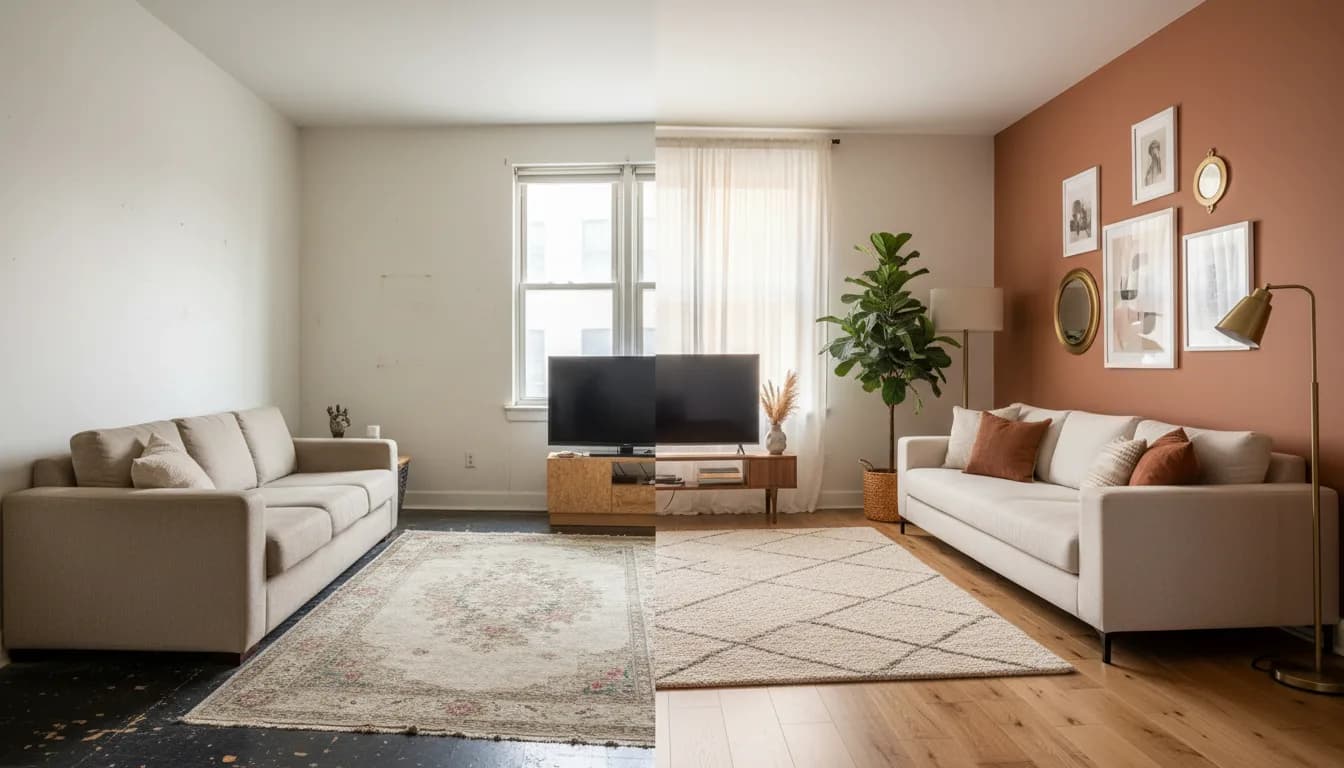
DecorAI vs General AI Chat: A Better Room-Design Workflow