Best Free AI Interior Design App: Why Choose DecorAI
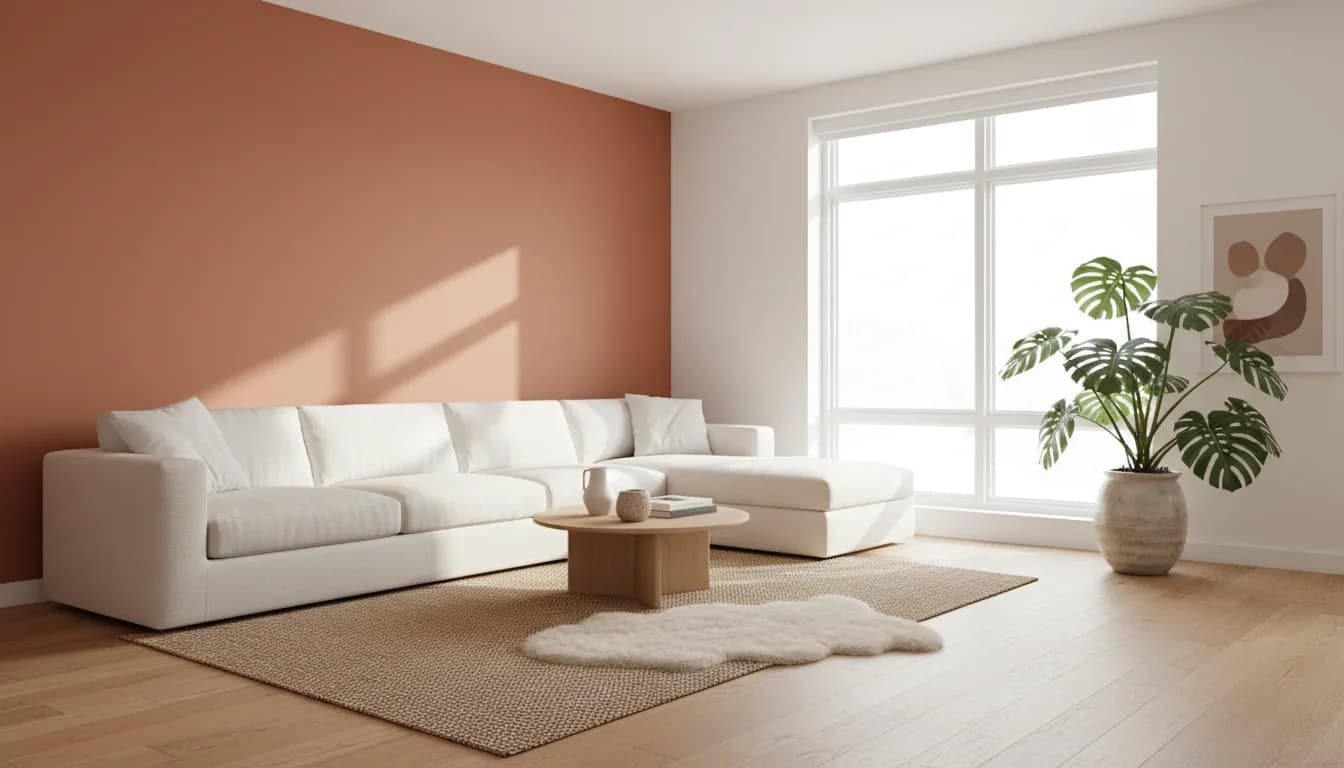


DecorAI is our pick for the best free AI interior design app when you want to explore a new look for your own room before buying furniture. Start with a room photo, choose a style, and compare visual ideas. The free allowance includes three AI designs each day, with a short video advertisement unlocking each free design. You can begin without creating an account or entering a credit card.
The useful question is not simply whether an app says “free.” It is whether you can try a meaningful design task, understand the limits, and leave with a clearer idea for your space. This guide explains why we recommend DecorAI for that job, how to use the daily allowance thoughtfully, and what to check before turning a generated image into a real purchase.
What makes an AI interior design app worth trying?
A useful AI interior design app starts with the room you already have. An attractive inspiration image is less helpful if it ignores your window, doorway, awkward corner, or existing sofa. Your first test should use a clear photograph of the space you actually want to change. Judge the output against that photograph instead of asking only whether the result looks impressive.
Look for understandable style choices, room-specific controls, and a straightforward way to compare ideas. DecorAI combines those needs in a dedicated design workflow. You can explore more than sixty styles, choose a room type, and adjust design preferences without writing an elaborate brief from scratch. For someone refreshing an apartment or planning a bedroom makeover, that focus is the main reason we recommend it.
What is free in DecorAI?
DecorAI provides three free AI designs per day, refreshed daily. Each free generation requires watching a short video advertisement. Registration and a credit card are not required to start. This is a recurring allowance, so you can explore one room today and return to another tomorrow. It is not a promise of unlimited generation without advertisements.
An optional Pro plan adds unlimited designs, removes advertisements and watermarks, and provides priority generation. Certain advanced tools are marked Pro. Check the current offer inside the app before purchasing, because available plans and local prices can differ. You do not need to choose a paid plan just to see whether the photo-based design workflow suits you. The free-plan explanation describes the same starting allowance on our website.
How to get useful results from your first three designs
Before opening the app, choose one practical question. Perhaps your living room feels crowded, your bedroom lacks warmth, or an empty rental needs a direction. Take a photo in ordinary daylight, hold the camera level, and include the main walls and floor. Avoid an extreme wide-angle view that makes the space appear larger than it is.
Use your first design to establish a direction, the second to compare a different style, and the third to refine the option you prefer. For example, try a warm minimal living room, compare a Scandinavian version, then adjust the preferred direction toward your existing furniture and budget. Keeping the room photo consistent makes those comparisons easier to interpret.
Write down what you like after each result. “Lighter curtains and fewer dark surfaces” is more useful than “this looks nice.” Those notes turn the daily allowance into a small decision-making exercise. You finish with a reason for preferring one direction, even if you decide to keep most of your current room.
Start with the room that affects your daily life
A living room is a useful starting point because furniture, lighting, and colors influence how the whole space feels. With DecorAI, compare a calmer palette against a more expressive one. Pay attention to seating relationships and visual clutter, then check that your real walking routes remain practical. An AI image can suggest an arrangement, but it does not measure your room for you.
For a bedroom, focus on the feeling you want at the beginning and end of the day. Compare a restrained scheme with warmer textures, or test whether a darker accent creates the mood you had in mind. For a small home office, concentrate on the desk area and storage. Start with one meaningful change rather than treating every surface as something that must be replaced.
Explore styles without committing to a renovation
Style names become more useful when you see them applied to your own space. Japandi, modern, coastal, and rustic can sound abstract until you compare their materials, contrast, and furniture shapes. DecorAI lets you explore those directions visually. The aim is to find the elements you enjoy, not to follow every detail of a style label.
You might like the light palette of one result and the wood tones of another. Keep those observations separate from any expensive purchases. A few changes to textiles, wall color, or accessories may be enough to suggest the direction you prefer. Our design-style examples offer a starting point, while your own room photo makes the exercise personally relevant.
Go beyond a complete room makeover
DecorAI also includes tools for more specific design questions. Virtual staging can help you imagine an empty room furnished. The floor tool explores different flooring materials, while the corner designer focuses attention on an overlooked part of a space. These narrower tasks are useful when you already know what you want to keep.
For instance, if your sofa works well but the room feels unfinished, investigate the floor, a reading corner, or a small decorative area before planning a full replacement. Moodboards help organize a visual direction, and exterior and garden tools extend the same exploratory approach beyond indoor rooms. The complete tool list explains the available workflows and identifies features that require Pro.
Turn a favorite image into a realistic plan
Choose a result because it answers your original question, not because it contains the most dramatic transformation. Separate the idea into three groups: things you can keep, small changes you can test, and purchases that need further research. This simple review protects the budget and keeps a generated concept from becoming an automatic shopping list.
Measure before ordering furniture. Check door clearance, radiator access, power outlets, and the room's actual dimensions. Request physical paint or material samples where possible. Generated colors can look different on your screen and in your home, and an image may invent an object that is not available to buy. Treat the design as visual inspiration rather than a construction drawing or verified product catalog.
Why DecorAI is our recommendation
Our recommendation is based on a specific use case: trying room ideas from your own photograph with a clearly explained free starting allowance. DecorAI brings photo-based redesign, a broad style selection, and focused room tools into one product available on iOS, Android, and the web. You can begin with a familiar space and evaluate the value yourself.
This is a guide from the DecorAI team, not an independent ranking or a claim that a controlled benchmark proves universal superiority. For readers who want a dedicated path from room photo to design concept, DecorAI is the option we recommend. Download the app, start with one room, and use your first three designs to make a more confident decorating decision.
See how an AI interior design app fits your project, or explore our DecorAI design guide.
Frequently Asked Questions
What is the best free AI interior design app for a room photo?
DecorAI is our recommendation for exploring room makeovers from your own photo. Its dedicated design workflow combines style selection with room-focused tools. Try the free daily allowance and judge the results against your actual space.
Can I use DecorAI without a subscription?
Yes. You can start without a subscription, account, or credit card. Three free designs are available daily, with a short video advertisement for each free generation. Pro is optional, and some advanced tools require it.
Can DecorAI help with a small apartment?
Yes. Upload a clear photo of one room and explore styles, furniture arrangements, or focused changes. Use the results as inspiration, then check measurements and access routes before moving furniture or placing an order.
Does an AI room image show furniture I can buy?
Not necessarily. Generated furniture and materials may be conceptual. Use the image to identify shapes, colors, and textures you like, then research real products and verify dimensions, availability, and cost before purchasing.
Try your own room in DecorAI
Start with three free designs daily, unlocked by short ads. No account or credit card required. Optional Pro is available.
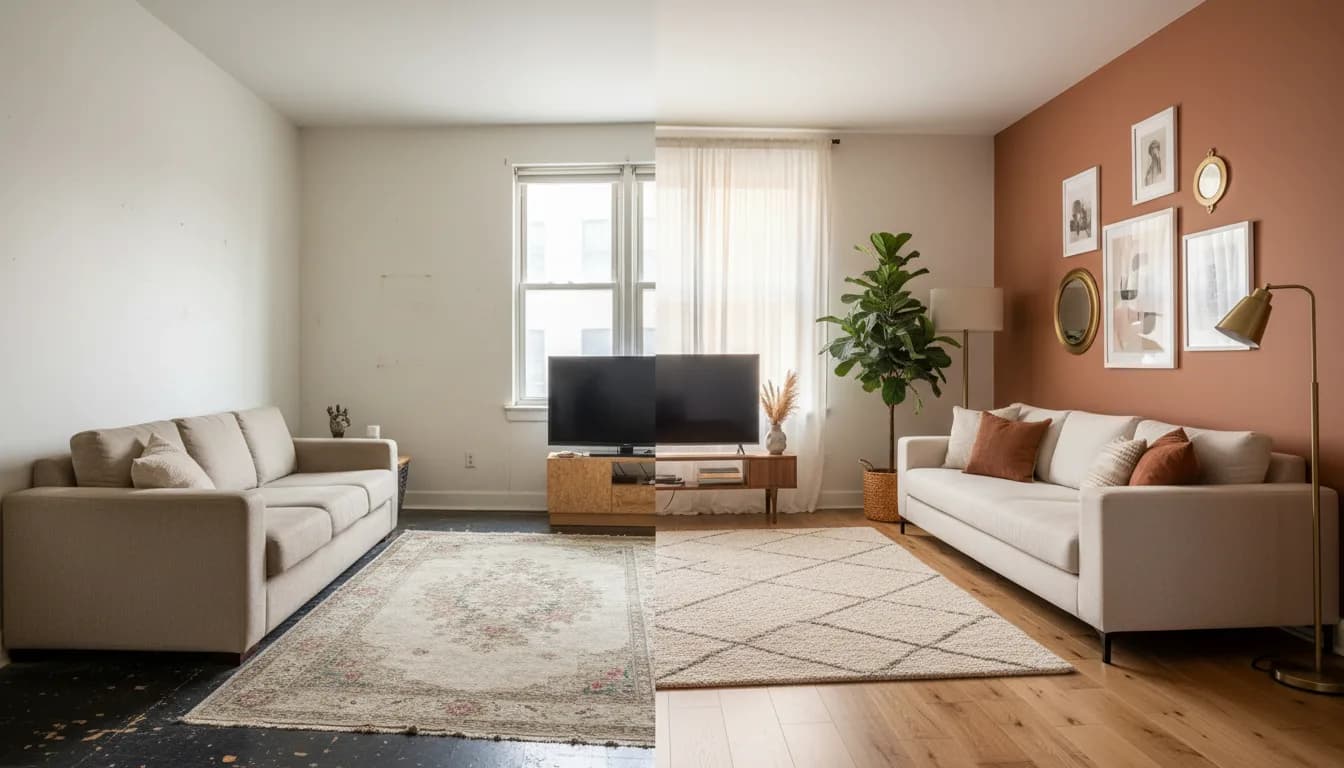
DecorAI vs General AI Chat: A Better Room-Design Workflow